
Norah Studio for iPad
Every song, hands-on.

Tap and play.
Getting started
Choose a song.
It plays in a second.
Norah Studio takes a song apart into vocals, drums and instrumental on the iPad itself, with no upload. It starts playing from the beginning while the end is still being separated.
Open a song
- Tap Open audio in the library.
- Choose a file in Files: On My iPad, iCloud Drive or a shared folder.
- Tap ⓘ beside Open audio to see where songs can come from.
Songs from streaming services cannot be opened: their files are locked to their own apps.
Every part, alone.
Three lanes
Tap to choose.
Hold to solo.
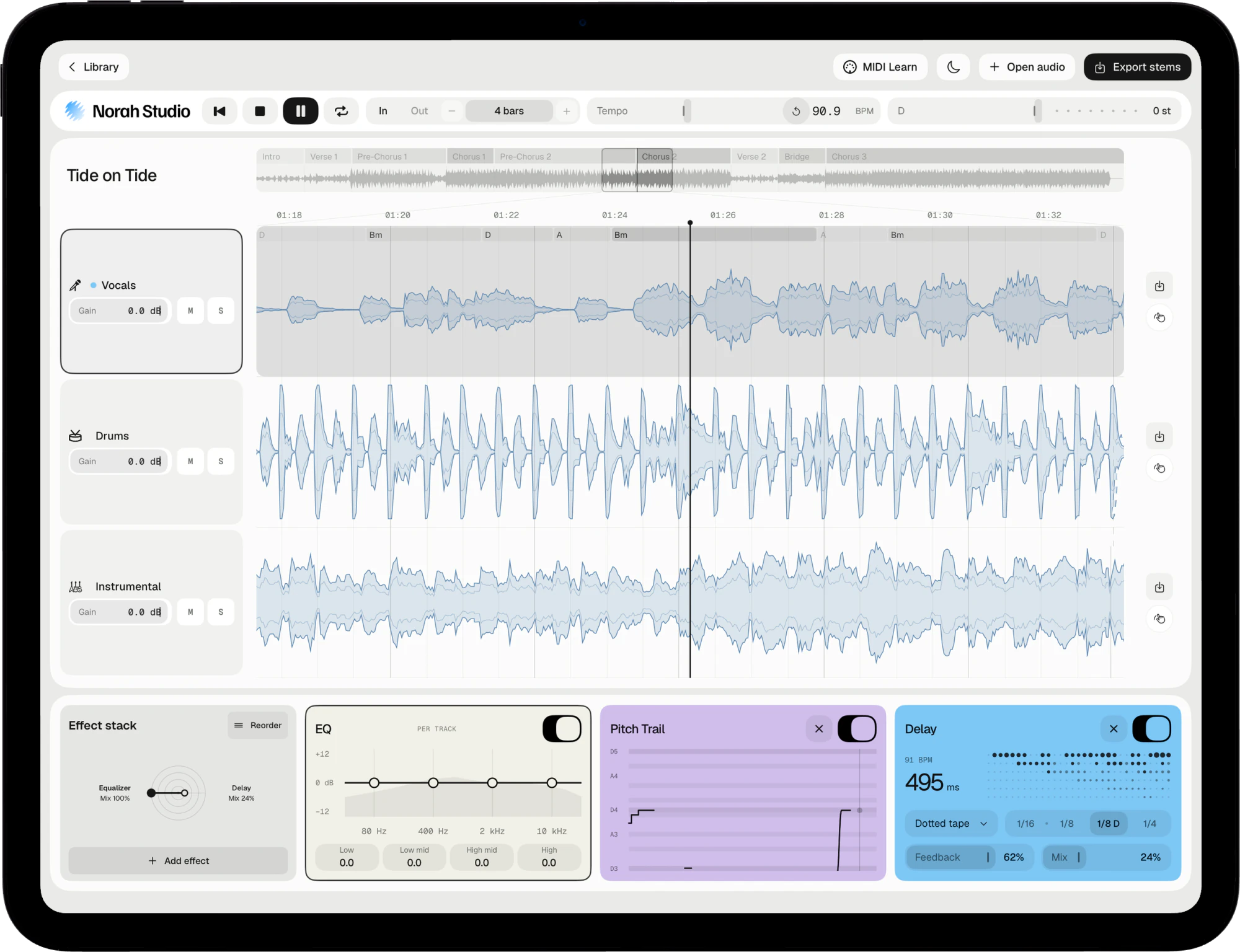
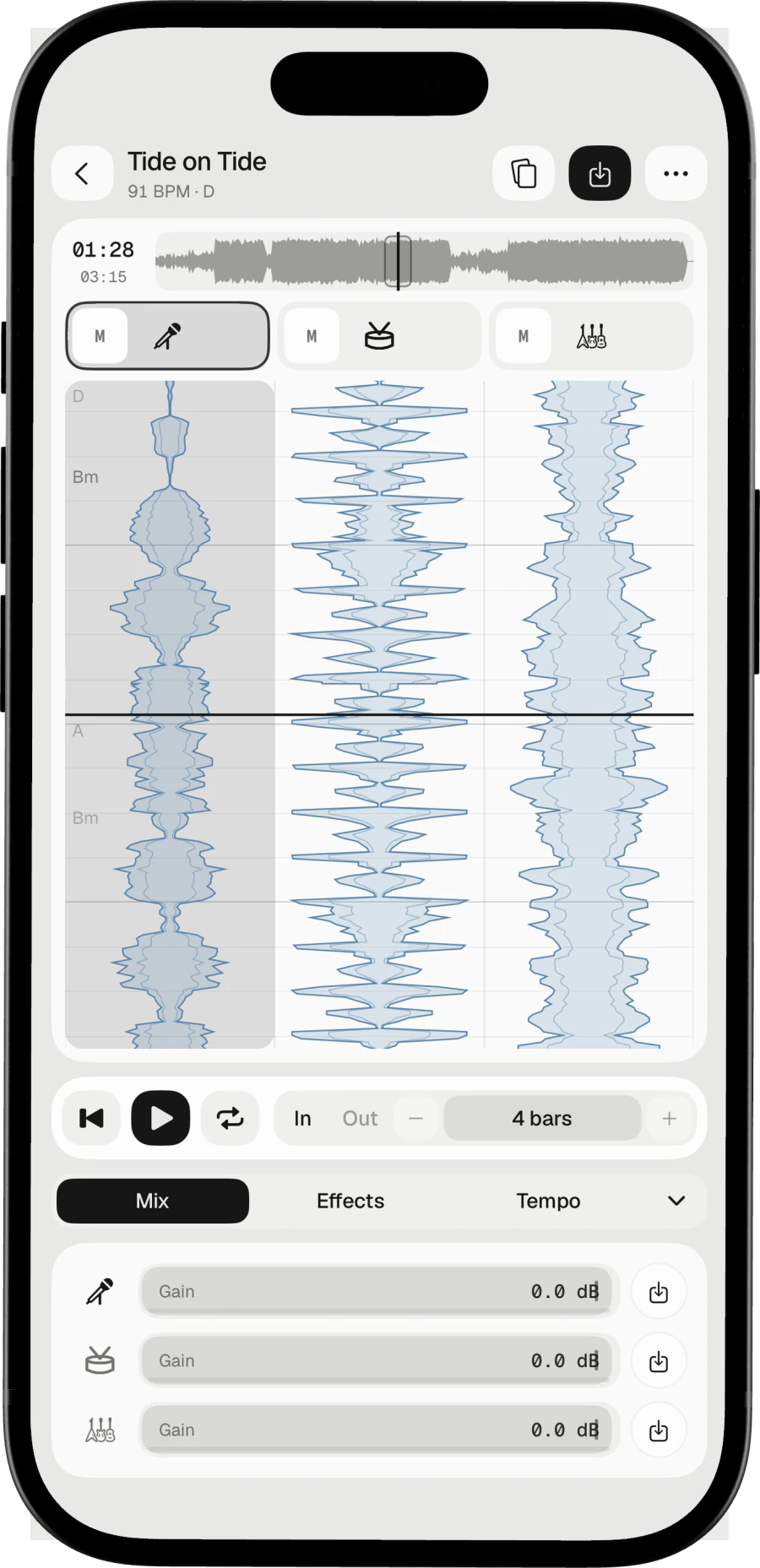
Every song becomes three lanes. The lane you choose carries an outline, and the effect stack at the bottom follows it.
Mute
Tap M on a lane.
Solo
Tap S, or hold a lane's icon.
Gain
Slide a lane's gain. Double-tap it to return to 0 dB.
Round and round.
Bars and sections
Practise one passage.
As long as you like.
The overview strip names the sections. Loop points snap to the bar grid, and the length doubles or halves from 1 bar up.
Make a loop
- Double-tap a section in the overview to loop it.
- Or tap In and Out at the playhead, and set the length with − and +.
- Drag the song with one finger: it moves with you, and scratches while it plays.
- Pinch the timeline to see more or less of the song.
Your own speed.
Tempo and key
Your tempo.
Your key.
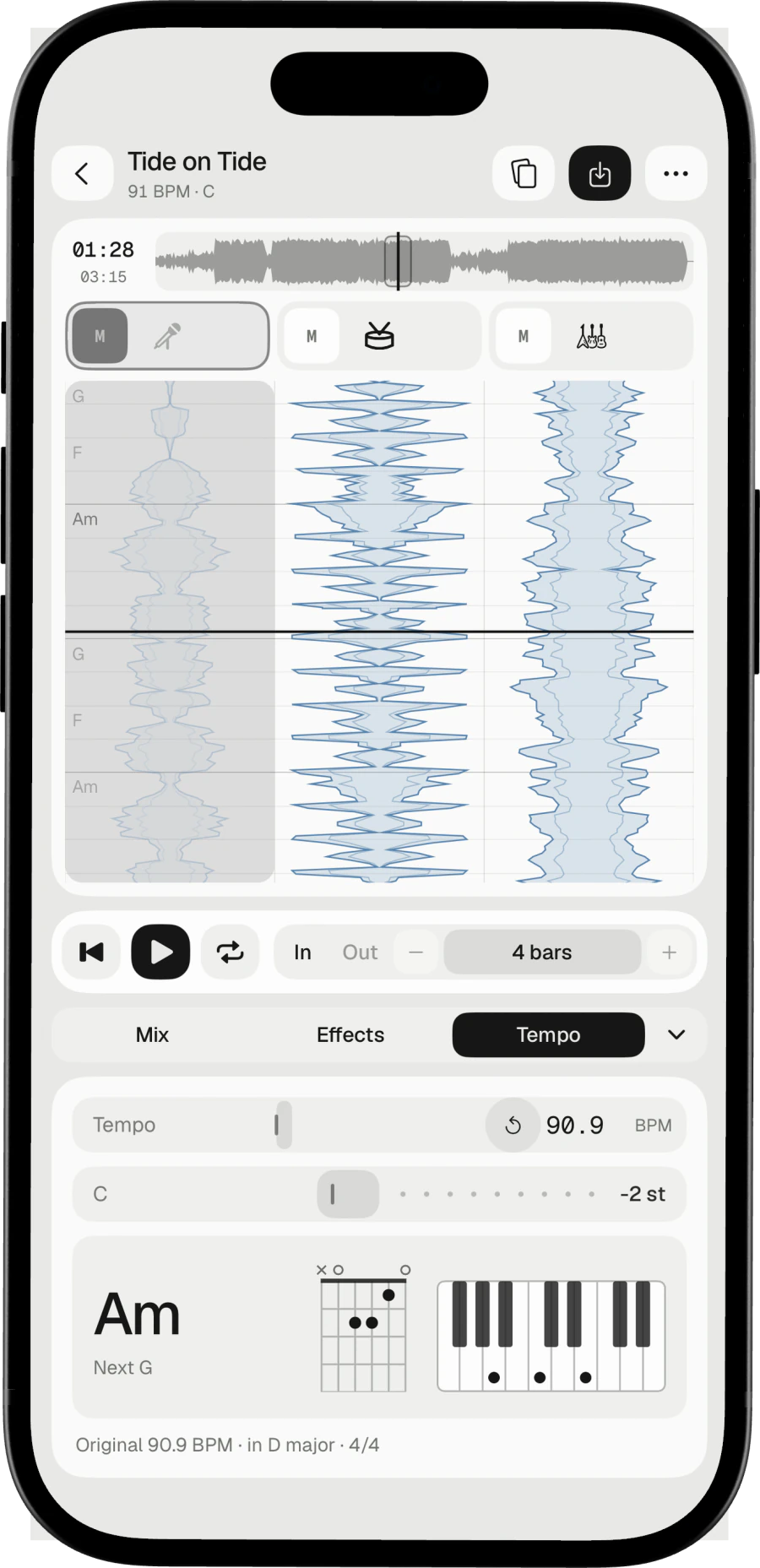
Slow a passage down without the pitch dropping, or move the whole song into your range without changing its speed. The toolbar shows the BPM and the semitones as you go.
Stack the effects.
Effects
Every lane,
its own effect stack.
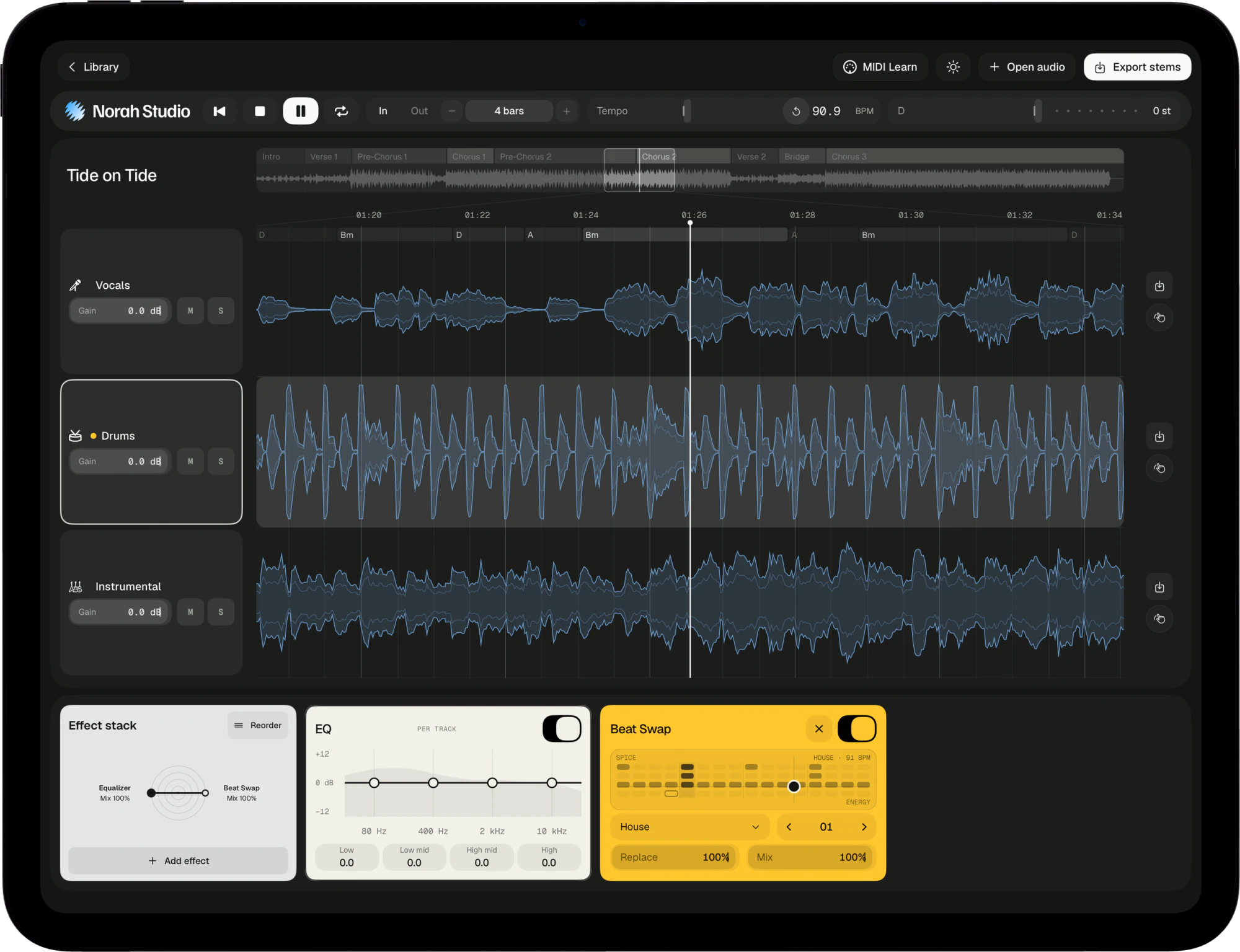
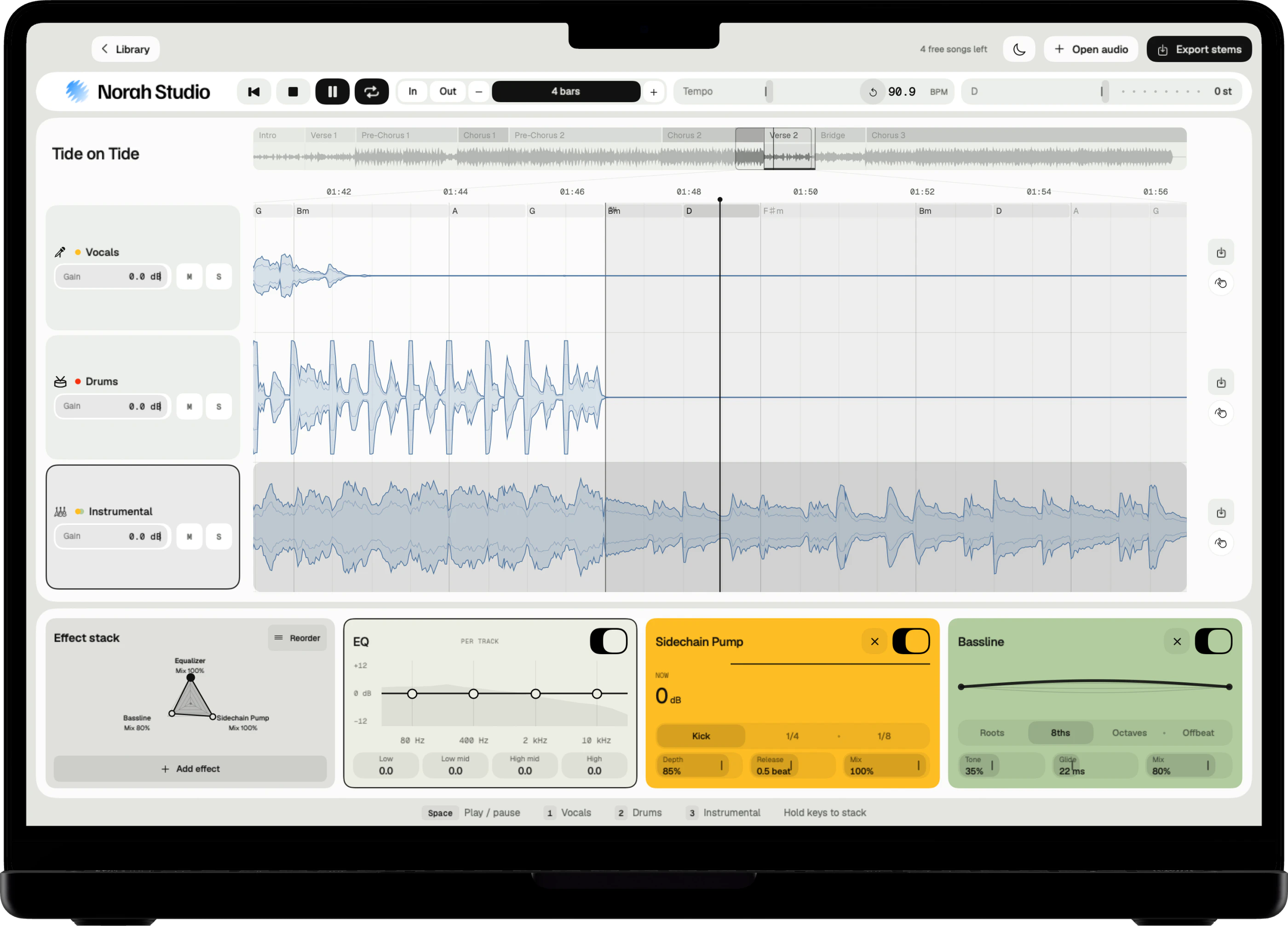
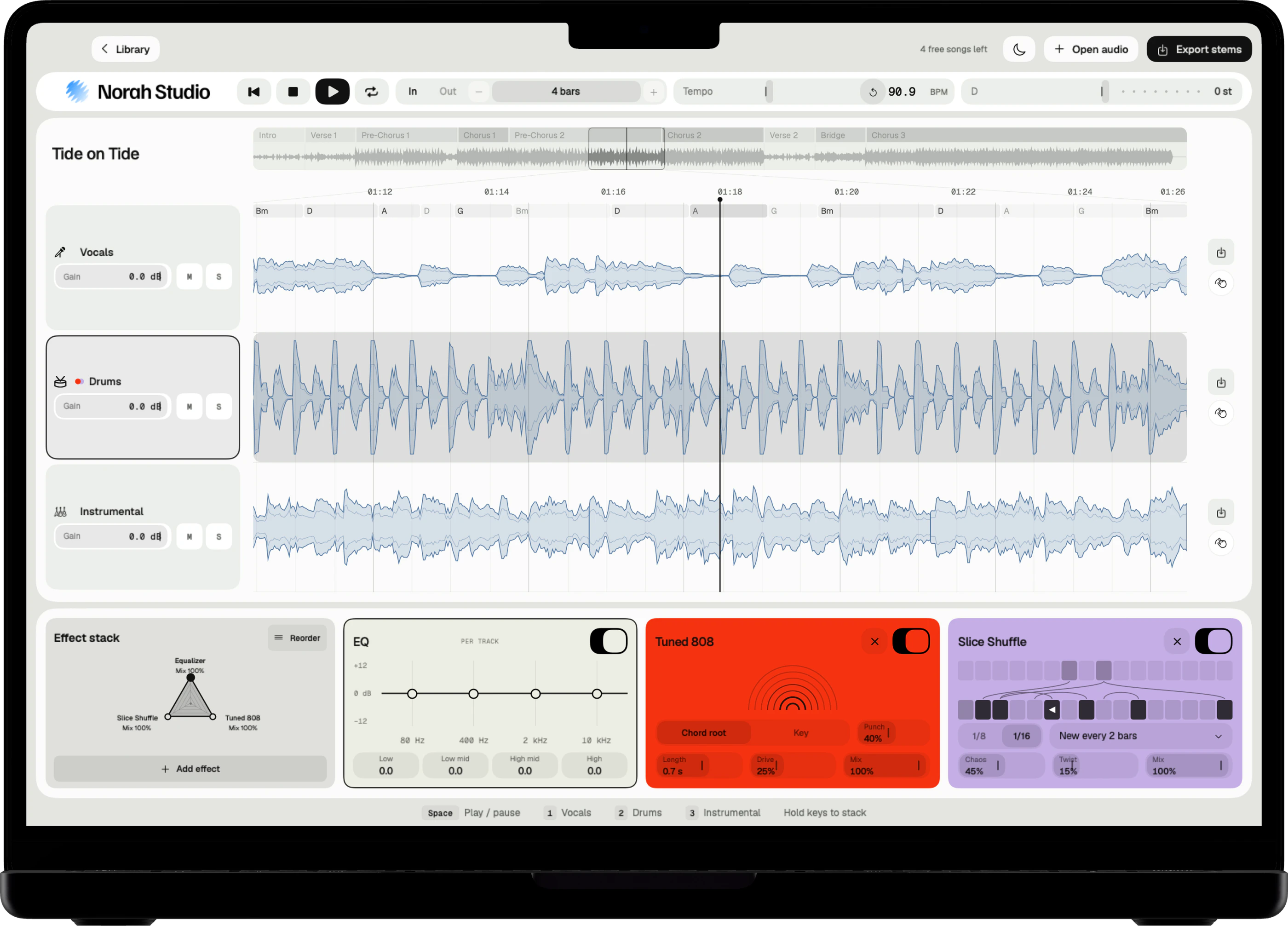
Tap Add effect in a lane's stack. Drag a parameter with one finger; the radar shows the mix of every effect on the lane. Tap Reorder to change the order.
Space and tone
- EQ
- Reverb
- Delay
- Saturation
- Filter
- Tape
- Gate
Voice
- Harmonize
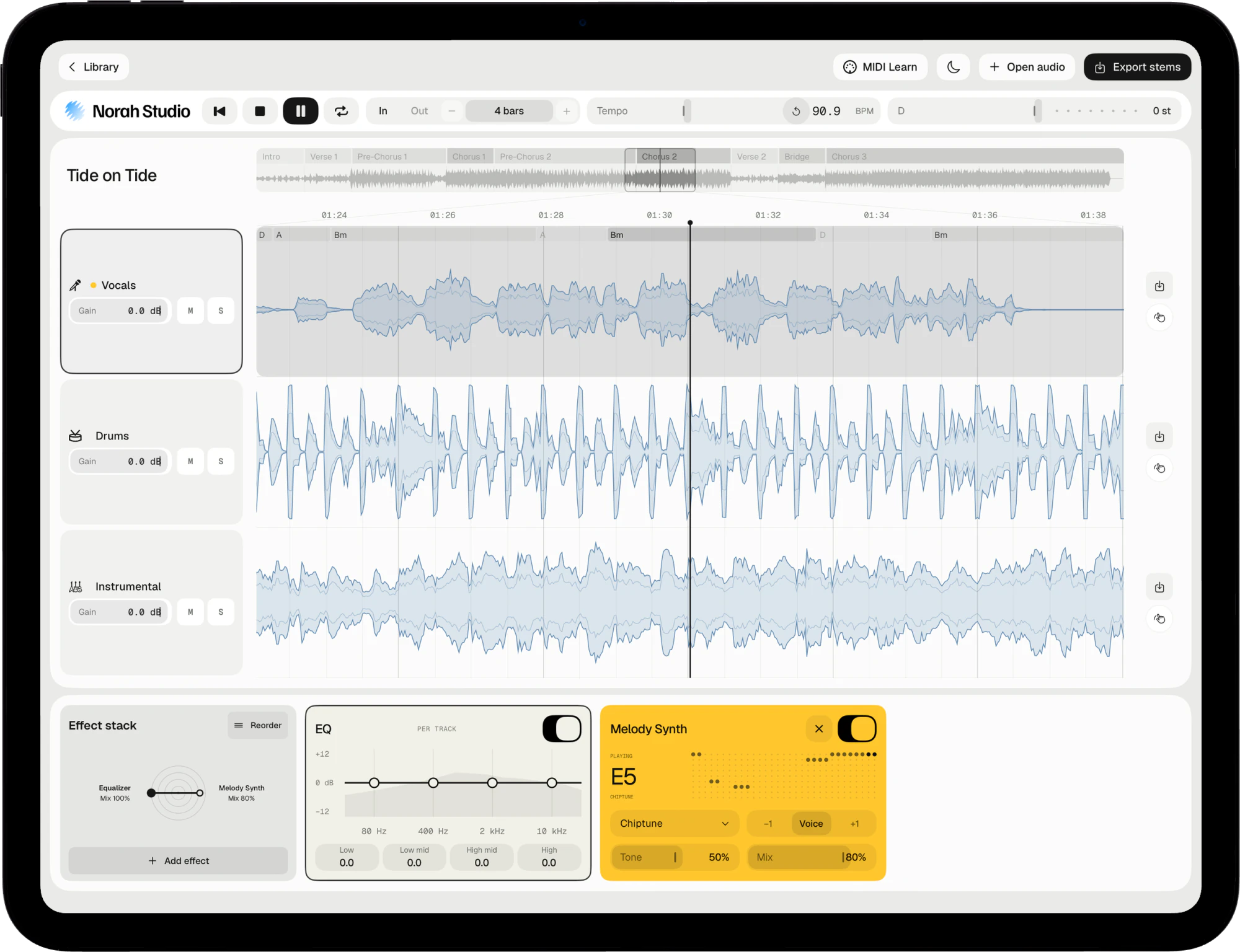
- Melody Synth
- Pitch Corrector
- Vocoder
- Vocal Chop
Rhythm
- Beat Repeat
- Halftime
- Slice Shuffle
- Reverse
- Tape Stop
- Trance Gate
- Sidechain Pump
Tuned to the chords
- Resonator
- Tuned 808
- Bassline
Texture
- Spectral Freeze
- Granular Cloud
- Beat Swap
Visualizers
- Pitch Trail
- Ridgeline
- Horizon
- Eclipse
The melody, replayed.
Melody Synth and Harmonize
Turn the voice
into an instrument.
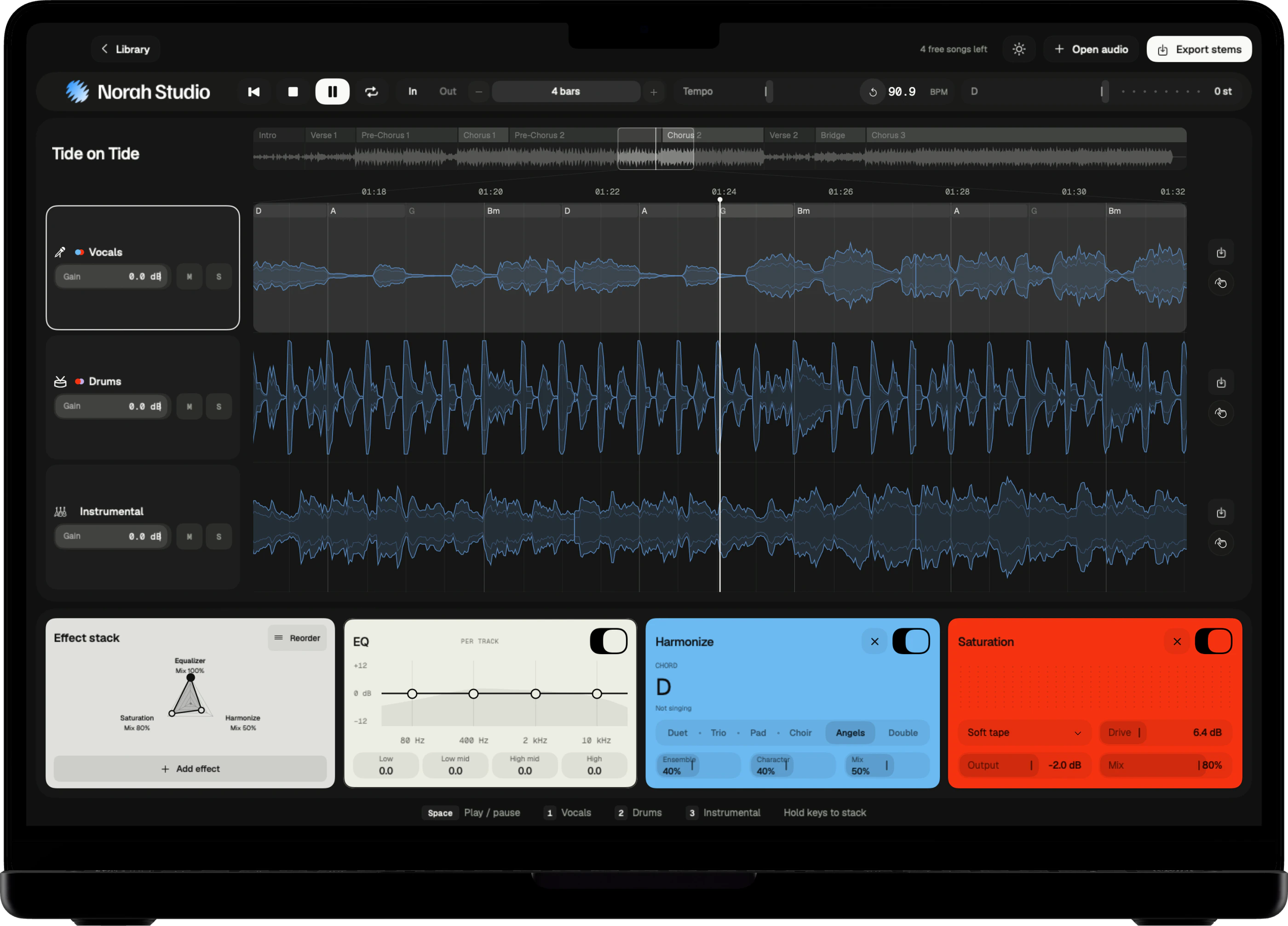
Melody Synth plays the vocal melody with 19 sounds, from synth leads to a grand piano, a trumpet and a harmonica. Harmonize adds a choir that follows the chords.
Take it home.
Export
Stems and MIDI.
Saved where you choose.
Tap Export stems and choose a folder in Files. Each stem leaves with its effects printed in, and the melody leaves as MIDI with the song's tempo map. Each lane also has its own export button.
Named for you
The file name says the song, the track and what you changed.
Proportionate
Lossy in, lossy out. A lossless song exports lossless.
Library
Back in the library, recent songs reopen with their stems and effects, without separating again.
Touch and keyboard.
Only on iPad
Made for fingers.
Ready for a keyboard.
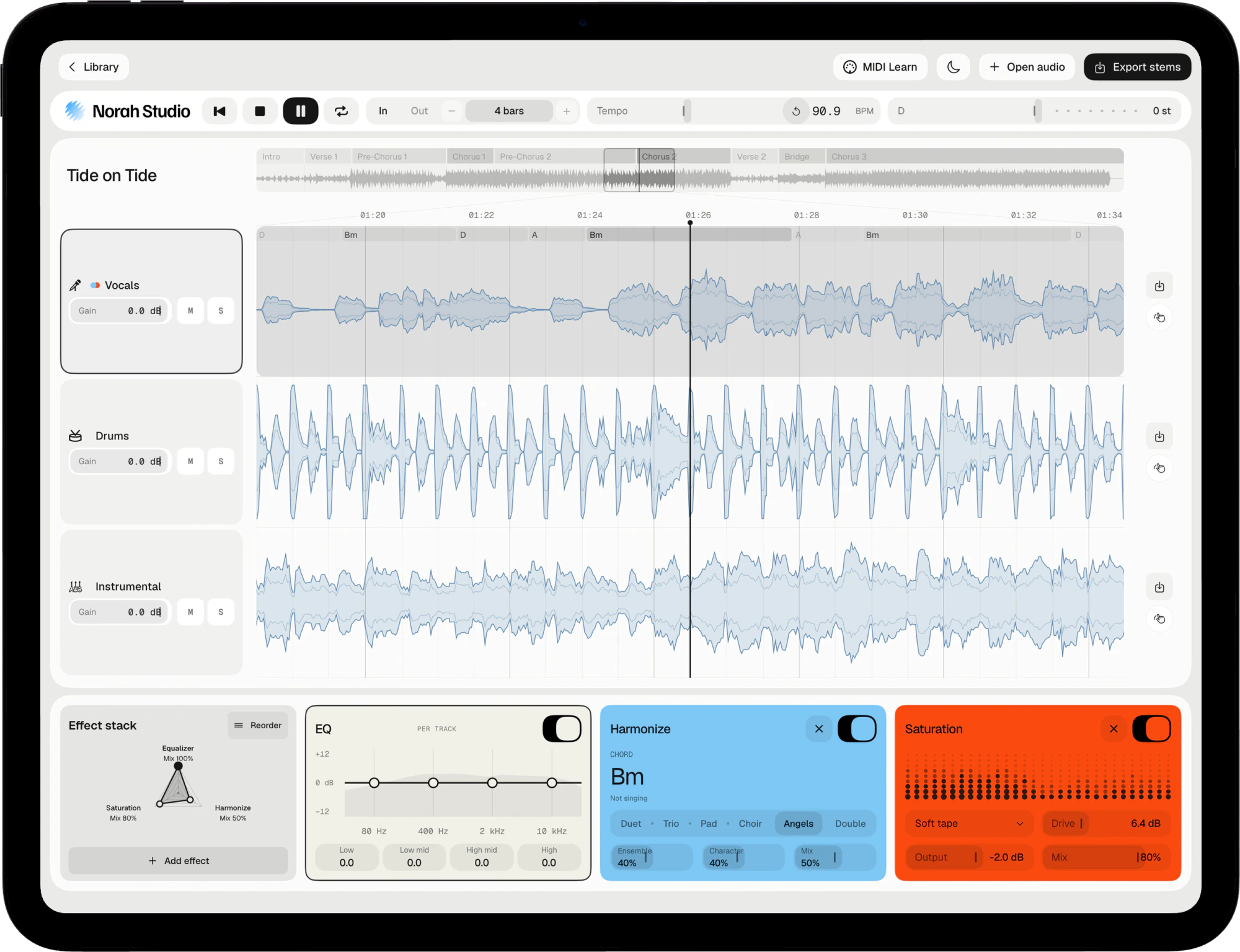
The iPad desk is the Mac desk, rebuilt for touch: every control is a full-size target, and every move has its haptic.
Both orientations
Portrait gives the lanes more height; landscape gives the timeline more width.
Keyboard
With a keyboard attached, Space plays and 1–3 choose a lane.
MIDI Learn
Connect a controller, tap MIDI Learn, touch a control, move a knob.
In the background
The music keeps playing when you switch apps or lock the screen.
Light and dark
Tap the moon in the toolbar.
Where to next.
Things to try
Pick up
where this ends.
Privacy
0 bytes
Nothing leaves your device.
No account, no server, no analytics. The models that take the song apart travel inside the app and run on your own chip. The App Store privacy label reads Data Not Collected. Read the Privacy Policy.
Mac, iPad and iPhone
One studio.
Every screen you own.
The same engine, native on each device. Your songs never travel between them: each device separates on its own, offline.
Pricing
Five songs free.
Then unlimited.
Every feature is in the free version. Pro adds unlimited songs and nothing else. Reopening a song you already took apart is always free.
Free
5 songs
Everything, five times.
Pro Monthly
€7.99/month
Unlimited songs. Cancel any time.
Pro Lifetime
€69.99 once
Unlimited songs. Never renews.
Prices shown in your country's currency on the App Store. Pro bought on one device also covers your other devices signed in with the same Apple Account.
Questions
Short answers.
Which iPad do I need?
An iPad on iPadOS 26 or later. Long songs need more memory; newer iPads separate faster.
Which songs can I open?
Any audio file you already have that the system decodes: MP3, M4A and AAC, WAV, AIFF, FLAC, CAF and more, up to ten minutes. Norah Studio cannot open songs from streaming services: their files are locked to their own apps.
How good is the separation?
Good enough to learn a part, build a backing track or pull a drum loop. No separation is perfect: on a dense mix a little of the voice can stay in the instrumental.
Are the tempo, key and chords exact?
They are estimates, and the app labels them so. They are good enough to loop by bars and play along.
Does it need the internet?
No. The models are inside the app, so the first song works in airplane mode.
Something else? Support answers every message.