
Remove vocals from a song
Remove the vocals.
Remove vocals from a song
Any song you own.
Without the voice.
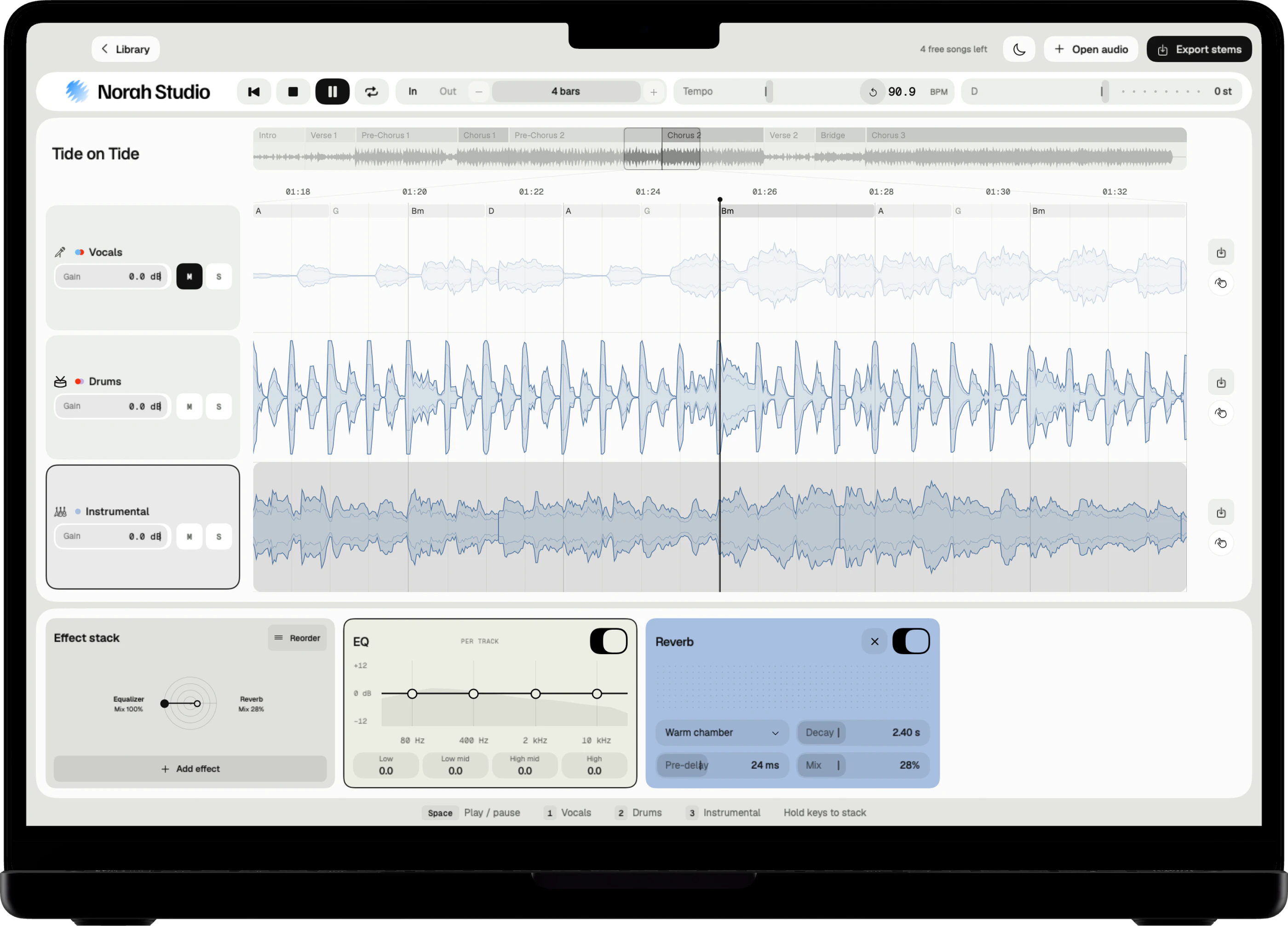
Norah Studio removes the vocals from a song on the device in your hands. Open the file, mute the vocal lane, and the band plays on alone. On a Mac, the first sound arrives in about a second, and nothing is uploaded.
Download on theApp StoreMute one lane.
How it works
Open the song.
Mute the vocals.
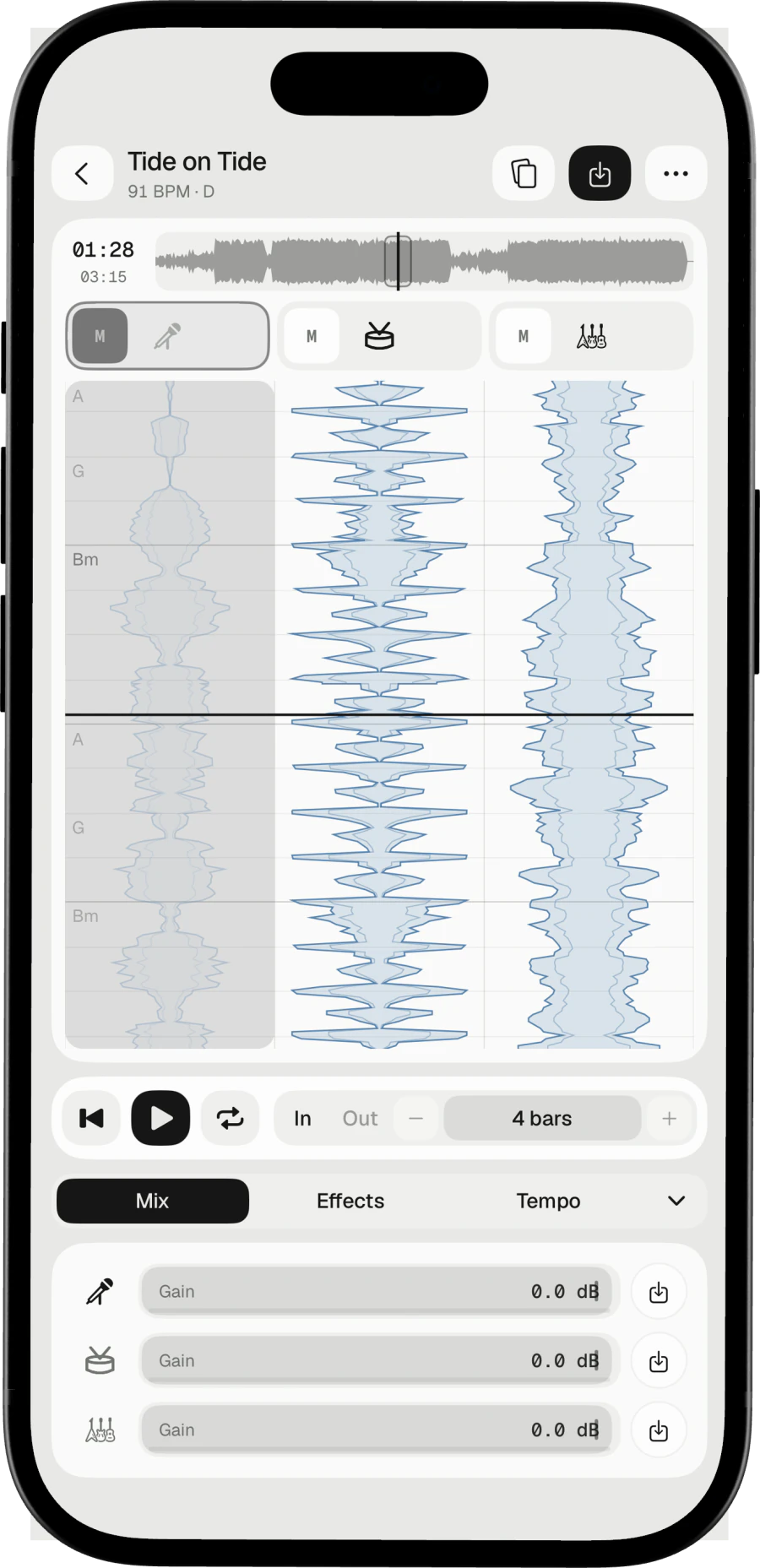
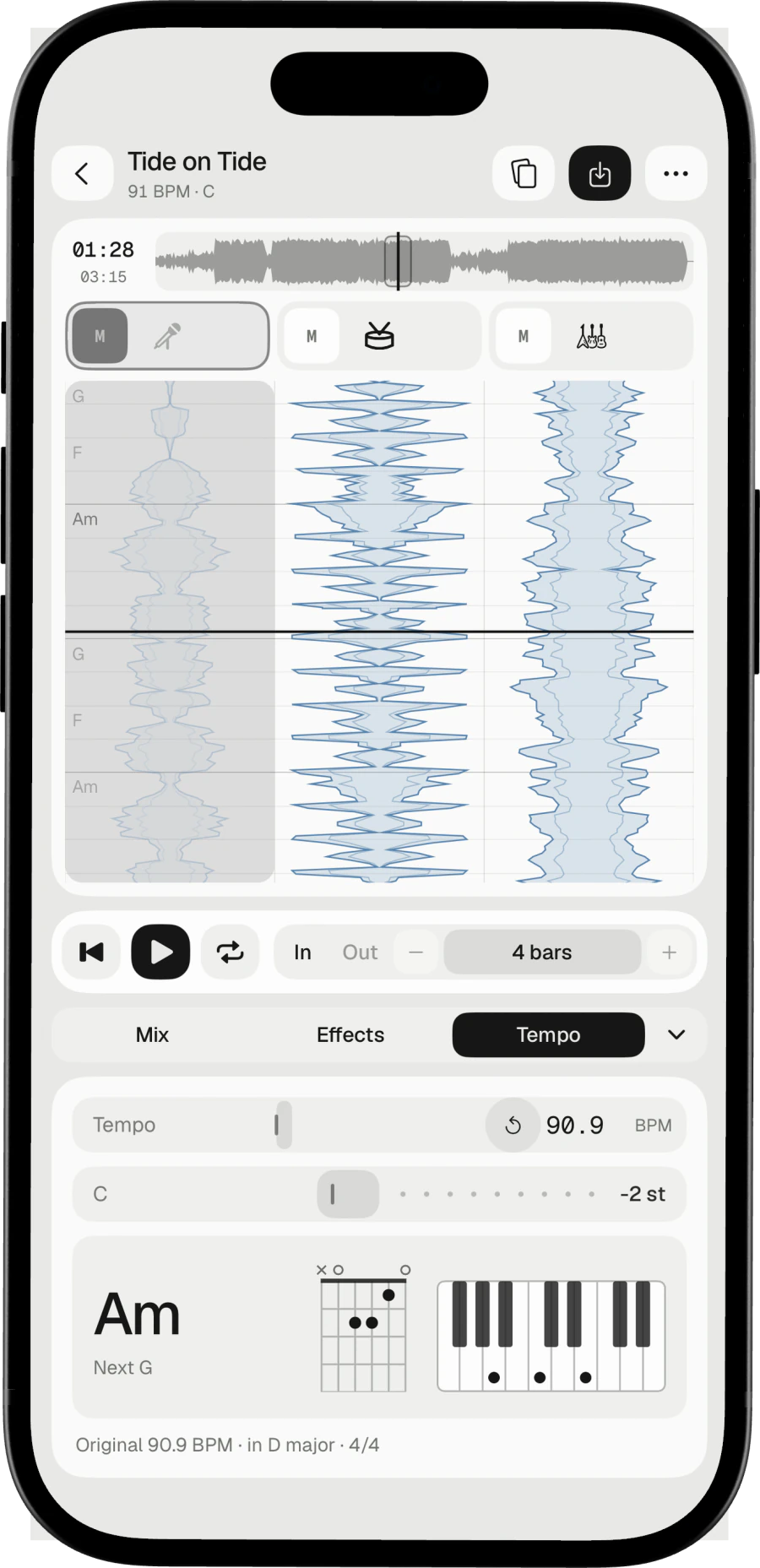
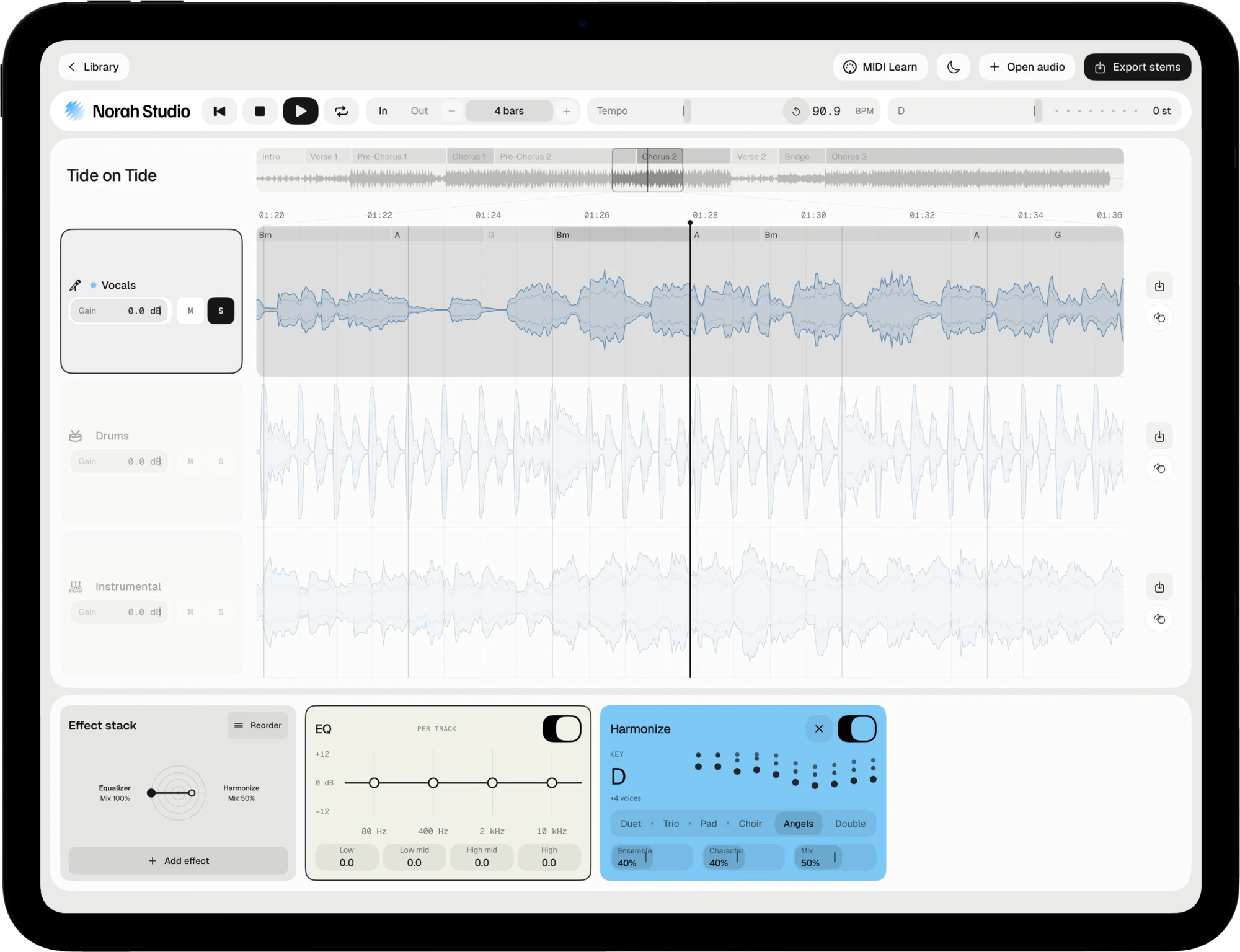
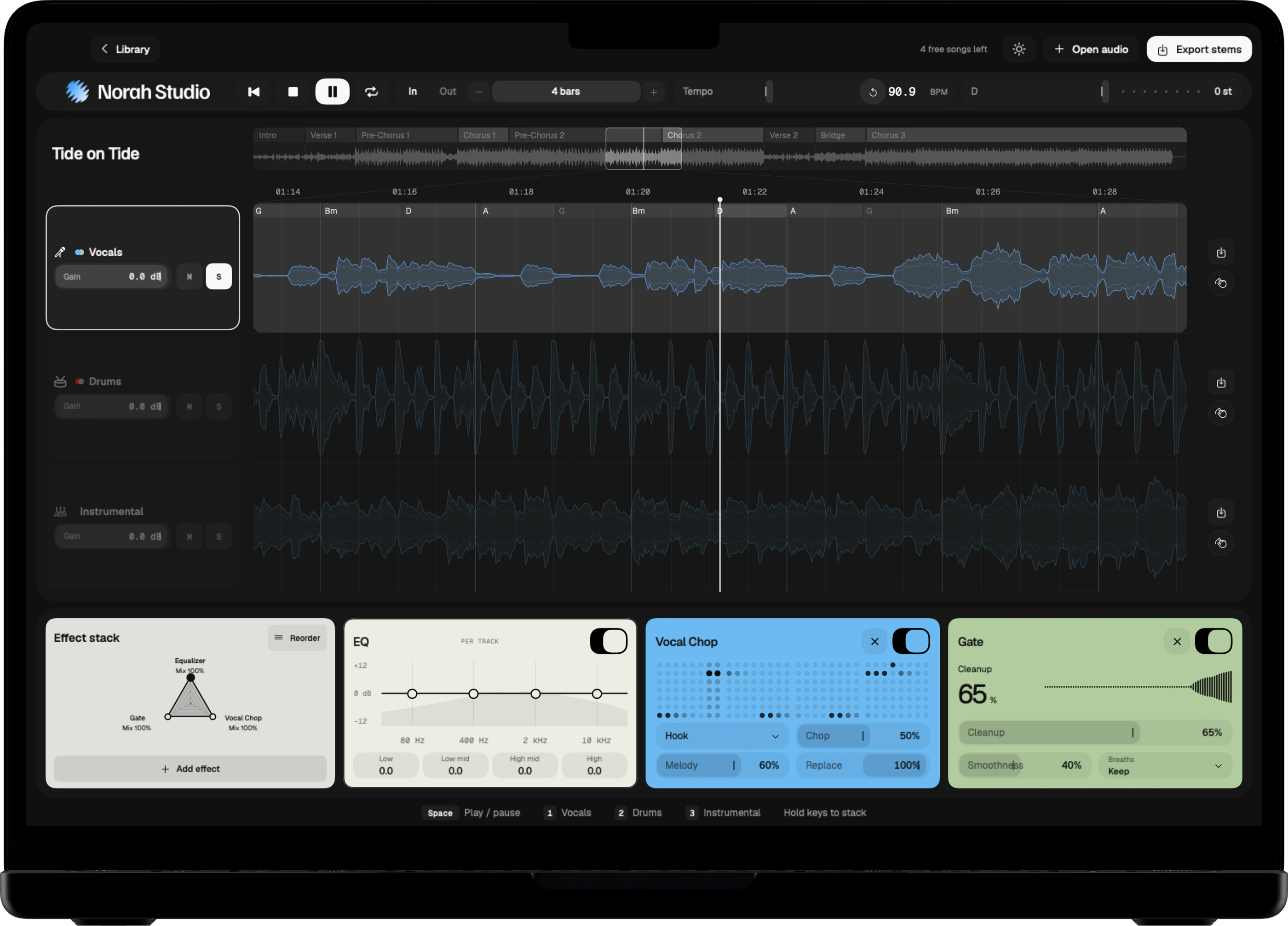
Every song becomes three lanes: vocals, drums and instrumental. Each lane has its own mute, solo and gain, so the voice goes in one move.
Three steps
- Open an audio file you own: MP3, M4A, WAV, AIFF, FLAC and more, up to ten minutes.
- Press play. The song separates from the start while you listen.
- Tap M on the vocal lane. The drums and the instrumental play on without it.
On Mac
Press ⌘O and choose the song, or drop it on the window. Click M on the vocal lane. The Mac guide
On iPad
Tap Open audio and choose the song in Files. Tap M on the vocal lane. The iPad guide
On iPhone
Tap Open audio, choose the song, then tap M on the vocal lane. The iPhone guide
Keep the instrumental.
Export
Save the instrumental.
Named after the song.
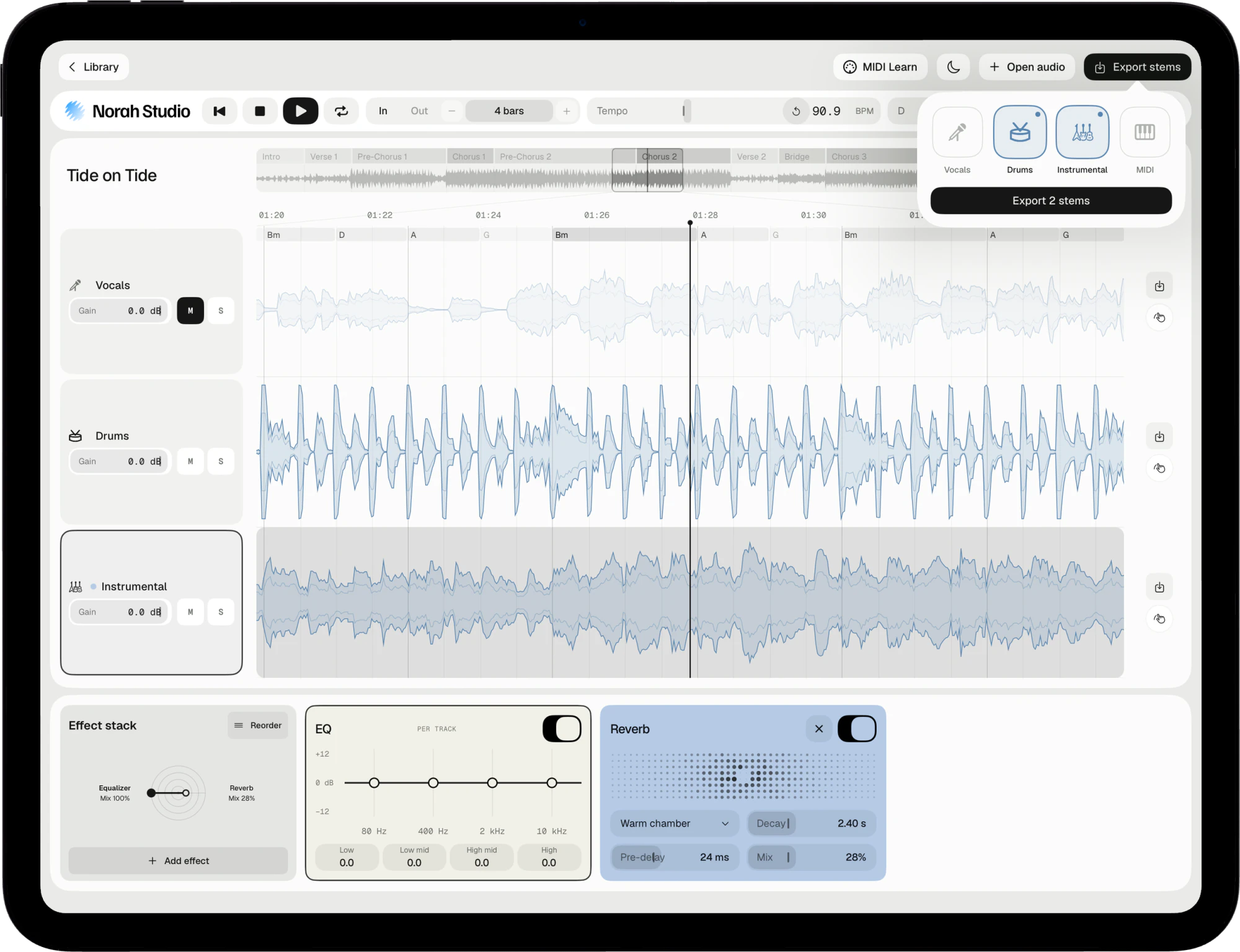
Export the drums and the instrumental as files of their own, with any effects printed in. Lossy in, lossy out: an MP3 comes back as a compact file, and a lossless song stays lossless.
On the Mac
Click Export stems, or drag a lane out of the window into the Finder.
On iPad and iPhone
On iPad, tap Export stems. On iPhone, tap the export button at the top. Both save to Files.
Only the voice
Solo the vocal lane, or export it alone, for an a cappella.
Where it stops.
Good to know
Clean enough to sing over.
Not a studio master.
No separation is perfect. On a dense mix, a little of the voice can stay in the instrumental. For singing along, practising or a backing track, it holds.
Listen first
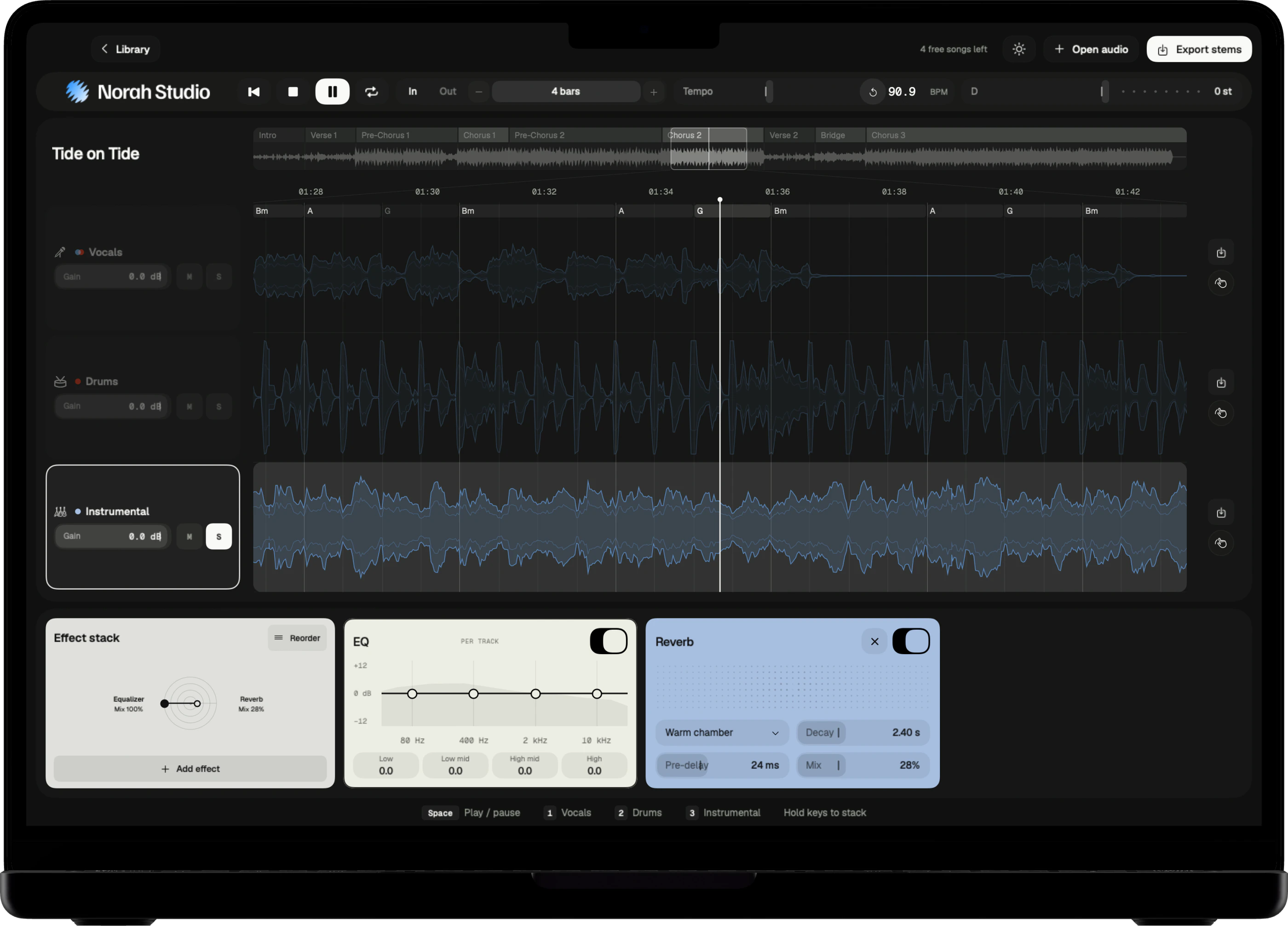
Solo the instrumental with S to hear what remains of the voice.
Offline
The models are inside the app. It works in airplane mode.
Try these next.
Related
One song,
more ways in.
Questions
Short answers.
Does Norah Studio upload my song?
No. The separation runs on your own chip, and nothing leaves the device.
Can I export the drums alone?
Yes. Each lane exports on its own, so the drums can leave as a file of their own.
Is it free?
Every feature is in the free version, for five songs. Pro adds unlimited songs and nothing else.
Which songs can I open?
Any audio file you already have that the system decodes: MP3, M4A and AAC, WAV, AIFF, FLAC, CAF and more, up to ten minutes. Norah Studio cannot open songs from streaming services: their files are locked to their own apps.
How good is the separation?
Good enough to learn a part, build a backing track or pull a drum loop. No separation is perfect: on a dense mix a little of the voice can stay in the instrumental.
Something else? Support answers every message.