
Play drums along to a song
Play the drums.
Play drums along to a song
The band keeps playing.
The kit is yours.
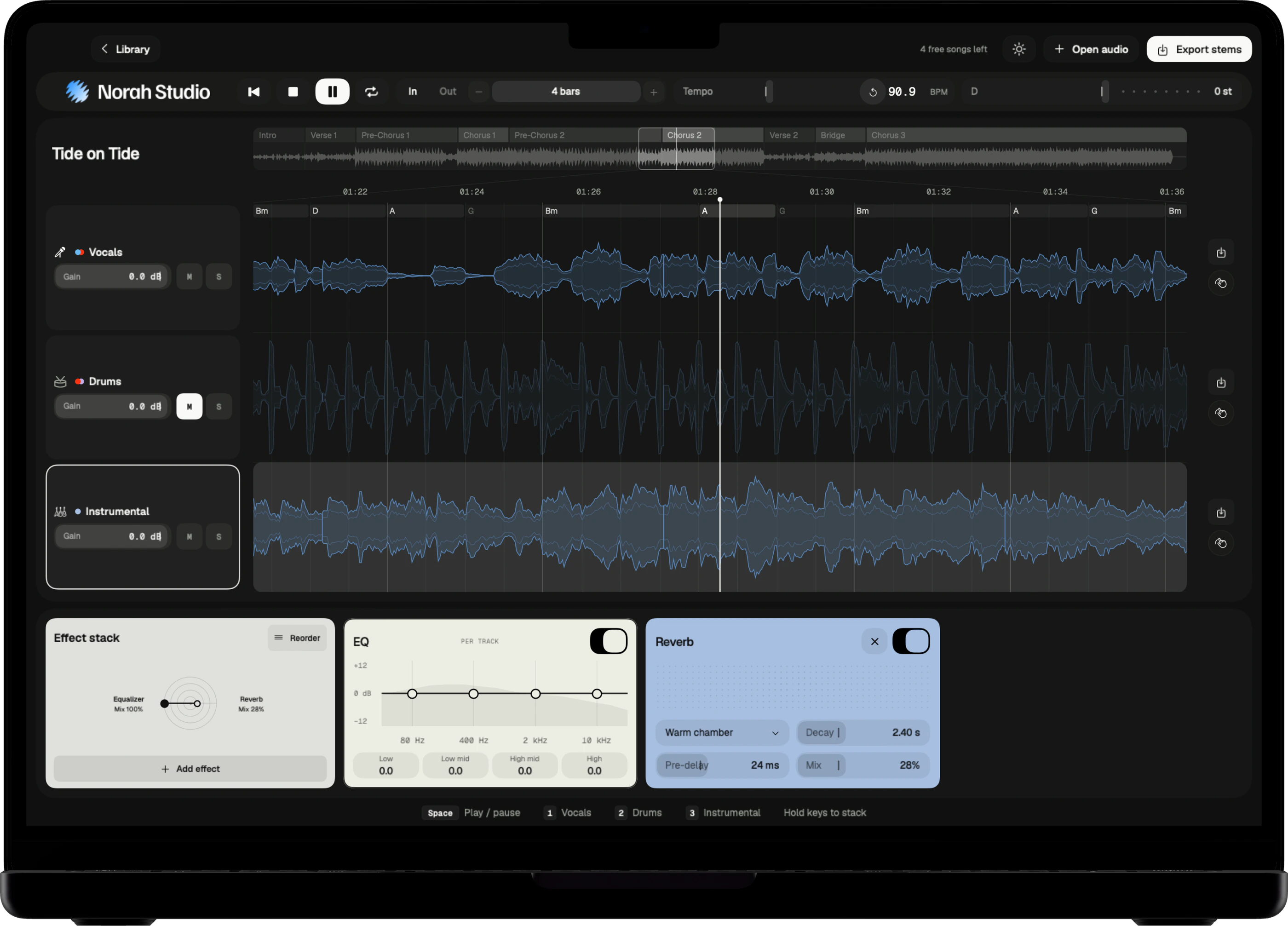
Mute the drum lane and the song plays on without its drummer. Play along with the band, slow the hard fill down, and loop it until your hands know it.
Download on theApp StoreMute the drums.
How it works
One move.
The kit goes quiet.
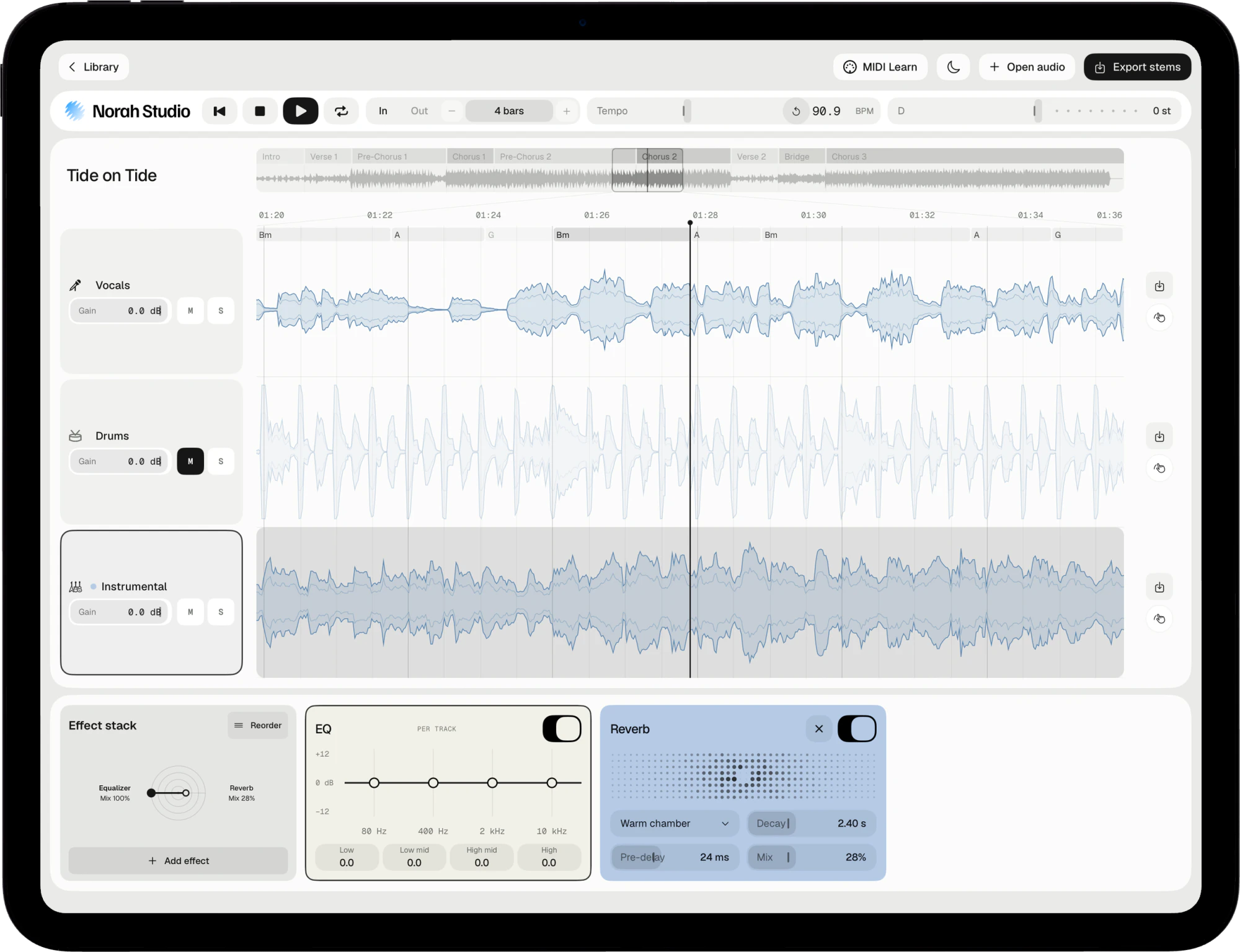
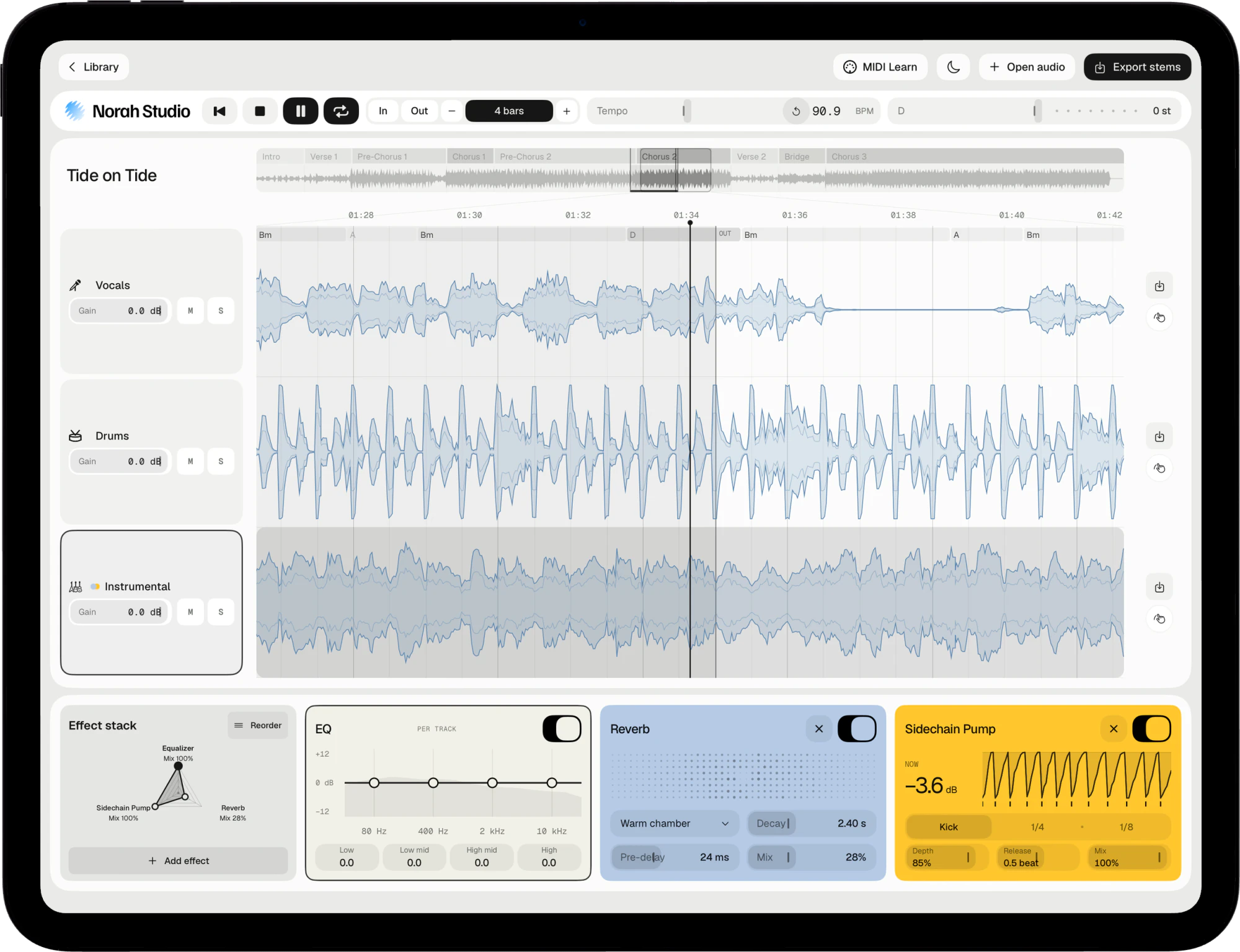
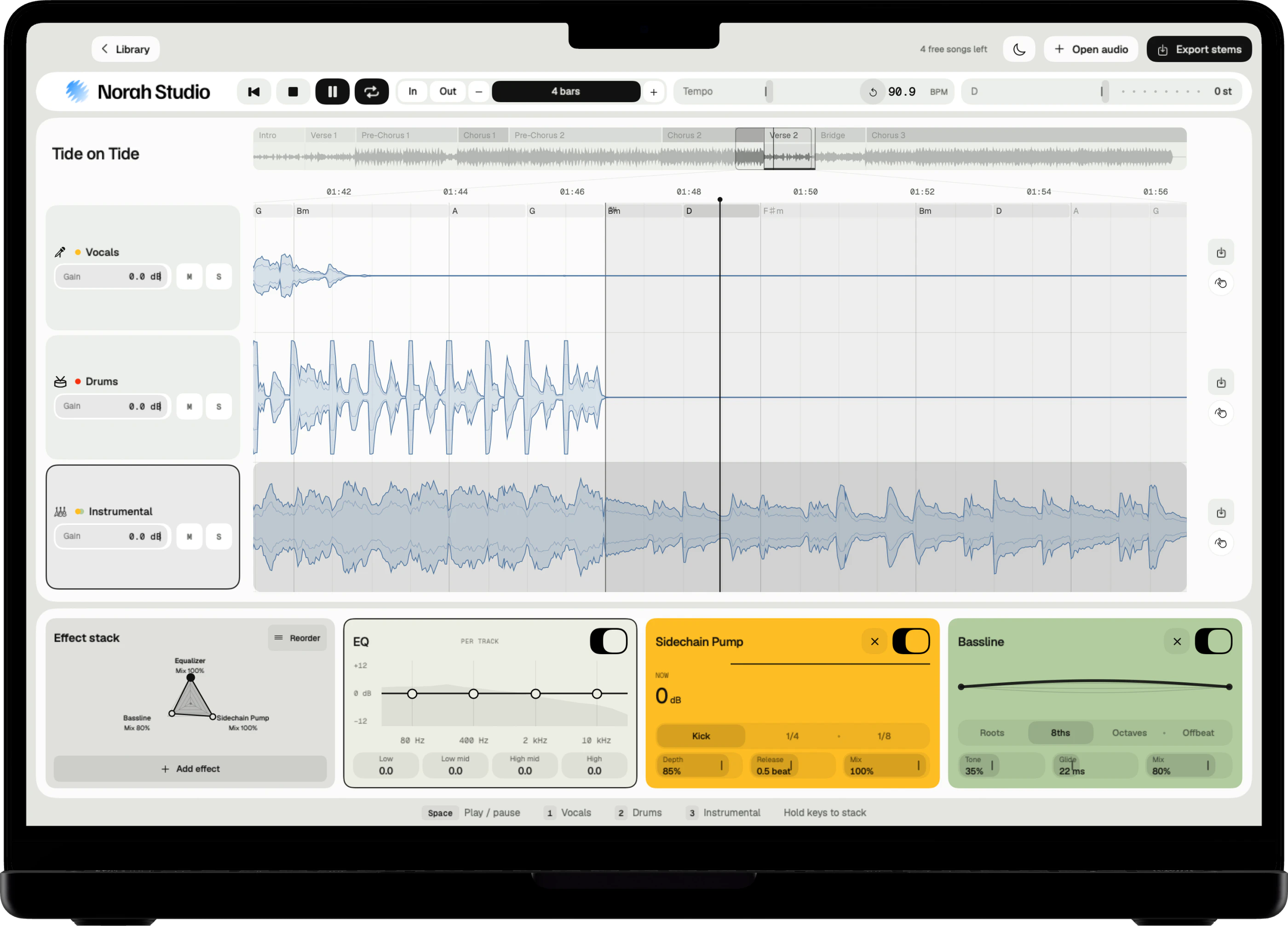
Mute the drum lane alone. Vocals and instrumental keep playing, so you hear the song you are drumming to.
Three steps
- Open the song.
- Mute the drum lane.
- Play along. Lower the drum lane's gain instead if you want a quiet guide.
On Mac
Click M on the drum lane, then press Space to play. The Mac guide
On iPad
Tap M on the drum lane. With a keyboard attached, Space plays. The iPad guide
On iPhone
Tap M on the drum lane. The iPhone guide
Slow the fill.
Practise
The hard bar,
slower.
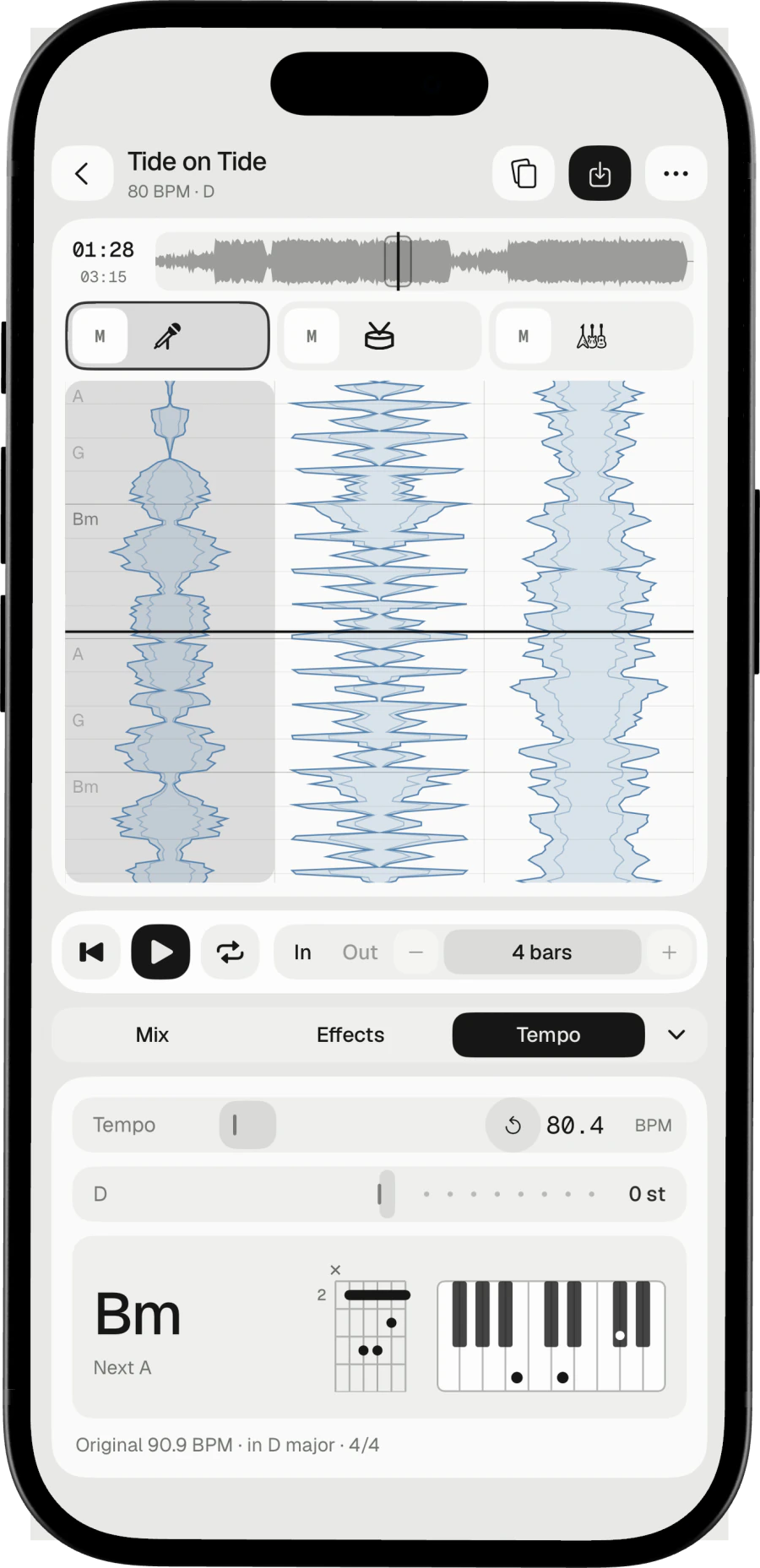
Loop the bar with the fill and bring the tempo down. Bring it up a few BPM once the fill holds.
Loop by bars
Loop points snap to the bar grid.
The key stays
Slow the song down and the key stays where it was.
Screen off
On iPad and iPhone, the music keeps playing with the screen locked.
Try these next.
Related
One song,
more ways in.
Questions
Short answers.
Can I keep a quiet guide of the original drums?
Yes. Lower the drum lane's gain instead of muting it.
Can I take the drumless track with me?
Yes. Export the vocals and the instrumental, at your tempo, as files of their own.
Are the tempo, key and chords exact?
They are estimates, and the app labels them so. They are good enough to loop by bars and play along.
Which songs can I open?
Any audio file you already have that the system decodes: MP3, M4A and AAC, WAV, AIFF, FLAC, CAF and more, up to ten minutes. Norah Studio cannot open songs from streaming services: their files are locked to their own apps.
Something else? Support answers every message.