Learn · MIDI
Notes, not sound.
Learn · MIDI
A score
a computer can play.
MIDI stores music as instructions: which note, when, for how long and how hard. It holds no sound of its own, so any instrument can play it, and every note can be moved.
Download on theApp StoreInside the file.
MIDI files
Notes and timing.
No audio.
A MIDI file lists notes with their pitch, start, length and velocity. It is tiny next to audio, and it opens in any DAW and in most notation apps.
Because it is not sound, a MIDI melody can be played by a piano, a synth or a string section, transposed, quantized or turned into a score.
A tempo map.
Timing
Bars that bend
with the song.
Real performances drift: the tempo breathes a little from bar to bar. A tempo map records those changes, so MIDI notes sit on the bars of the original recording instead of a rigid grid.
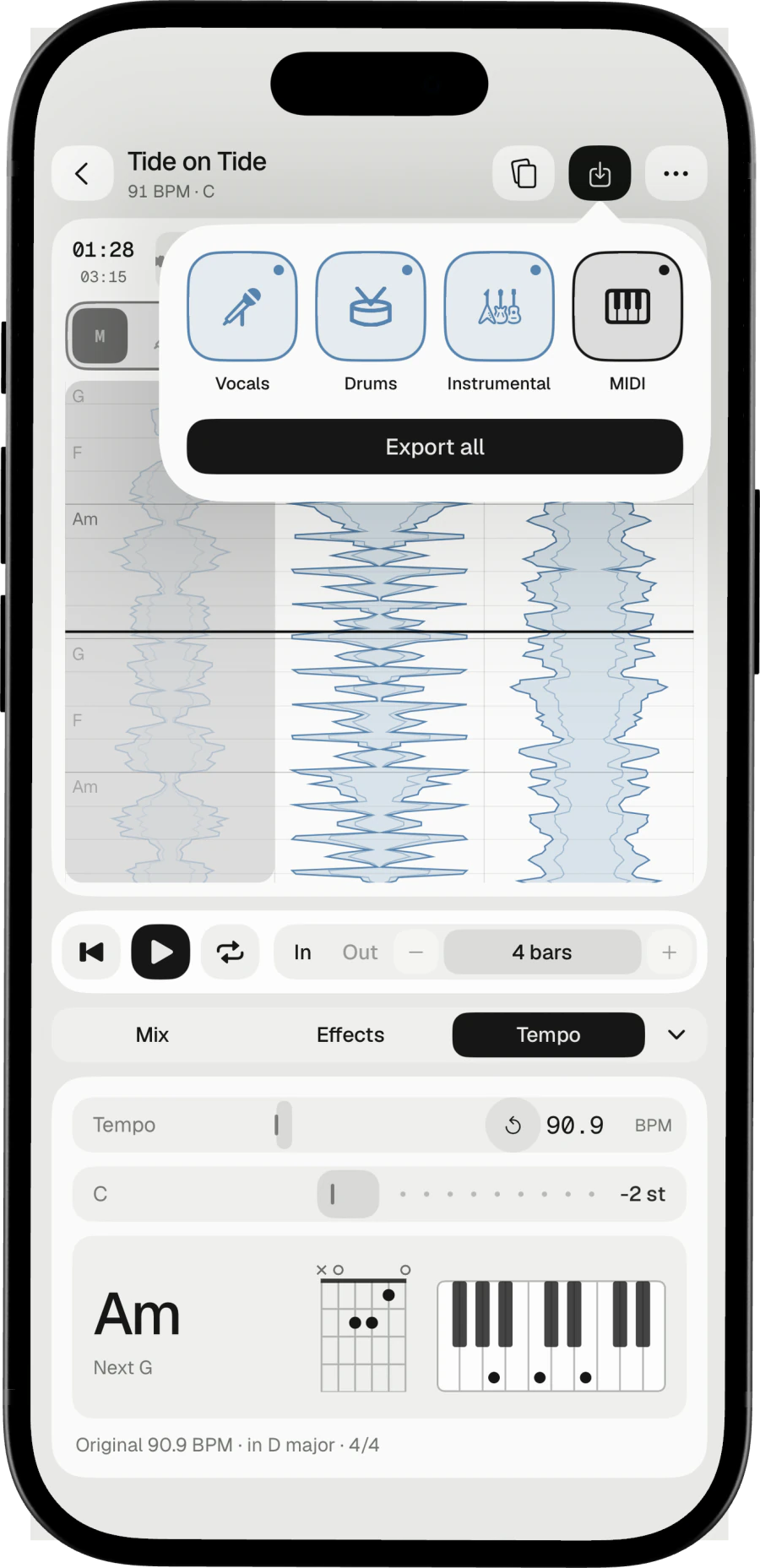
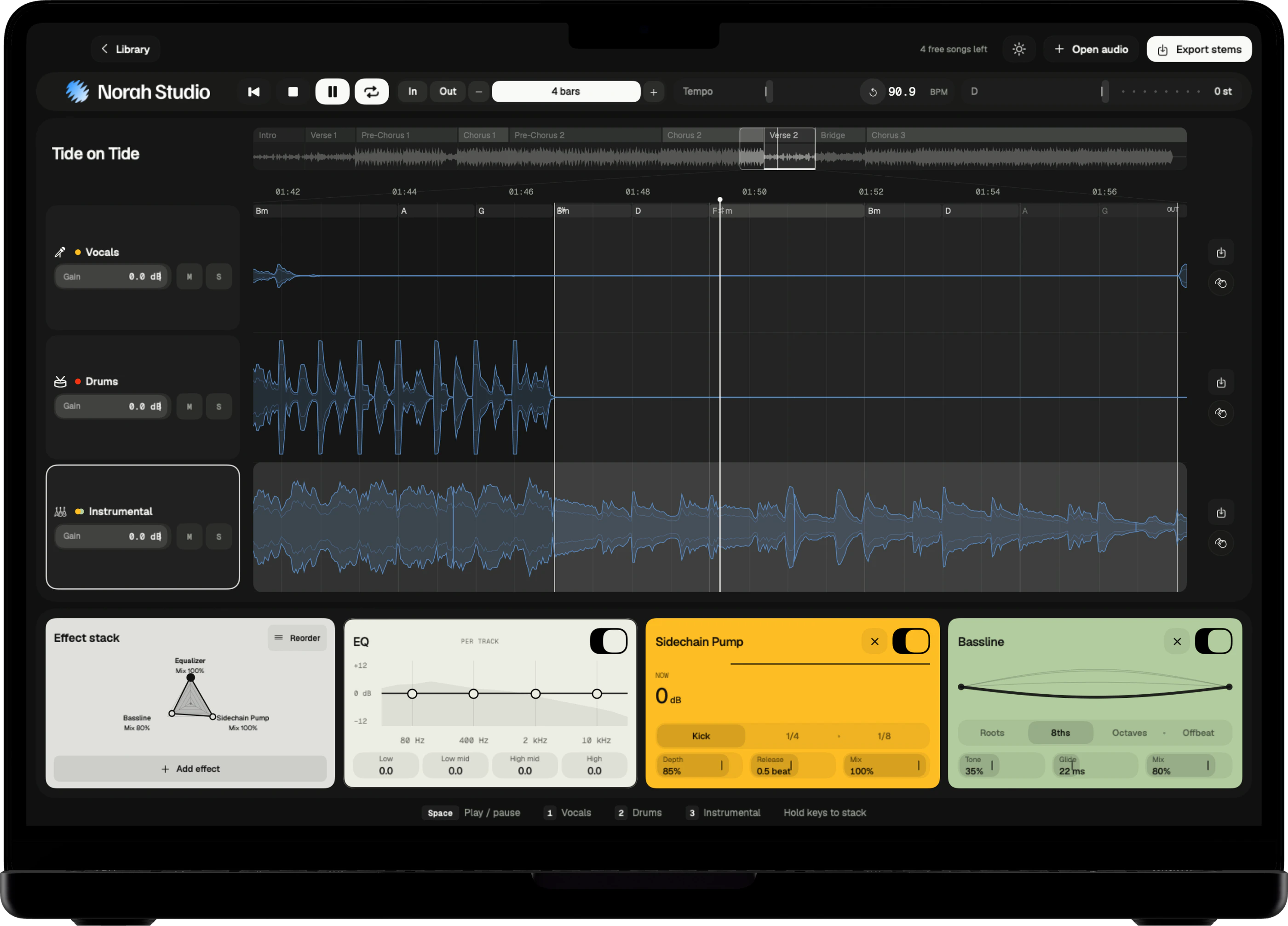
Norah Studio exports a MIDI file with the song's tempo map, the vocal melody and the chords, ready to sit under the stems in a DAW.
Uses for it.
Uses
Transcribe, arrange,
study.
Turn the melody into a lead sheet. Give it to another instrument in your arrangement. Study a singer's phrasing note by note.
Norah Studio reads the melody from the separated voice. It is an estimate: check it by ear before you build on it.
Try it yourself.
In Norah Studio