Learn · Tempo
Counting the time.
Learn · Tempo
Beats make bars.
Bars make the song.
Tempo is the speed of a song, counted in beats per minute: BPM. Beats group into bars, and bars into sections. Once you can count them, you can loop, slow down and learn any passage.
Download on theApp StoreBeats per minute.
Tempo
The pulse you tap.
Counted per minute.
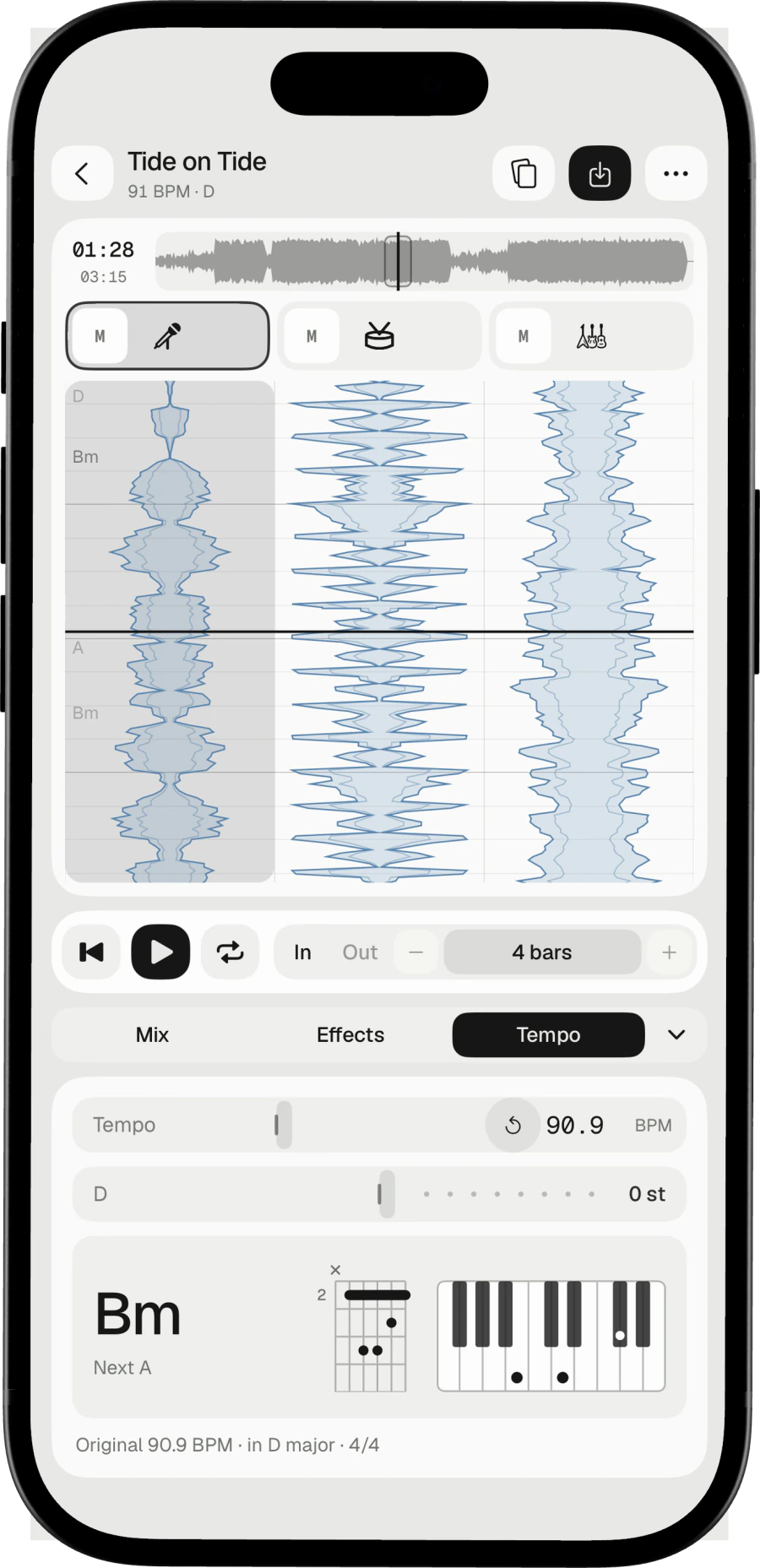
The beat is the pulse you tap your foot to. Count how many fall in a minute and you have the tempo. A ballad might sit near 70 BPM, a dance track near 125.
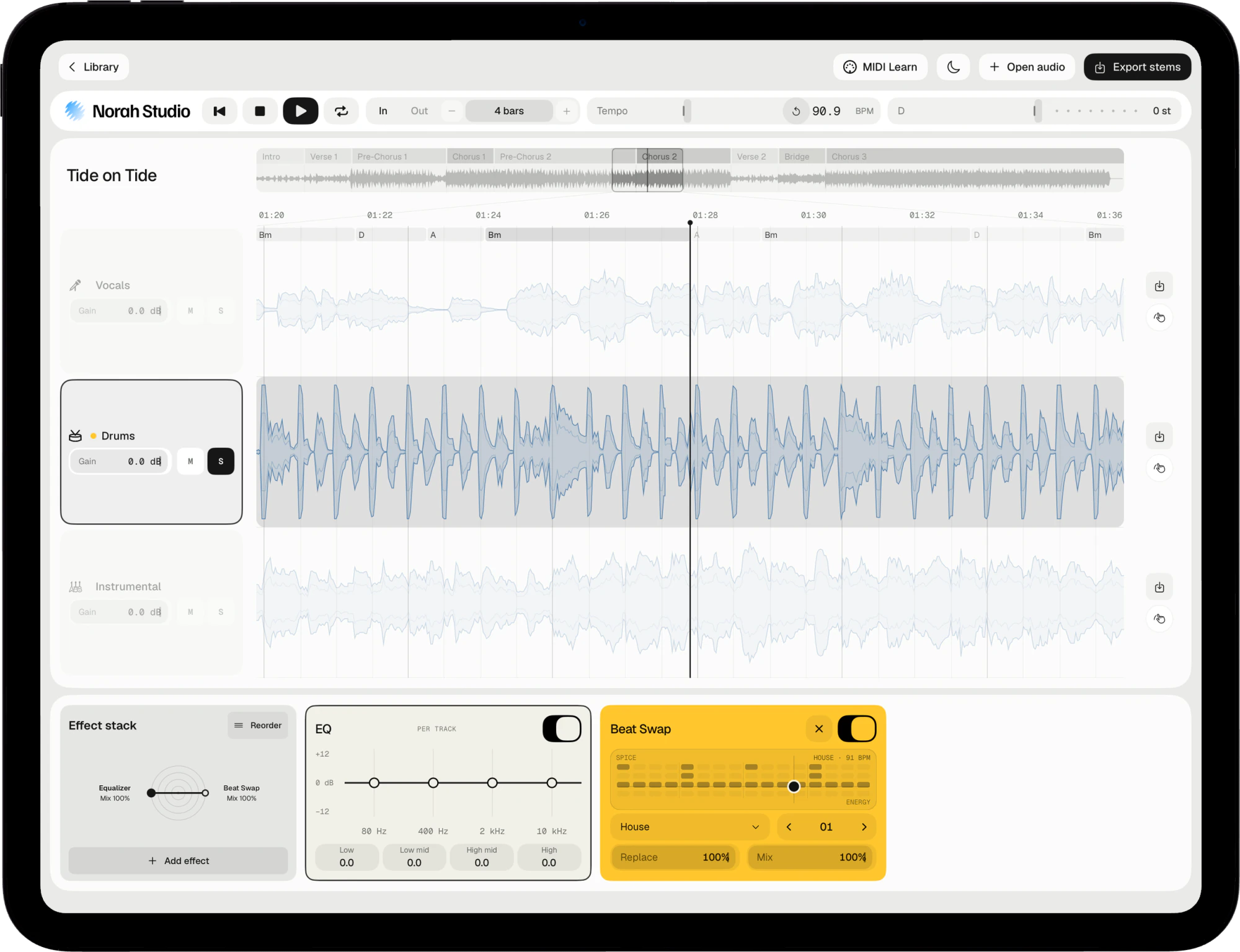
Done well, changing the tempo changes the speed and leaves the pitch alone. Norah Studio keeps the key where it was when you slow a song down.
Beats in groups.
Bars and meter
Four beats,
one bar.
Beats come in groups called bars. Most pop and rock counts four beats to a bar; a waltz counts three. That count is the meter, written 4/4 or 3/4.
Sections (verse, chorus, bridge) are made of bars, often four or eight at a time. That is why practising four bars at a time works: it follows how songs are built.
Built on bars.
In Norah Studio
A bar grid,
drawn for you.
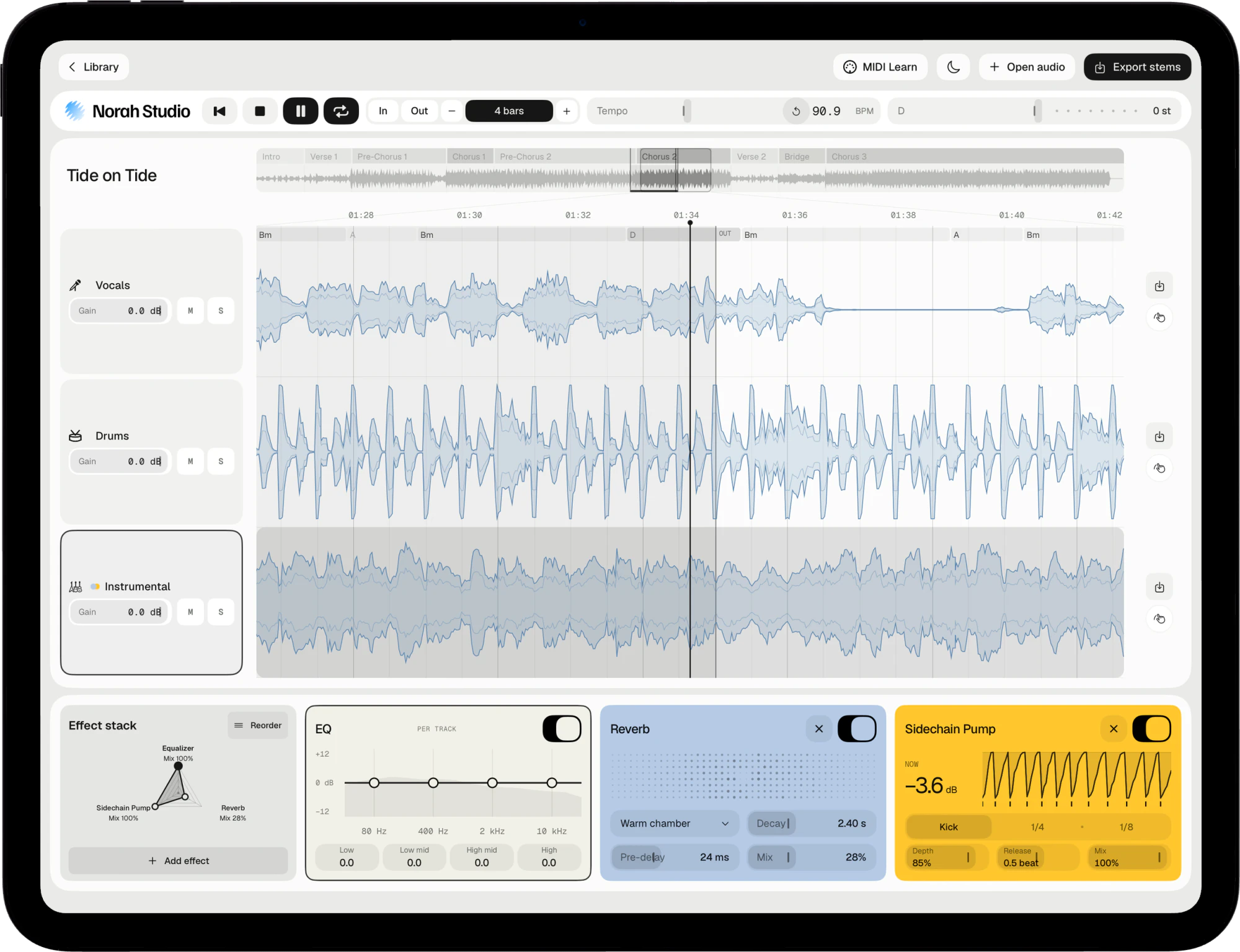
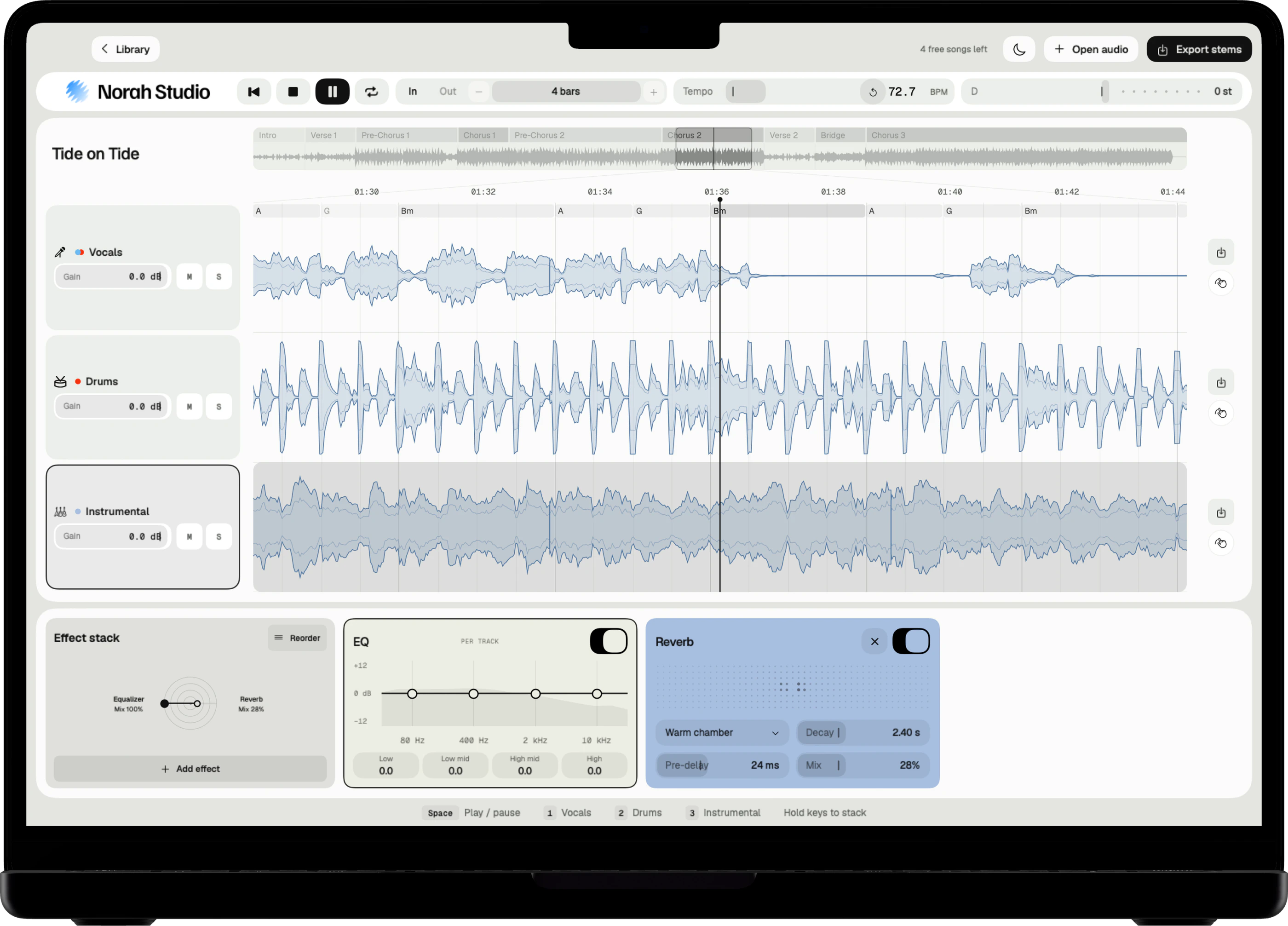
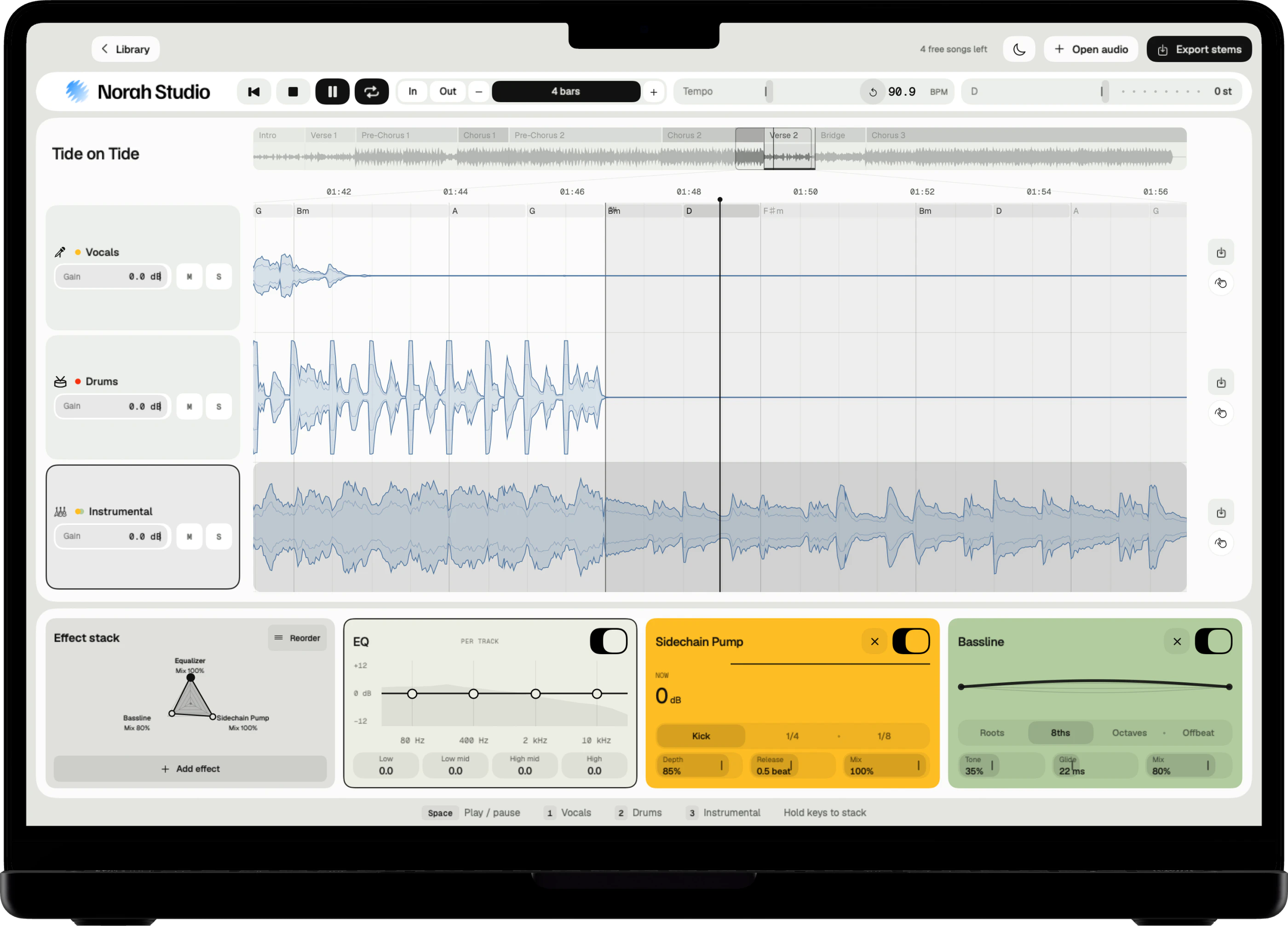
Norah Studio estimates the tempo, the meter and the bars of each song and draws a bar grid over it. It names the sections, Verse, Chorus and the rest, along the overview.
Loop points snap to that grid, so a loop always starts and ends on a bar. The tempo and the bars are estimates.

Try it yourself.
In Norah Studio