
Convert a song's melody to MIDI
Melody to MIDI.
Convert a song's melody to MIDI
The vocal line,
as notes.
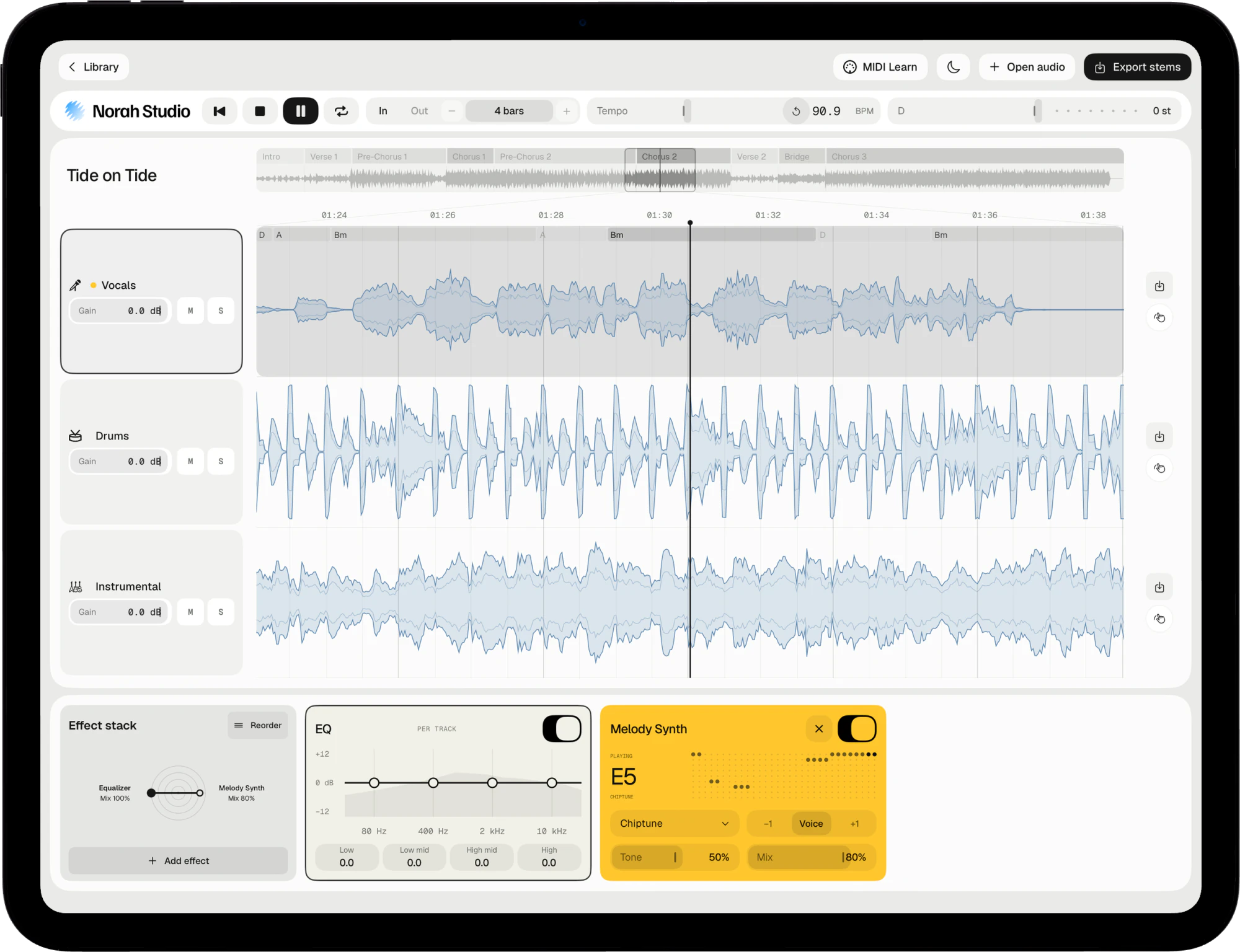
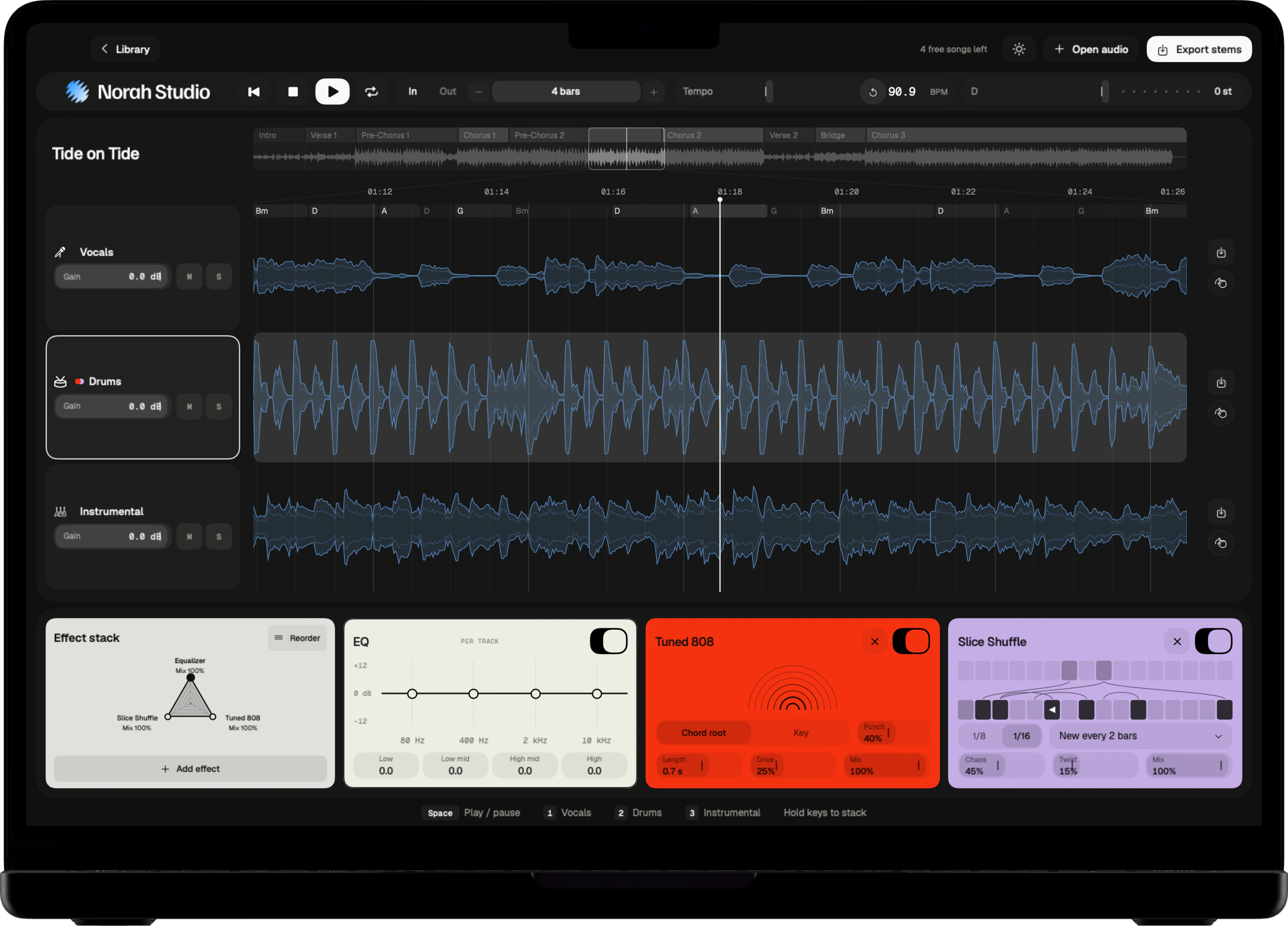
Norah Studio reads the melody of the vocal and the chords of the band, and exports both as a MIDI file with the song's tempo map. Open it in any DAW and the notes sit on the bars.
Download on theApp StoreExport the melody.
How it works
Choose the MIDI tile.
It leaves with the stems.
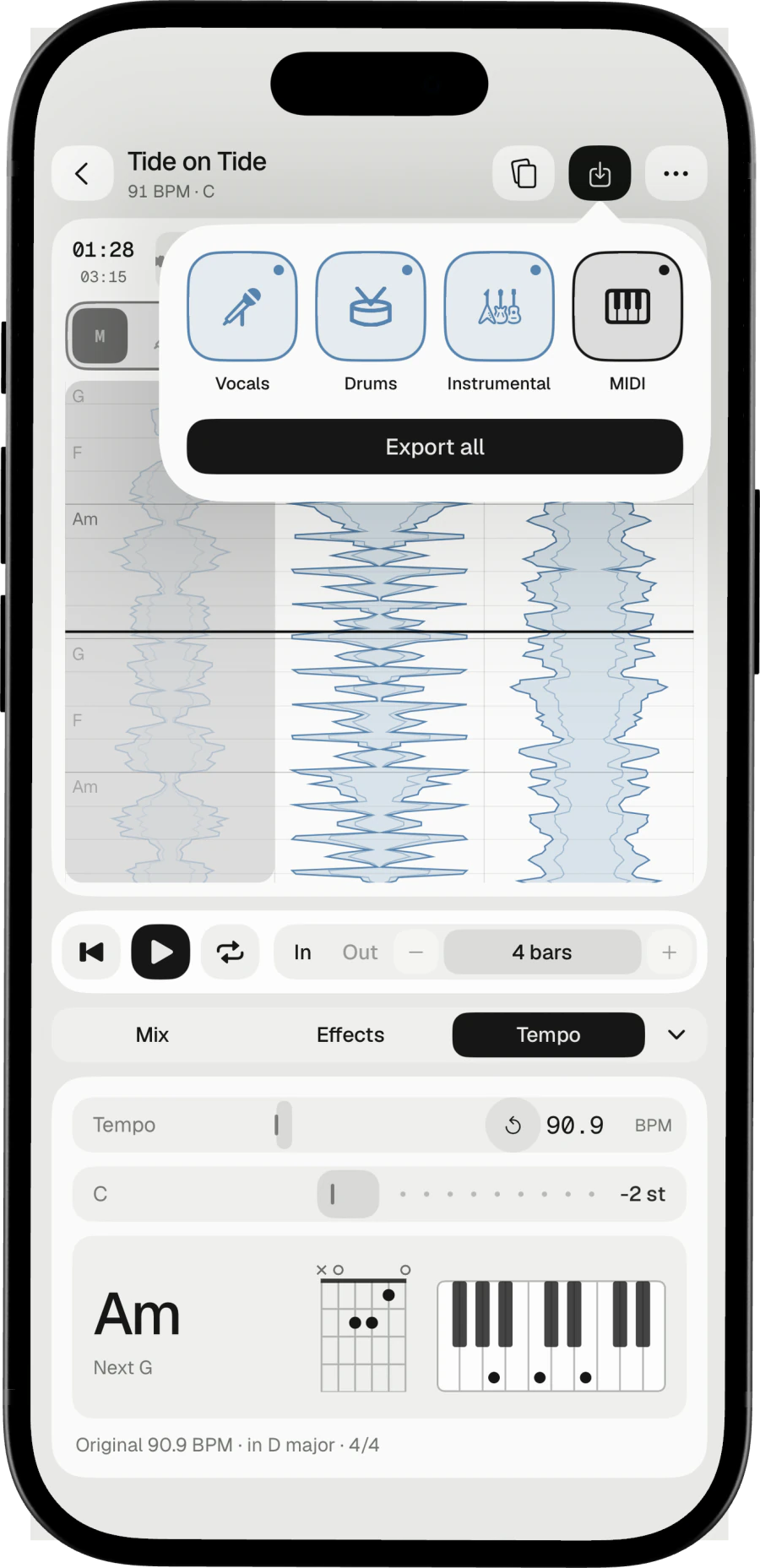
The export picker has a tile for each stem and one for MIDI. Choose MIDI and a file leaves beside the stems: a melody track, as Melody Synth plays it, and a chord track, each chord named.
Three steps
- Open the song.
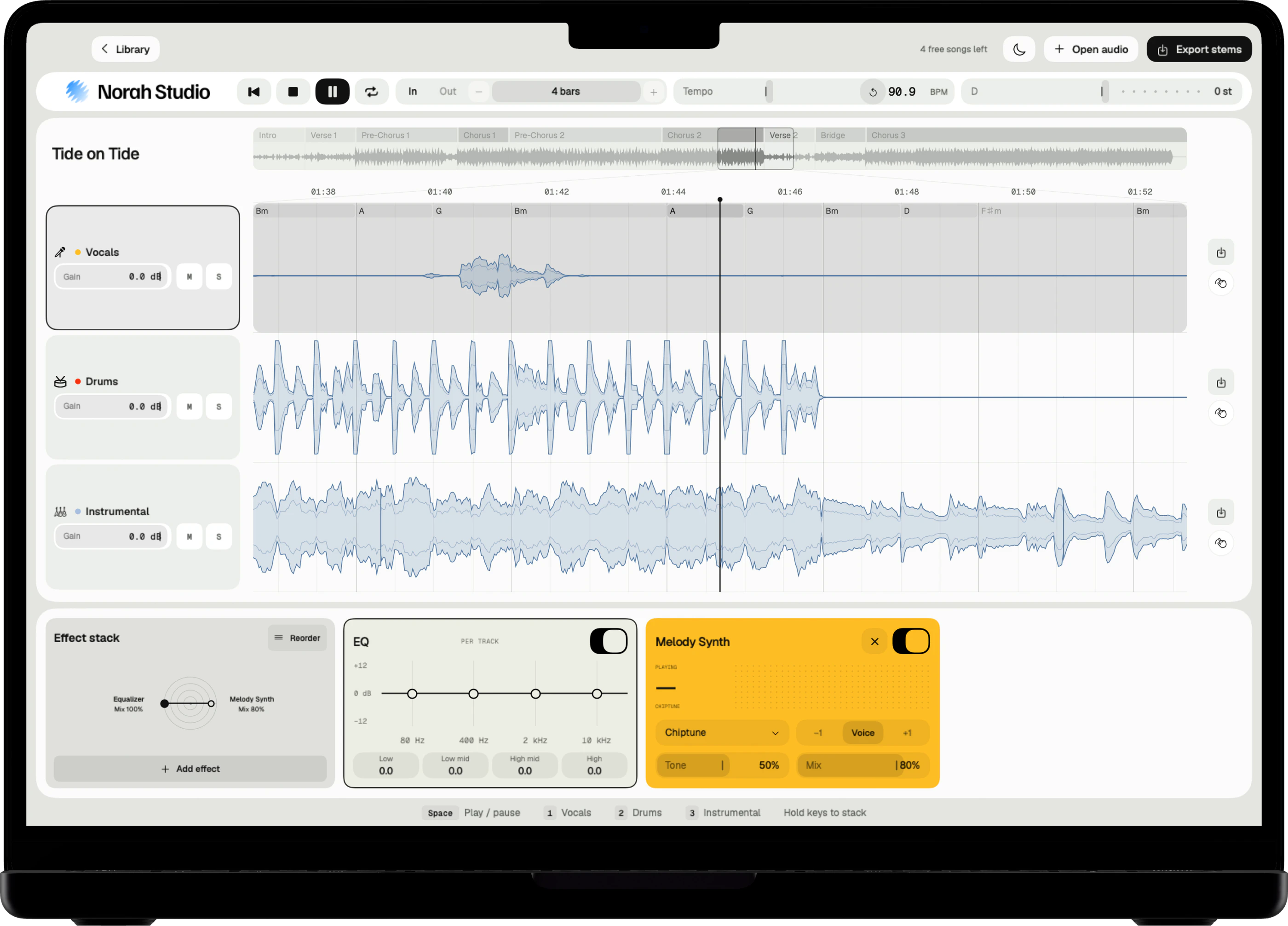
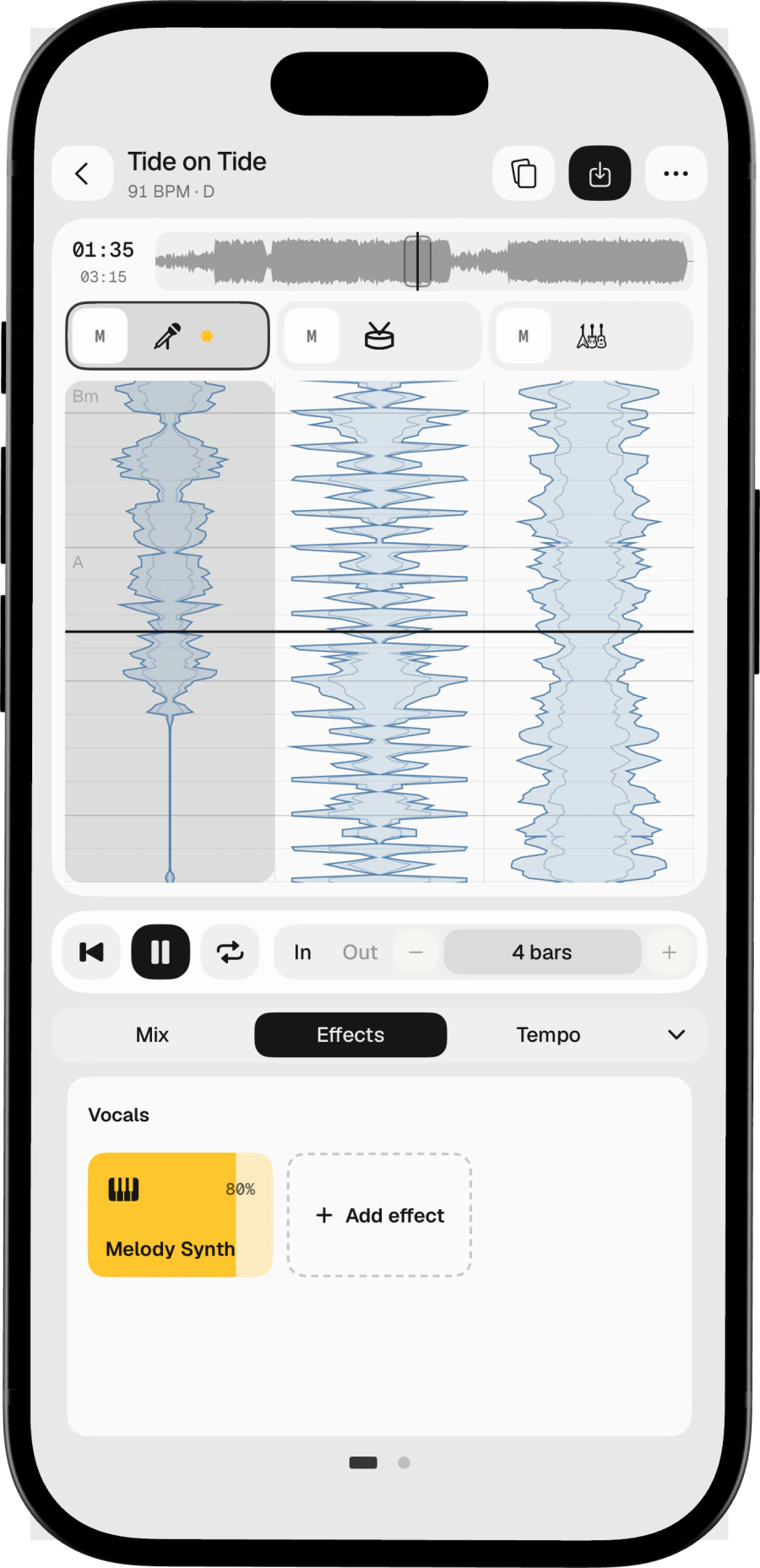
- Add Melody Synth to the vocal lane to hear the melody it reads, if you like.
- Export with the MIDI tile chosen. The file leaves beside the stems.
On Mac
Click Export stems (⌘E). The Mac guide
On iPad
Tap Export stems and choose a folder in Files. The iPad guide
On iPhone
Tap the export button at the top of the desk. The iPhone guide
Into any DAW.
In your DAW
Notes on the bars.
Stems beside them.
The MIDI file carries the song's tempo map, so its notes sit on the bars of the original. Drop it next to the exported stems and they line up.
Melody Synth
Hear the melody first with one of 19 sounds, from synth leads to a grand piano.
In your key
Change the key and the chord track leaves transposed, like the stems.
Check by ear
The melody is read from the separated voice. It is an estimate.
Try these next.
Related
One song,
more ways in.
Questions
Short answers.
What is in the MIDI file?
Three tracks: the tempo map, the melody and the chords, with each chord named.
Which apps can open it?
Any app that opens standard MIDI files: DAWs and most notation apps.
Does it need the internet?
No. The models are inside the app, so the first song works in airplane mode.
Which songs can I open?
Any audio file you already have that the system decodes: MP3, M4A and AAC, WAV, AIFF, FLAC, CAF and more, up to ten minutes. Norah Studio cannot open songs from streaming services: their files are locked to their own apps.
Something else? Support answers every message.