
Loop a section of a song
Loop any section.
Loop a section of a song
Pick a passage.
Leave it looping.
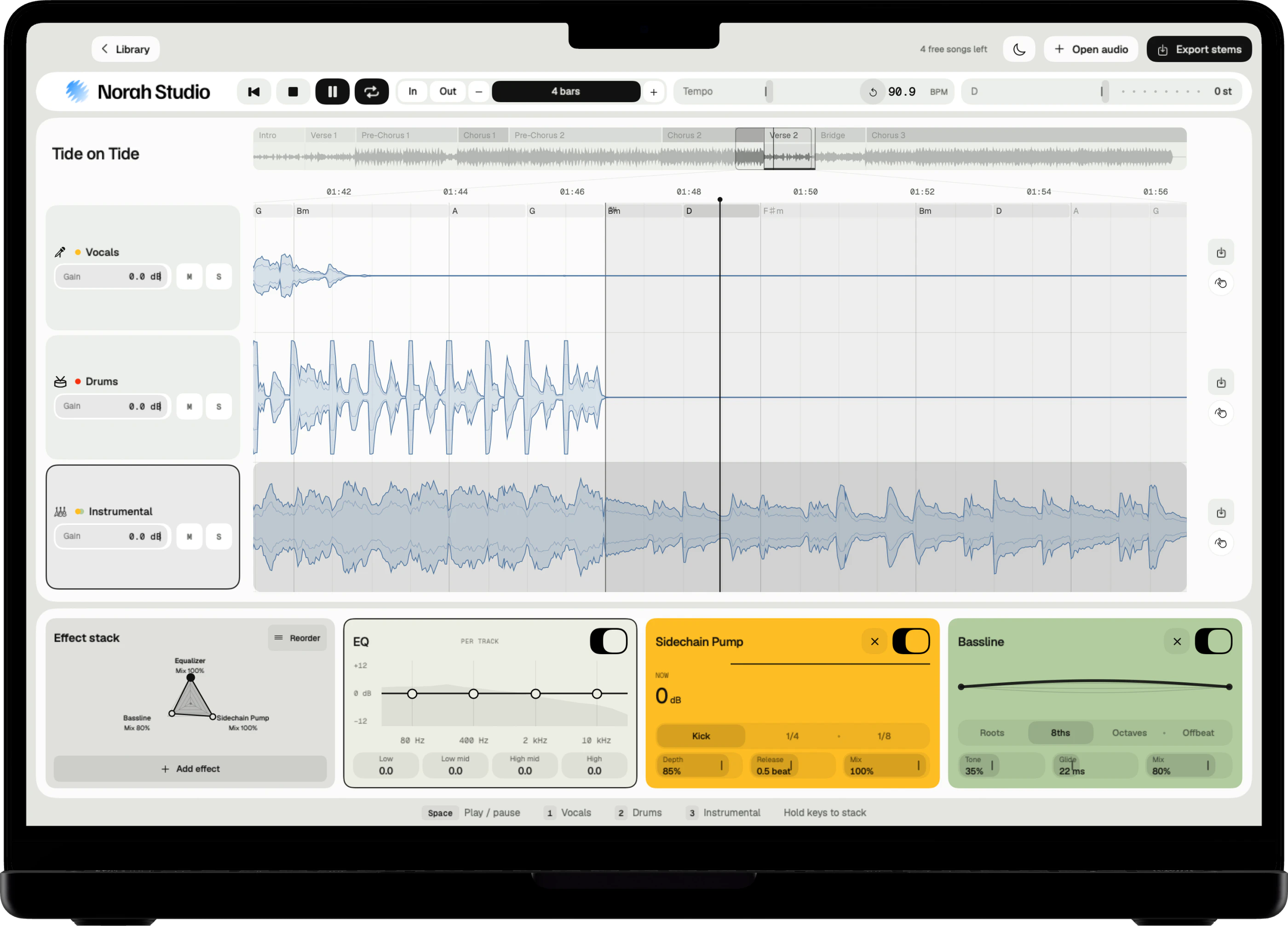
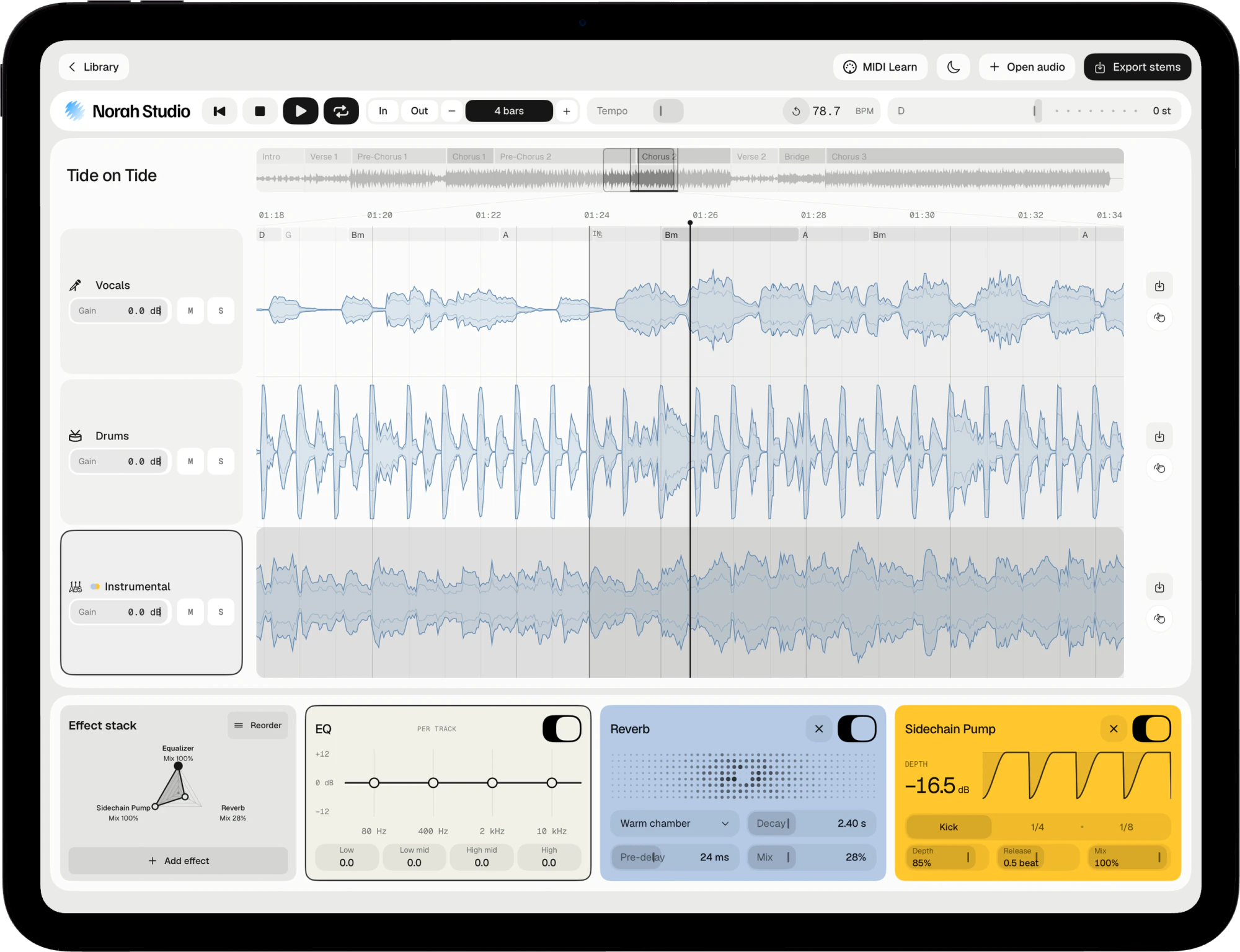
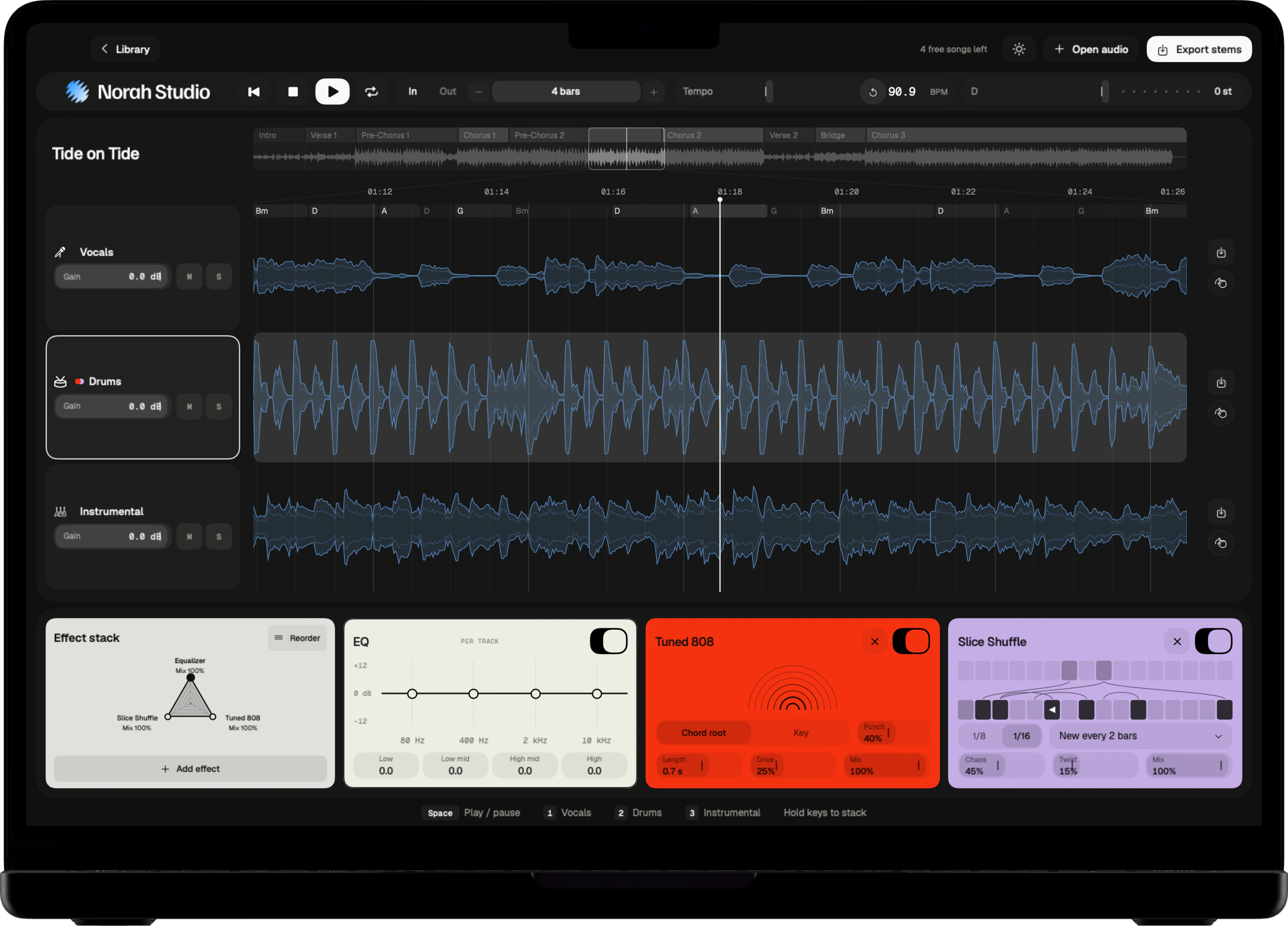
Norah Studio draws a bar grid over the song and names its sections. Loop exactly one section, or any number of bars, and practise it until it sits.
Download on theApp StoreSnap to bars.
How it works
Set In and Out.
It lands on the bar.
Loop points snap to the bar grid, and the loop length doubles or halves. The sections, named Verse, Chorus and the rest, run along the overview.
Three steps
- Double-click or double-tap a section in the overview to loop it.
- Or set In and Out at the playhead.
- Halve or double the loop with − and +.
On Mac
Double-click a section in the overview strip, or click In and Out. The Mac guide
On iPad
Double-tap a section in the overview, or tap In and Out. The iPad guide
On iPhone
Tap In where the passage starts, then set its length: 1, 2, 4, 8 bars and up. The iPhone guide
Then speed up.
Practise
Slow the loop.
Then bring it back.
Loop the passage and bring the tempo down. Speed it up only when the loop feels easy.
Scratch through it
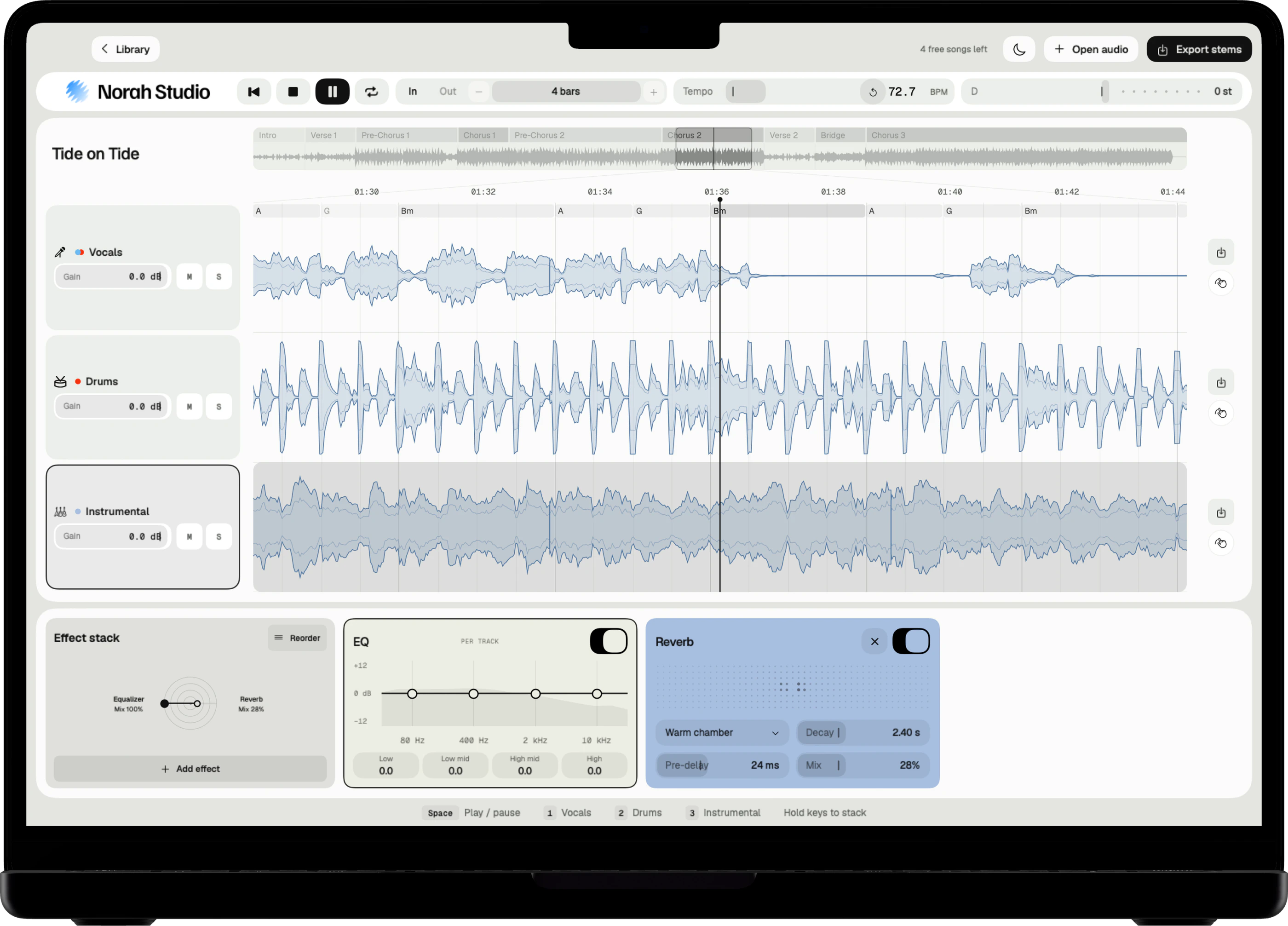
Drag along the timeline to move through the song. While it plays, it scratches like a record.
Pinch on iPad
Pinch the timeline to see more or less of the song.
Pick up later
Recent songs reopen with their stems, loop and effects, without separating again.
Questions
Short answers.
How short can a loop be?
One bar. The loop length doubles or halves from there.
Can I export only the loop?
Yes. Export the whole song, or only the passage you loop.
Are the tempo, key and chords exact?
They are estimates, and the app labels them so. They are good enough to loop by bars and play along.
Which songs can I open?
Any audio file you already have that the system decodes: MP3, M4A and AAC, WAV, AIFF, FLAC, CAF and more, up to ten minutes. Norah Studio cannot open songs from streaming services: their files are locked to their own apps.
Something else? Support answers every message.