
Isolate vocals from a song
Only the voice.
Isolate vocals from a song
The singer, alone.
Ready to export.
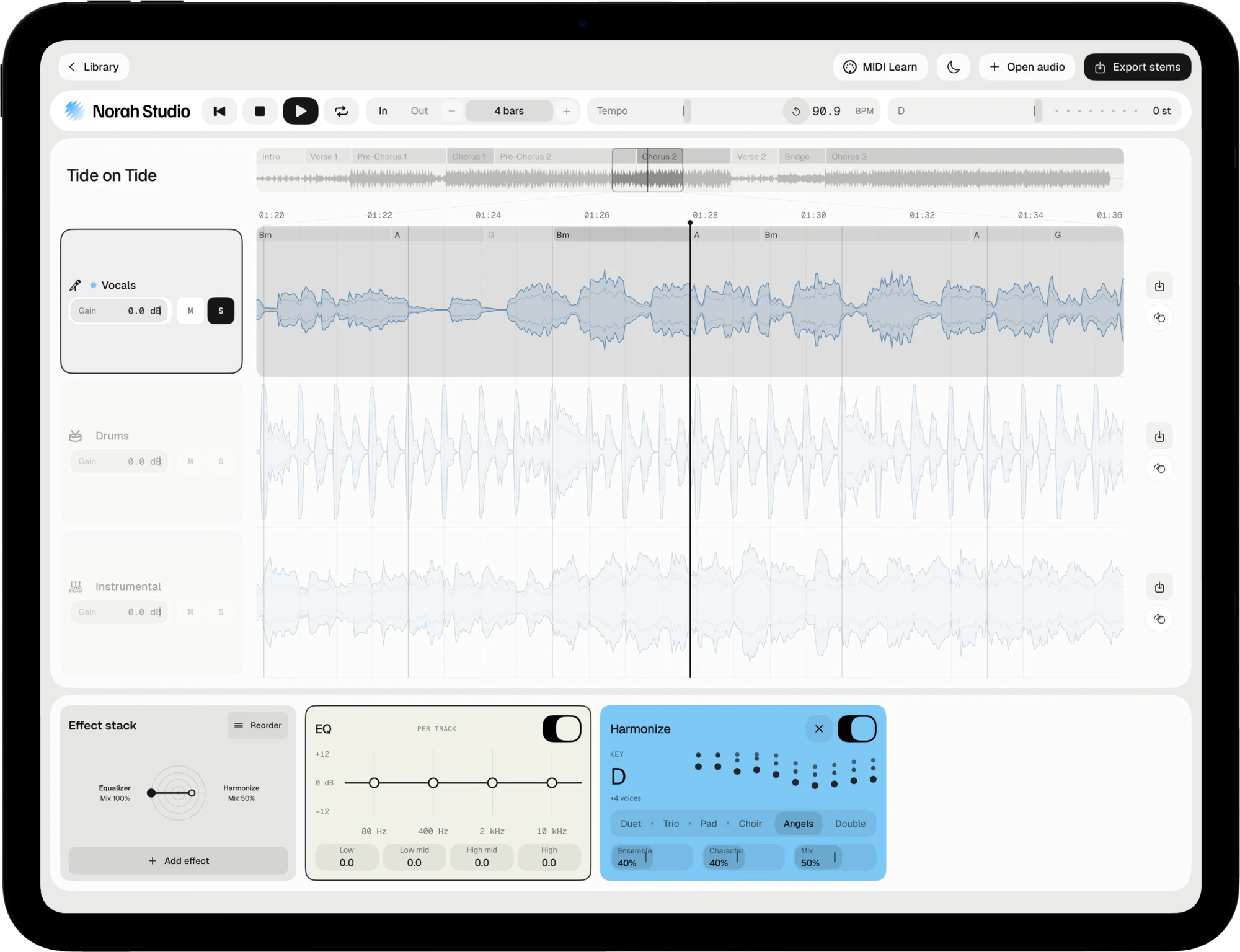
Norah Studio isolates the vocals of a song on the device itself. Solo the vocal lane to hear the voice on its own, then export it as a file for a cover, a remix or a transcription.
Download on theApp StoreSolo the voice.
How it works
Choose the vocal lane.
Hear nothing else.
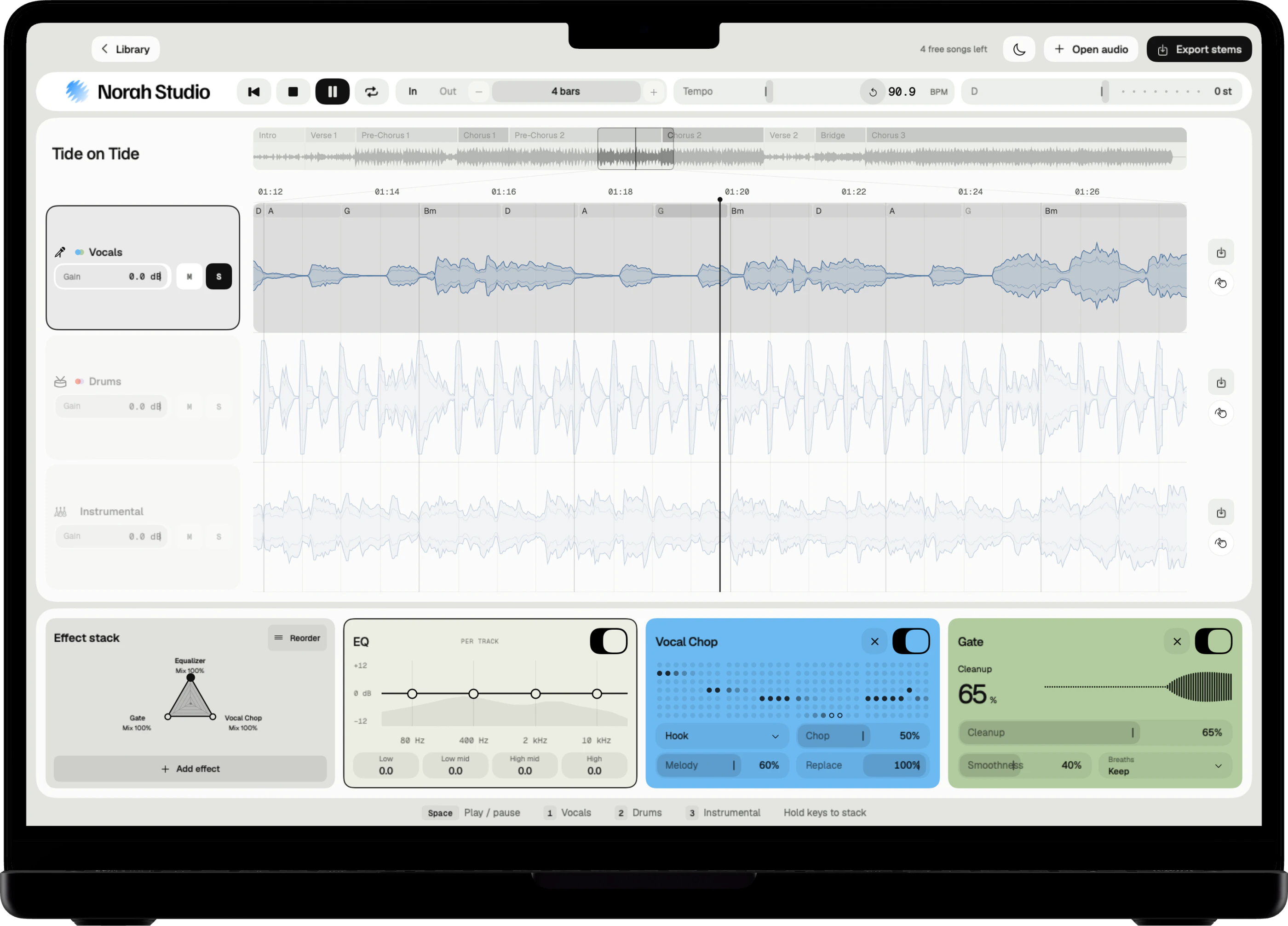
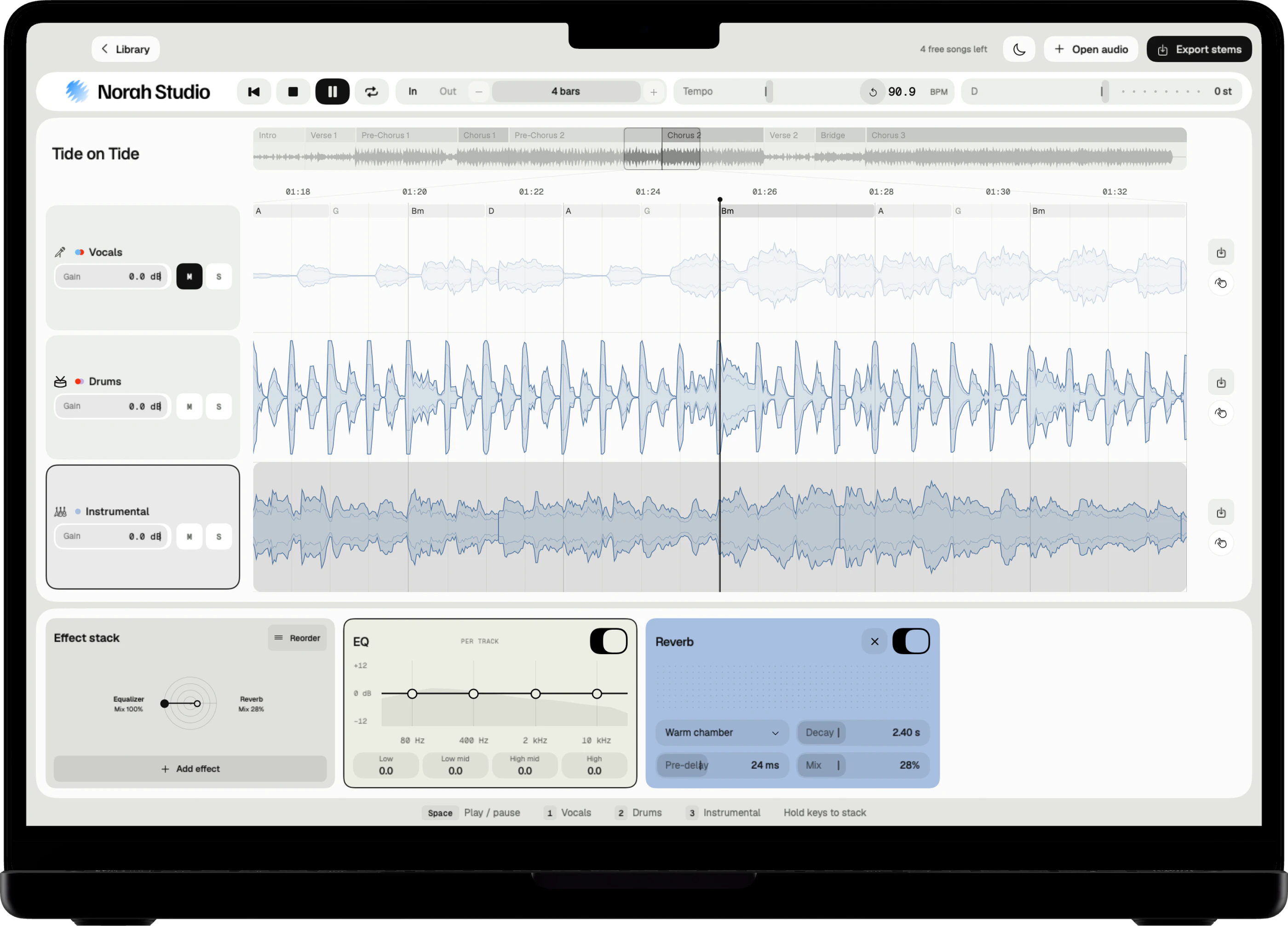
Solo silences every other lane at once. The vocal lane plays alone, with its own gain and its own effect stack.
Three steps
- Open an audio file you own. It separates from the start while it plays.
- Solo the vocal lane.
- Export it on its own, named after the song.
On Mac
Click S on the vocal lane. The Mac guide
On iPad
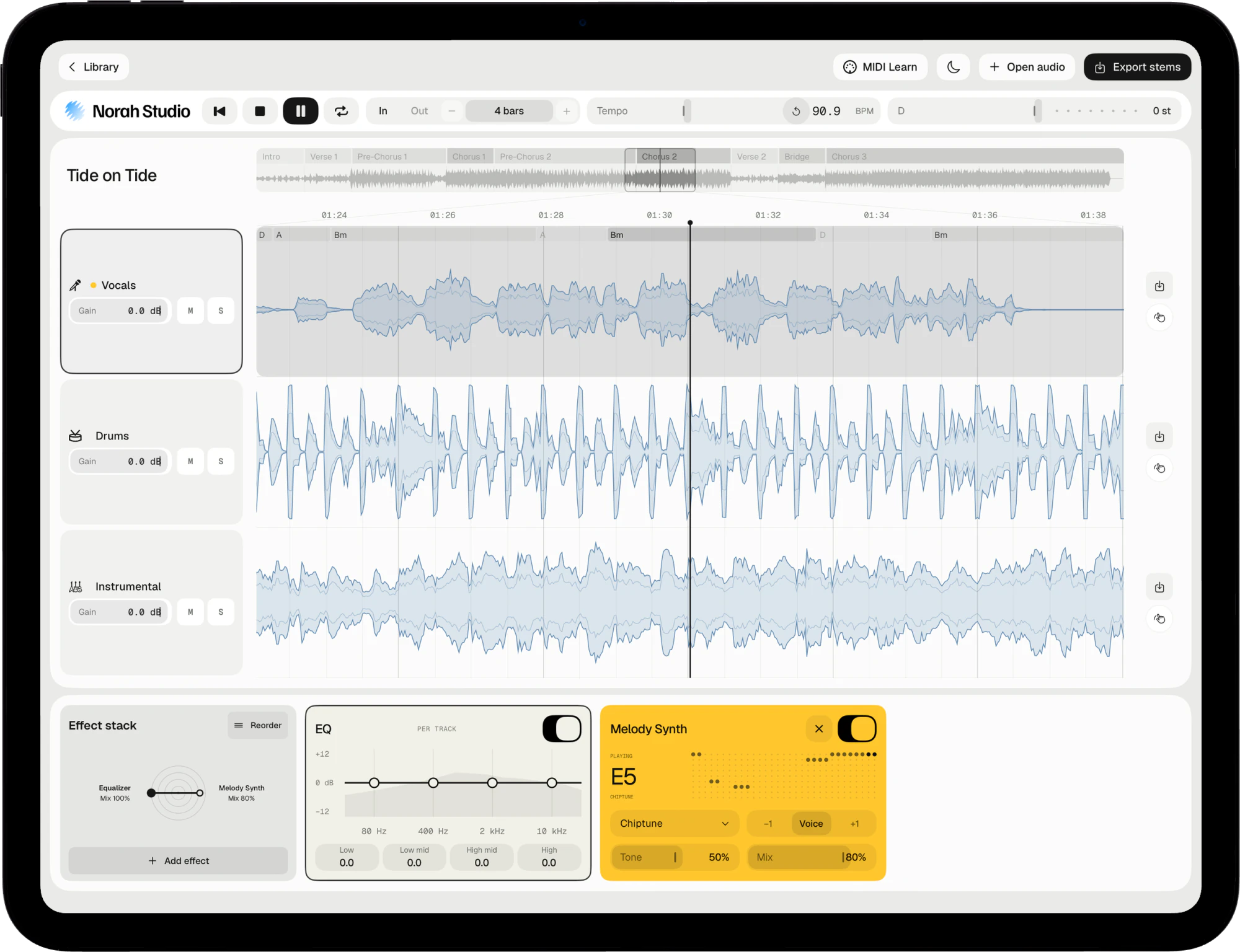
Tap S on the vocal lane, or hold its icon. The iPad guide
On iPhone
Hold the vocal lane's icon until its chip shows S. The iPhone guide
Take the voice.
Export
A file of its own.
Named for you.
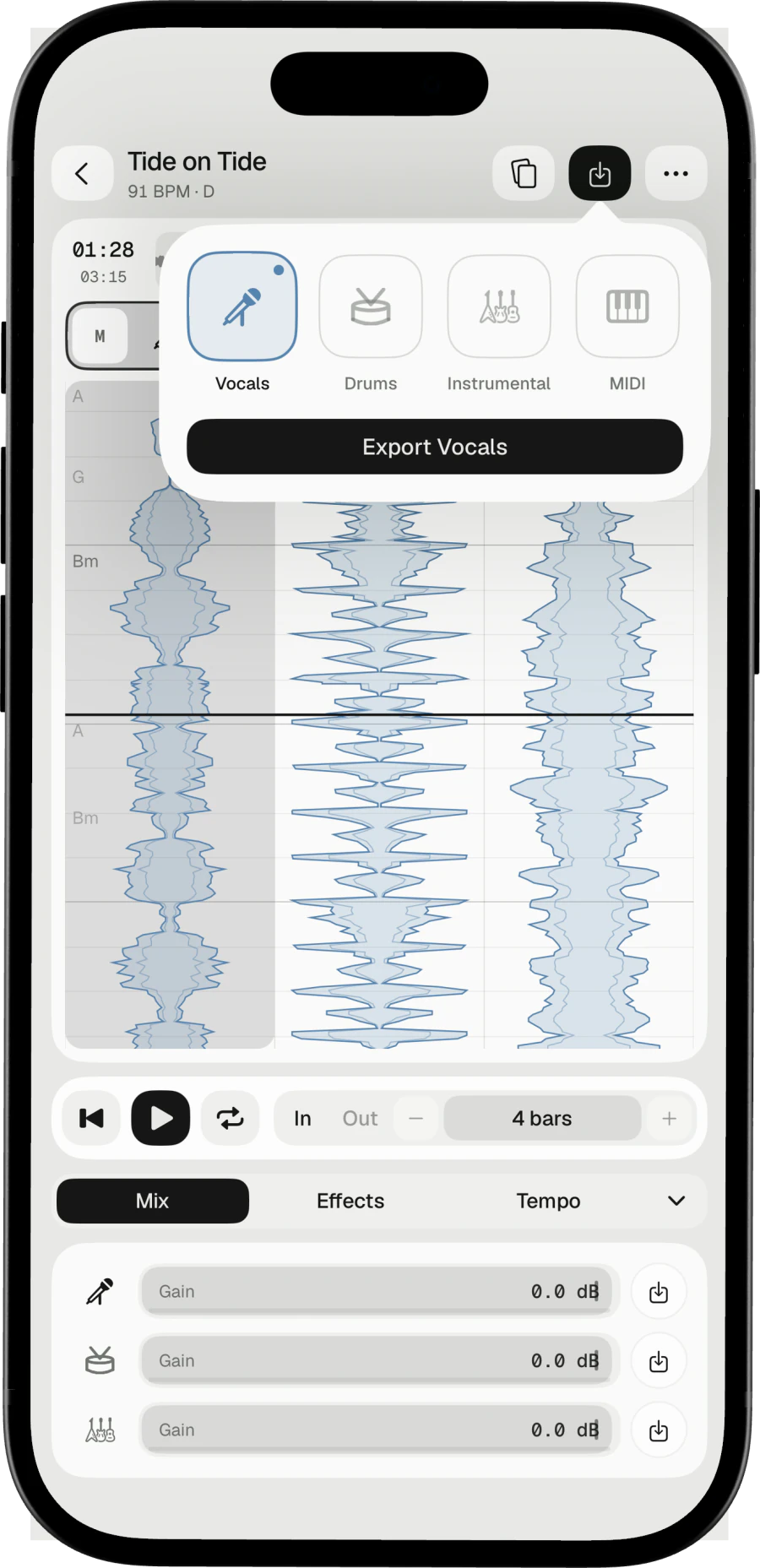
Export the vocal lane alone, with any effect you added printed in. The file name says the song, the track and what you changed.
On the Mac
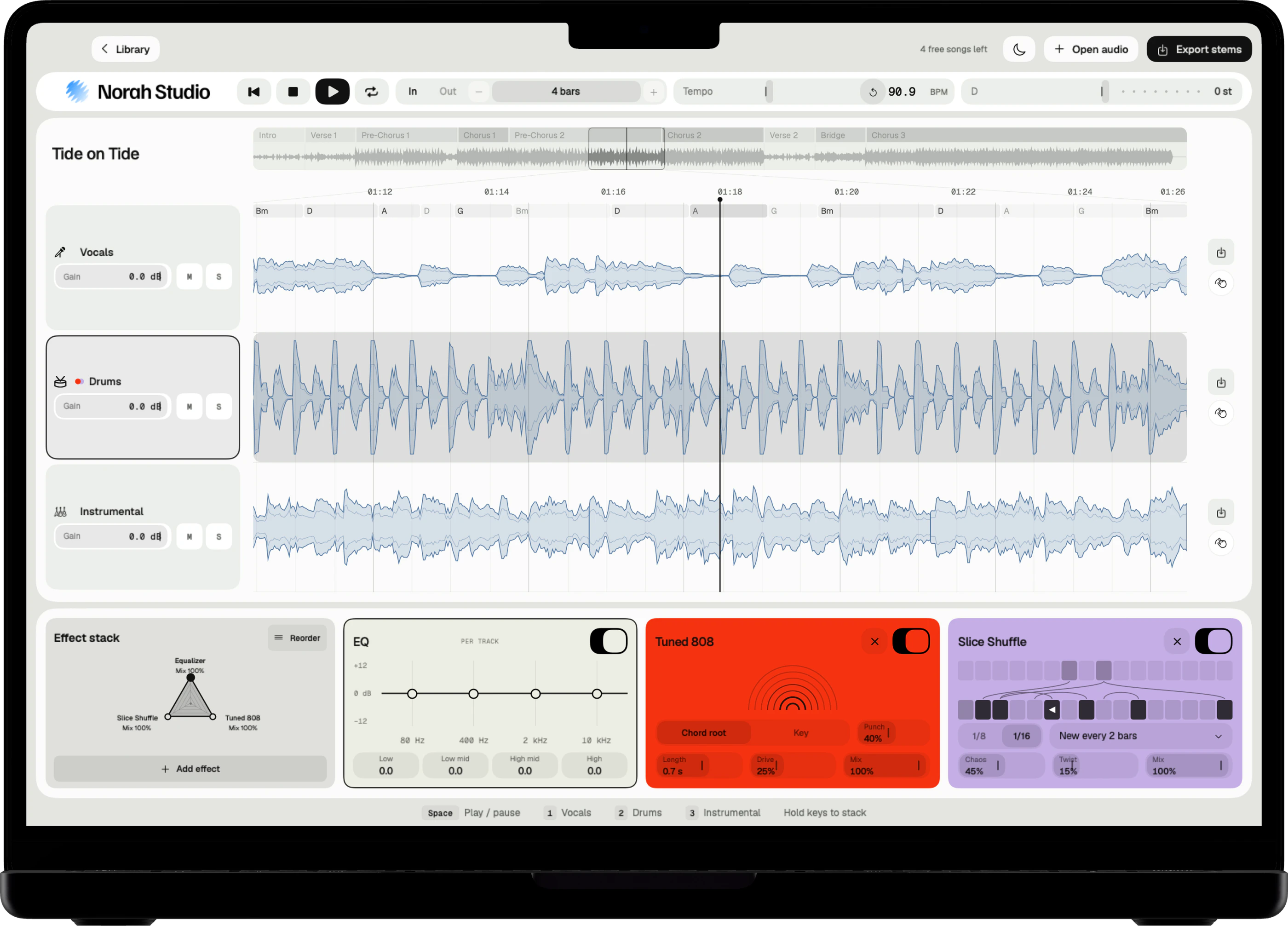
Drag the vocal lane out of the window into the Finder, or click Export stems.
On iPad and iPhone
Each lane has its own export button.
For a remix
The vocal file lines up with the song from its first beat.
Shape the voice.
Voice effects
Effects made
for the vocal lane.
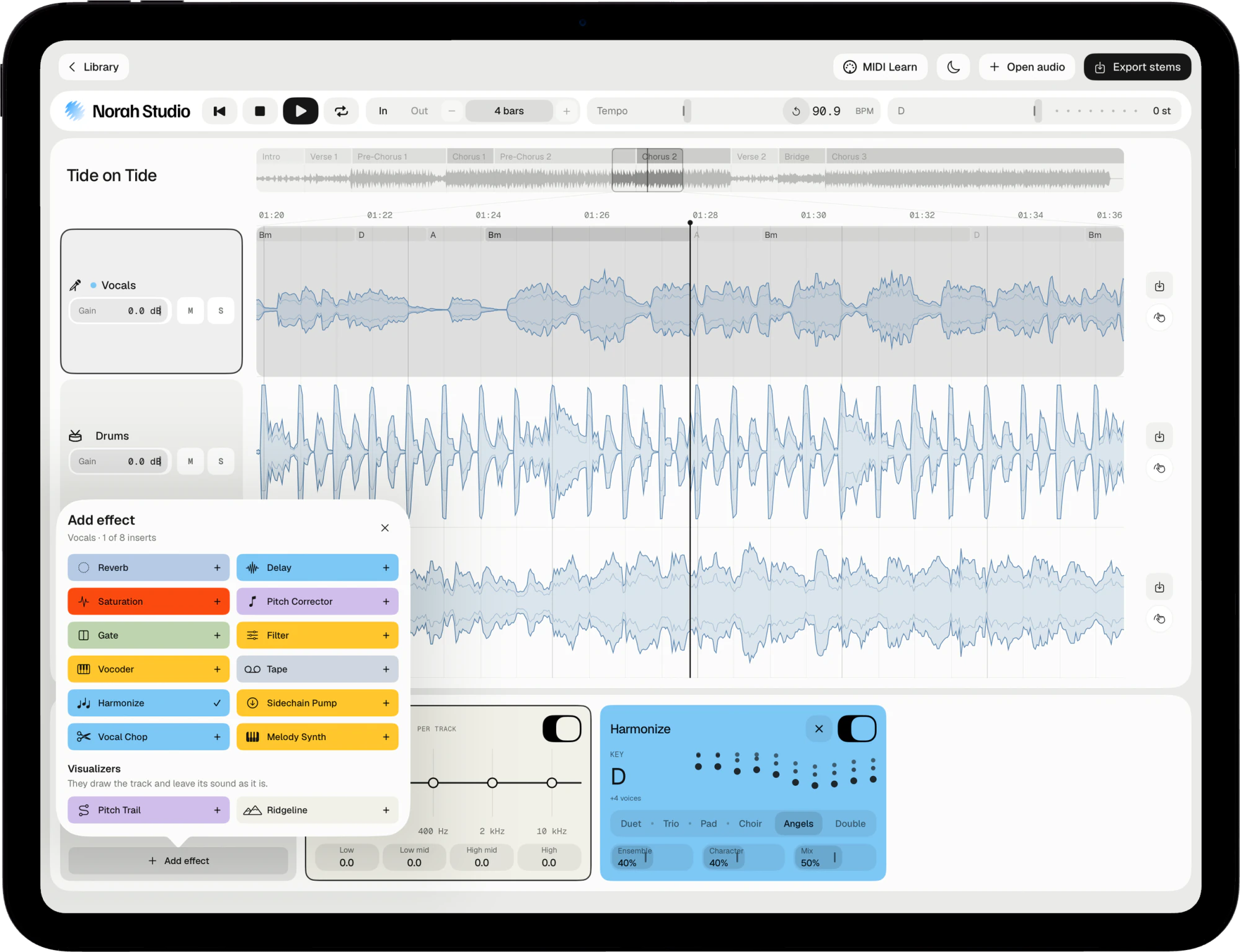
Some effects appear only on the vocal lane: Harmonize, Melody Synth, Pitch Corrector, Vocoder and Vocal Chop. Add one and hear the a cappella change while it plays.
Harmonize
A choir that follows the chords: Duet, Trio, Pad, Choir, Angels or Double.
Reverb and Delay
Space for the voice, from the Space and tone family.
Switch it off
Turn any card off without losing its settings.
Try these next.
Related
One song,
more ways in.
Questions
Short answers.
Is an a cappella from a finished song clean?
Close, not perfect. On a dense mix a little of the band can remain. Solo the lane and listen before you export.
Can I export the voice with its effects?
Yes. Effects on the lane are printed into the exported file.
Which songs can I open?
Any audio file you already have that the system decodes: MP3, M4A and AAC, WAV, AIFF, FLAC, CAF and more, up to ten minutes. Norah Studio cannot open songs from streaming services: their files are locked to their own apps.
Does it need the internet?
No. The models are inside the app, so the first song works in airplane mode.
Something else? Support answers every message.