
Make a karaoke version
Your own karaoke.
Make a karaoke version
The band stays.
You take the melody.
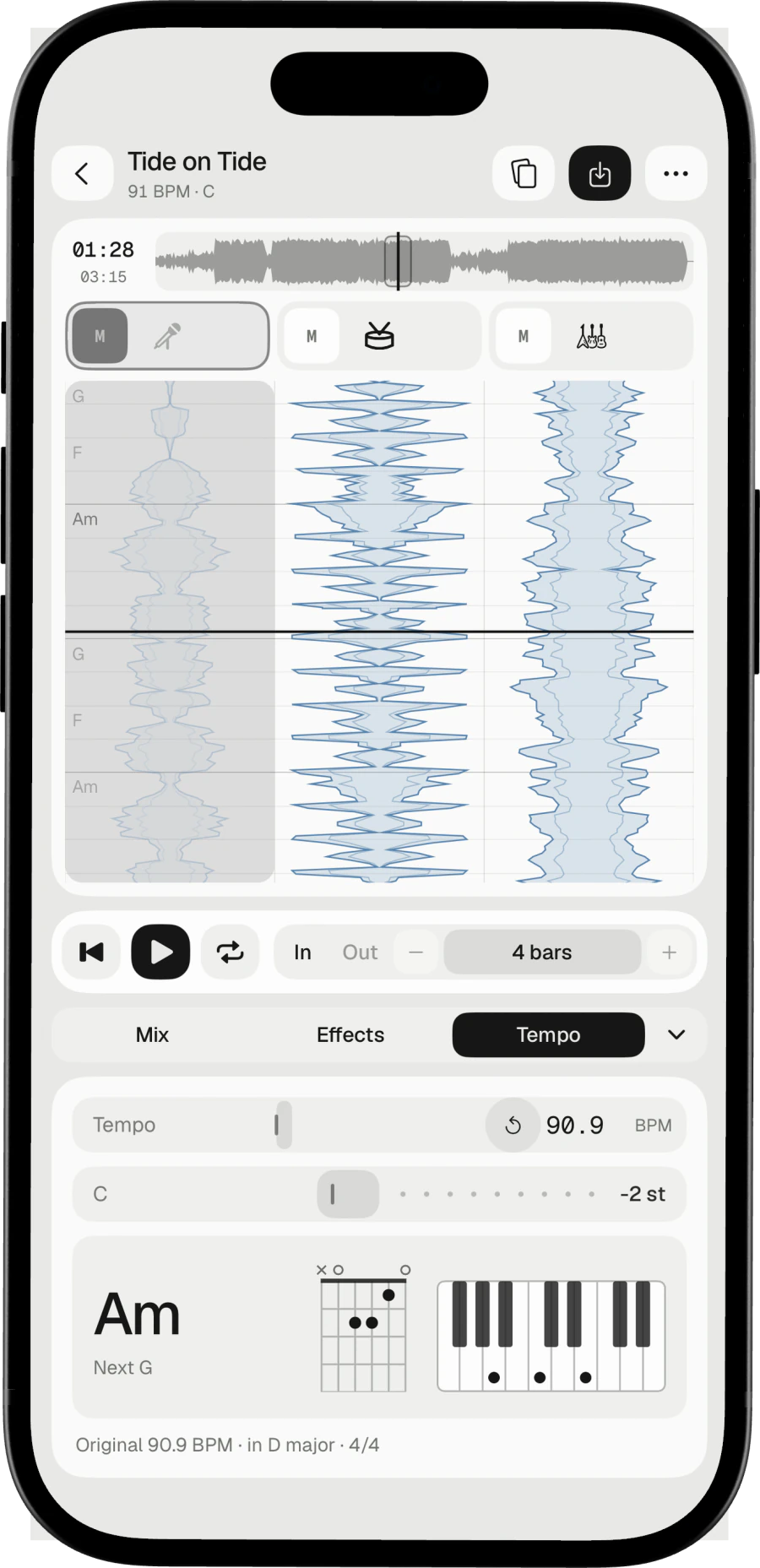
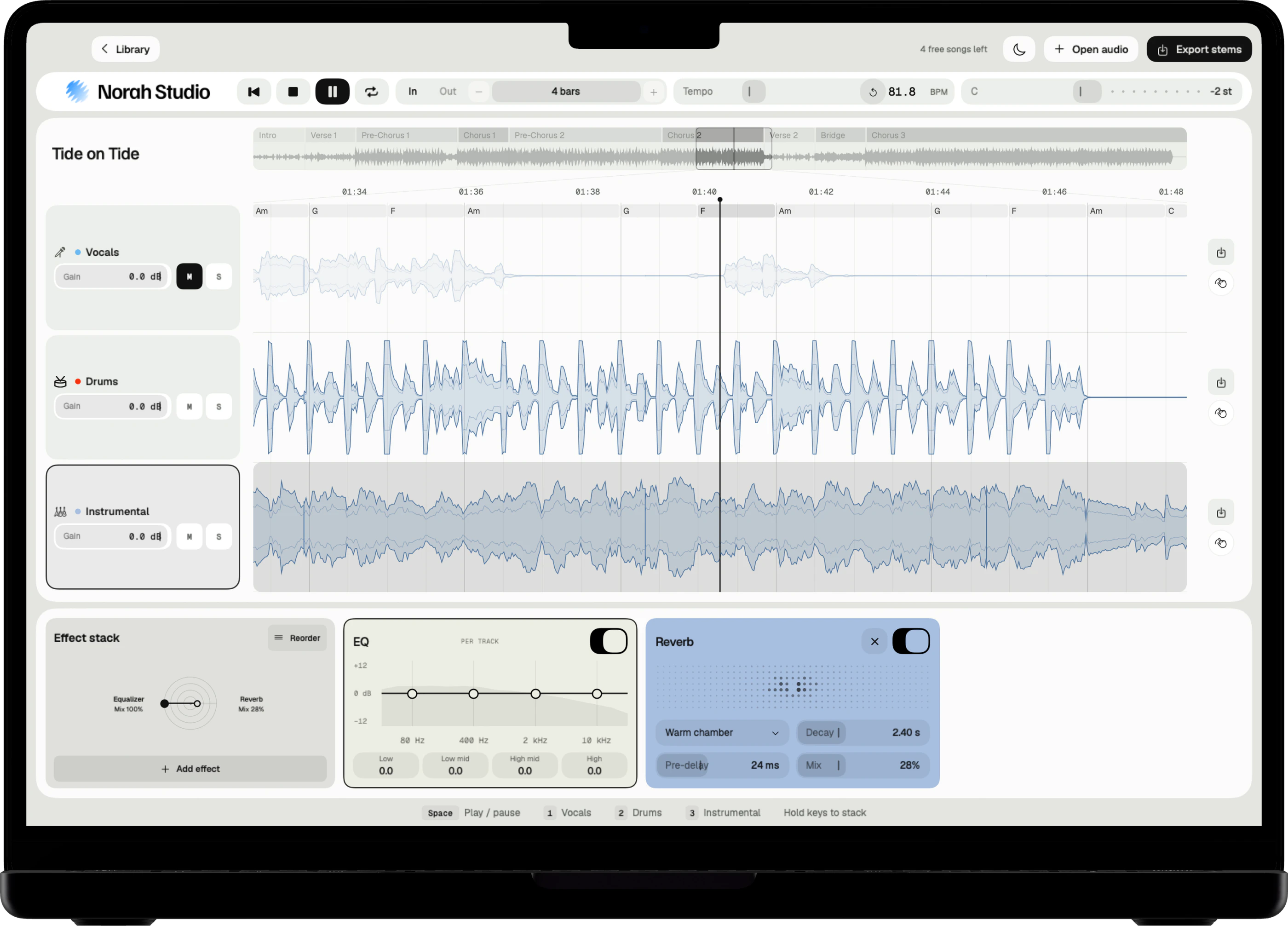
Mute the singer, move the song into your range, and sing over the instrumental of the record itself. Norah Studio makes the karaoke version on the device, in seconds, from any song file you own.
Download on theApp StoreFind your key.
How it works
A semitone at a time.
Until it sits.
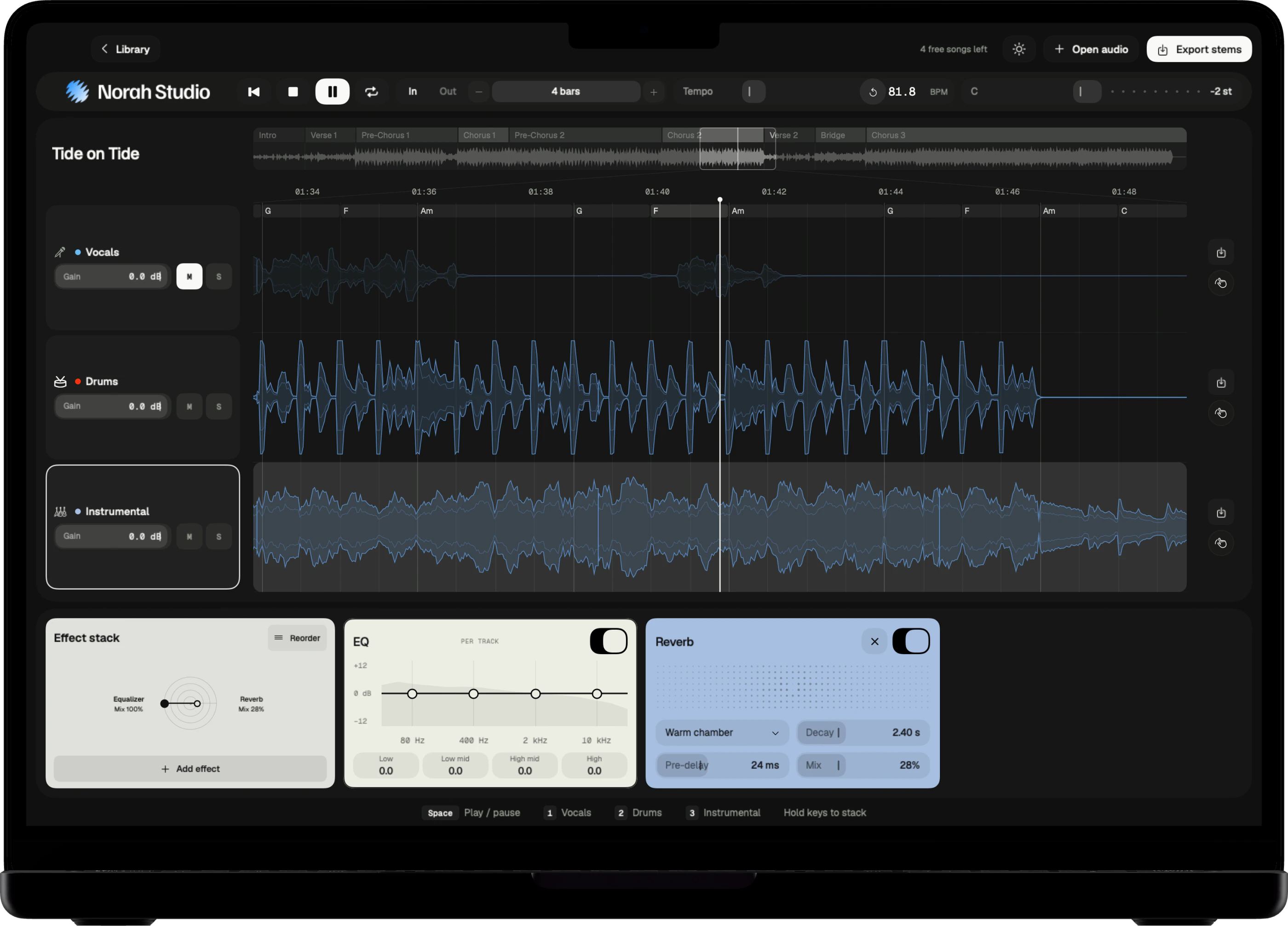
Mute the vocal lane. The band plays on. Then move the key in semitones until the melody sits where your voice is comfortable. The tempo stays as it was.
Three steps
- Open the song and mute the vocal lane.
- Move the key up or down, a semitone at a time, up to twelve.
- Sing. The chords are on screen if you want to play along.
On Mac
Drag the key control in the toolbar. It moves the song in semitones, up to twelve either way. The Mac guide
On iPad
Slide the key. The toolbar shows the semitones as you go. The iPad guide
On iPhone
Open the Tempo panel and slide the key. The song's own key sits underneath. The iPhone guide
Keep a guide.
Sing along
Keep the singer, quietly.
Or let them go.
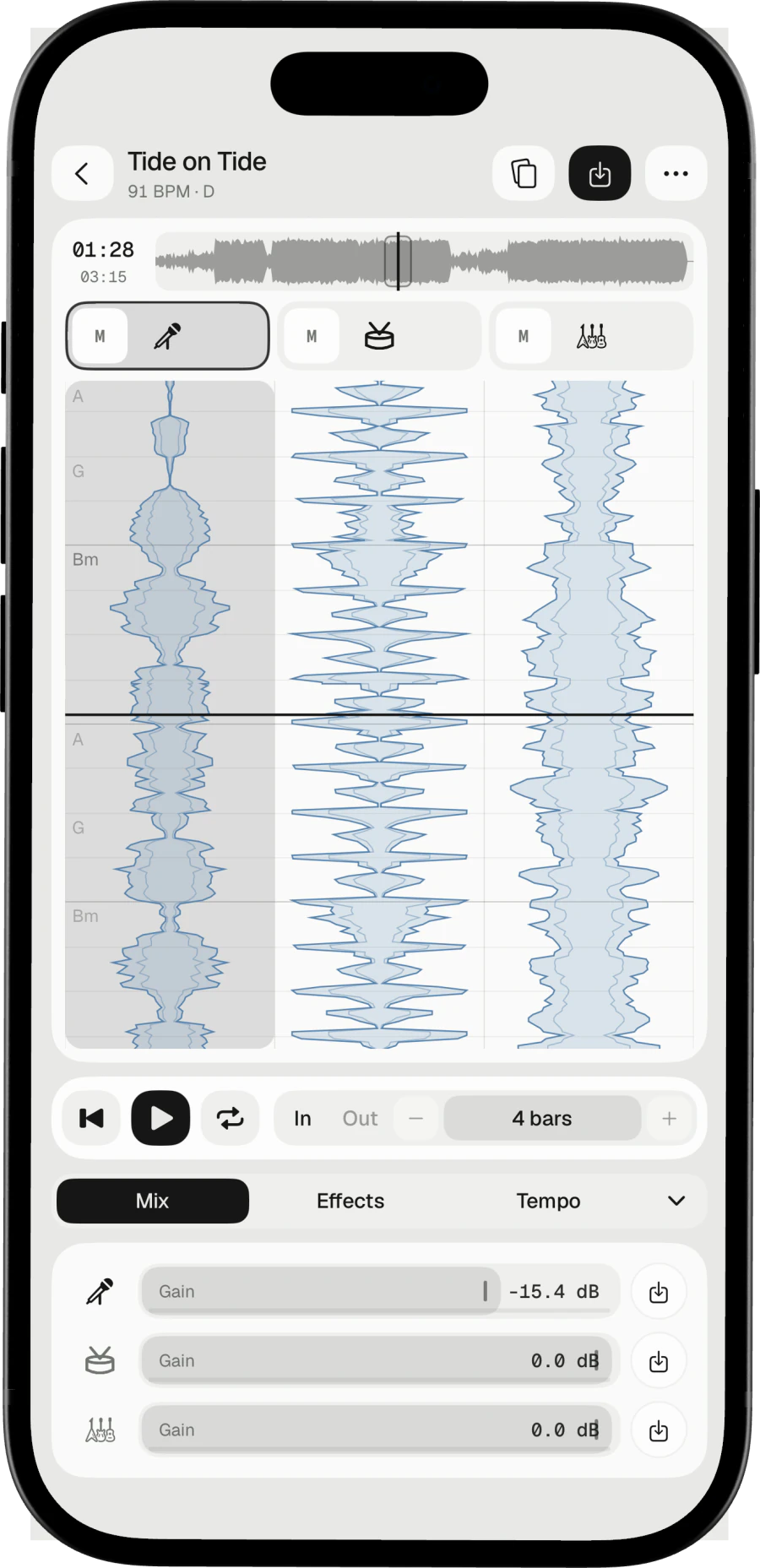
Still learning the words? Lower the vocal lane's gain instead of muting it, and the original singer stays as a soft guide. Take it out completely when the song is yours.
A melody to follow
Melody Synth plays the vocal melody on an instrument: the tune, without the words.
Loop the hard line
Loop the chorus by bars until it sits.
Take it with you
Export the instrumental in your key, named after the song.
Try these next.
Related
One song,
more ways in.
Questions
Short answers.
Can I change the key to suit my voice?
Yes. Move the song up to twelve semitones either way, without changing its speed.
Does it show the lyrics?
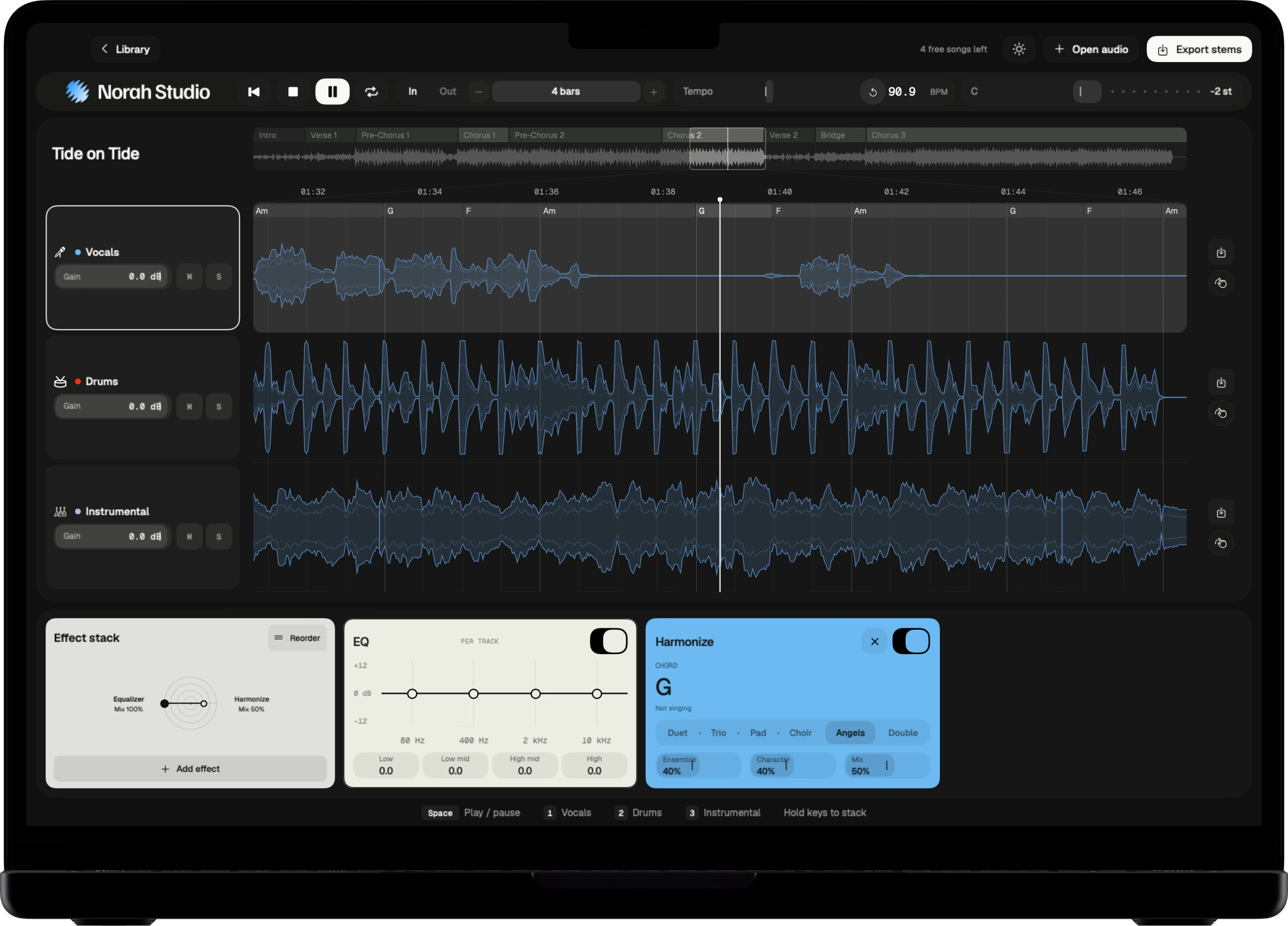
No. Norah Studio writes the chords above the vocal lane, not the words.
Can I use songs from Spotify or Apple Music?
No. Songs from streaming services are locked to their own apps. Norah Studio opens audio files you have: MP3, M4A, WAV, FLAC and more.
How good is the separation?
Good enough to learn a part, build a backing track or pull a drum loop. No separation is perfect: on a dense mix a little of the voice can stay in the instrumental.
Does it need the internet?
No. The models are inside the app, so the first song works in airplane mode.
Something else? Support answers every message.