
Isolate drums from a song
Just the groove.
Isolate drums from a song
The drum lane.
Bar by bar.
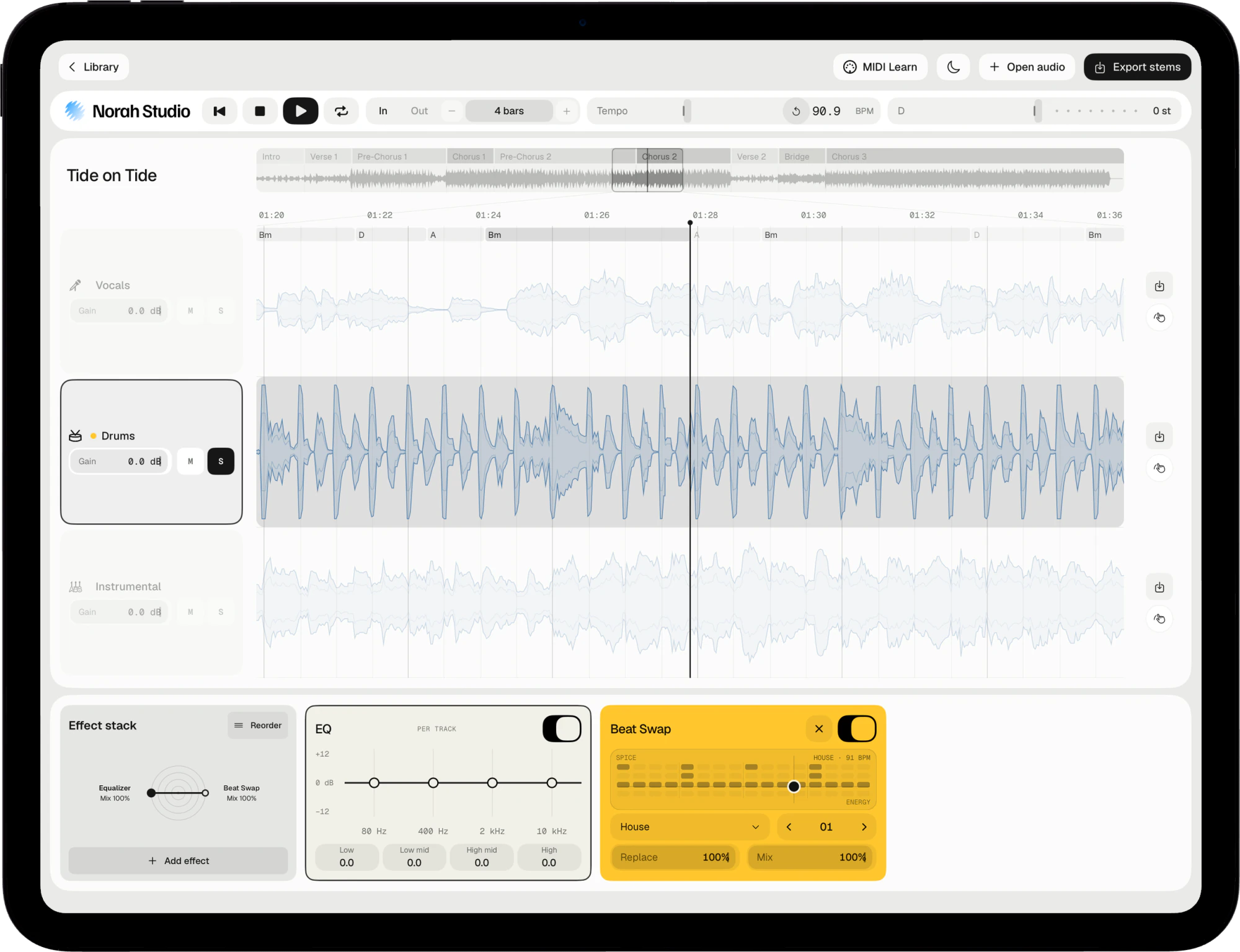
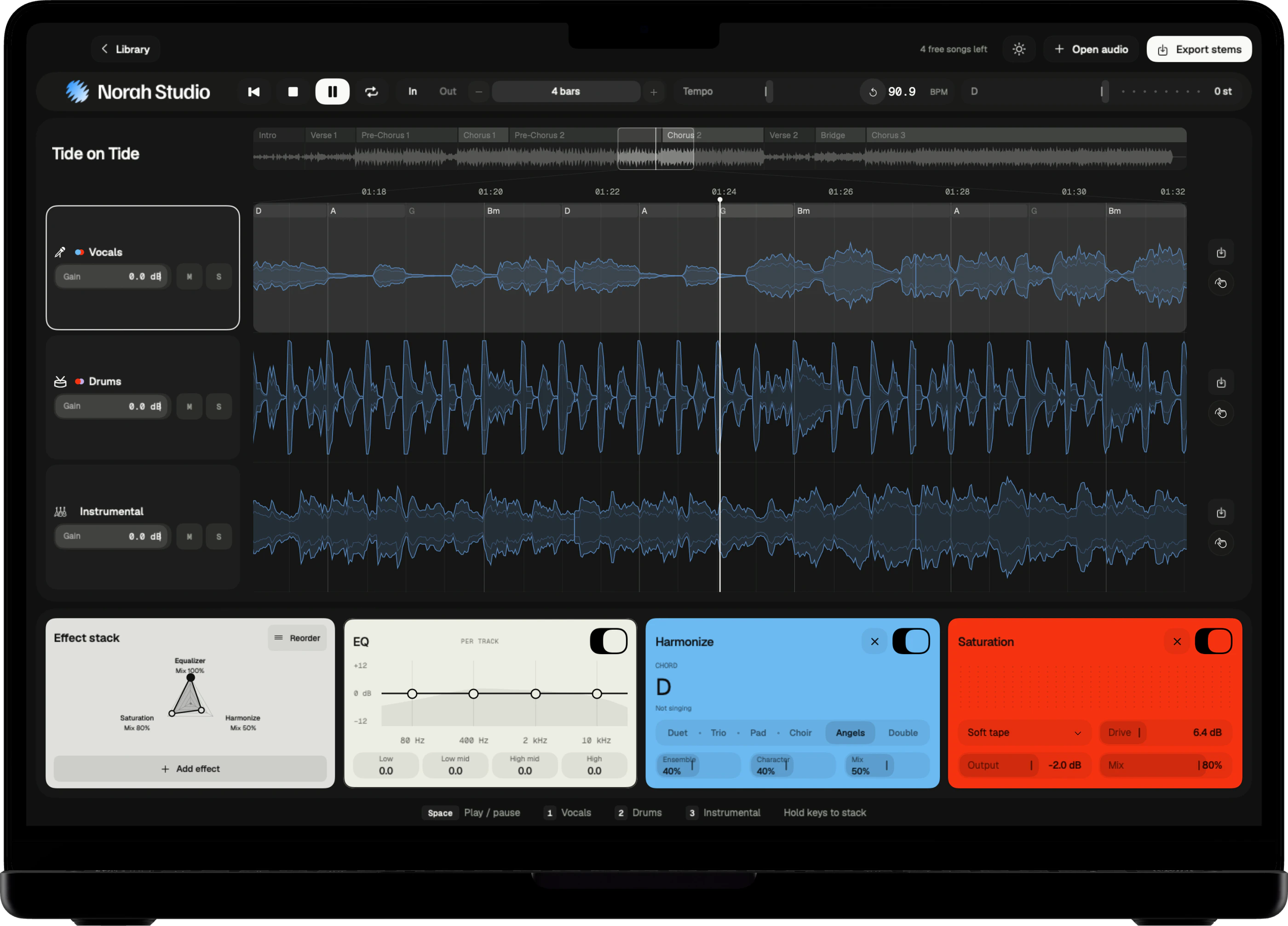
Norah Studio isolates the drums of any song you own. Solo the drum lane, loop the bars you want, and export the drums as a file, with nothing uploaded.
Download on theApp StoreHear the kit.
How it works
One lane.
Every hit on it.
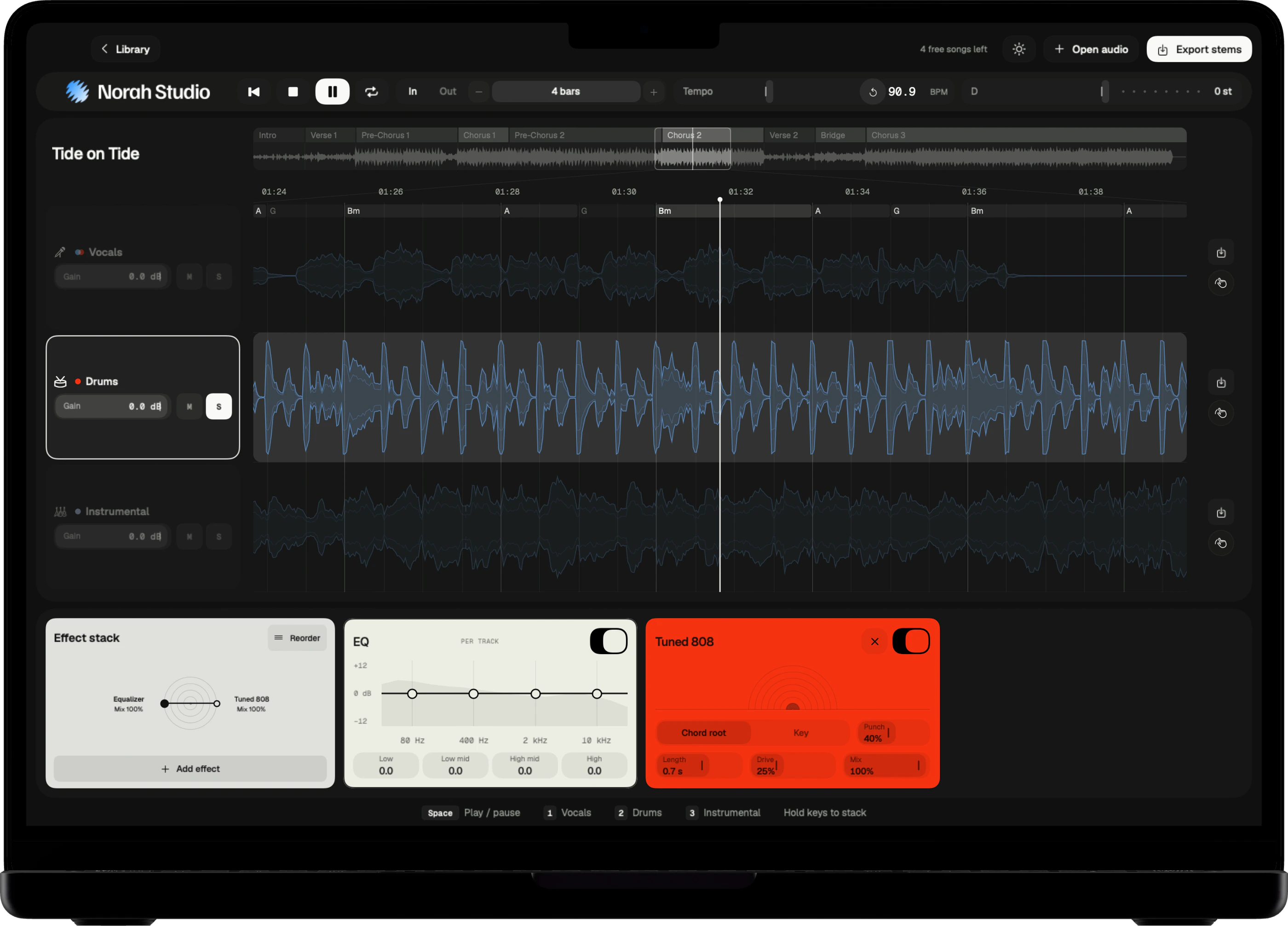
The drum lane holds the kit on its own. Solo it to hear the groove without the band, or lower the other lanes to hear how it sits.
Three steps
- Open the song.
- Solo the drum lane.
- Loop the bars you want, then export.
On Mac
Press 2 to choose the drum lane, then click S. The Mac guide
On iPad
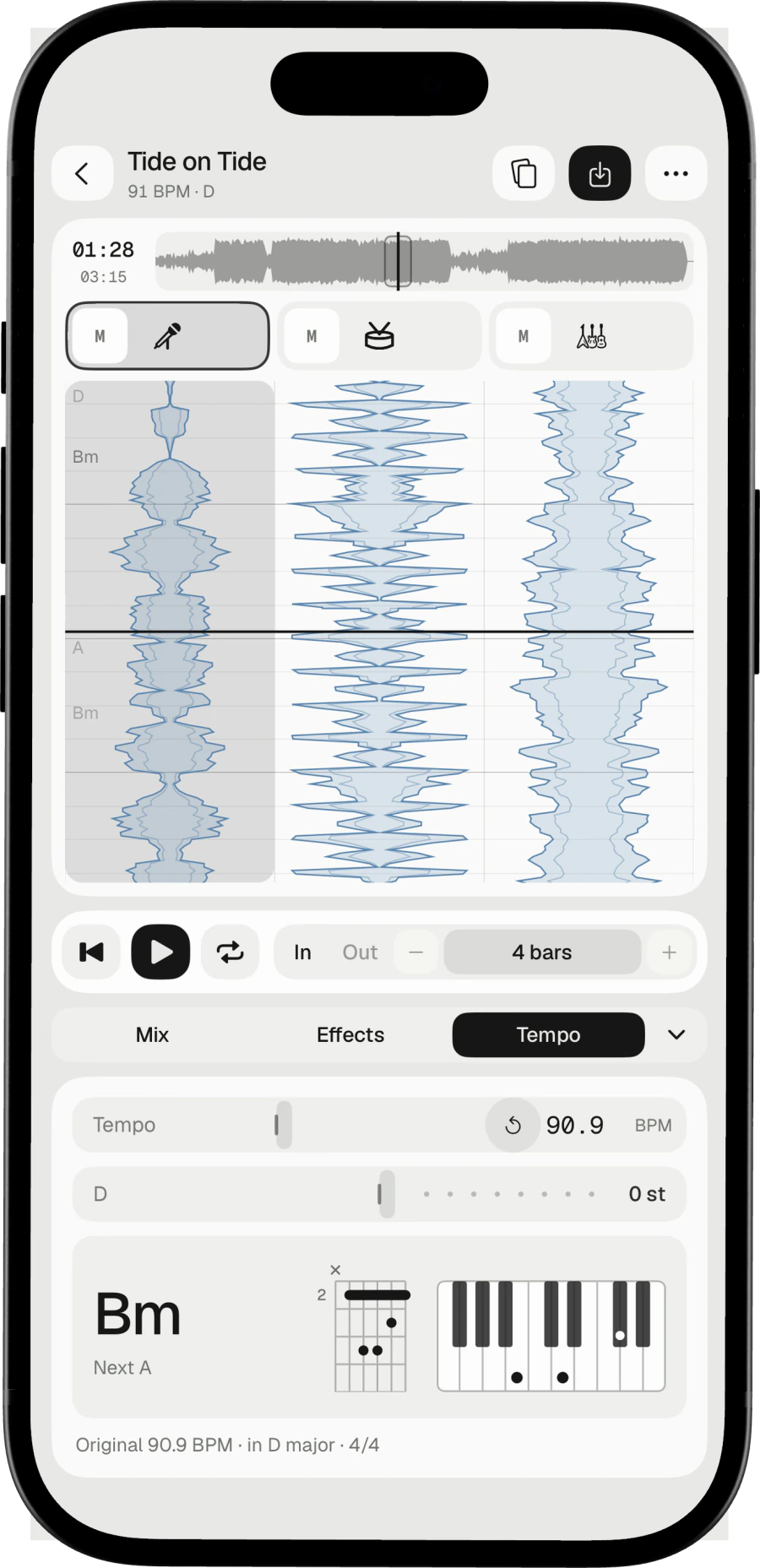
Tap S on the drum lane, or hold its icon. The iPad guide
On iPhone
Hold the drum lane's icon until its chip shows S. The iPhone guide
Loop four bars.
Drum loops
A few bars,
on repeat.
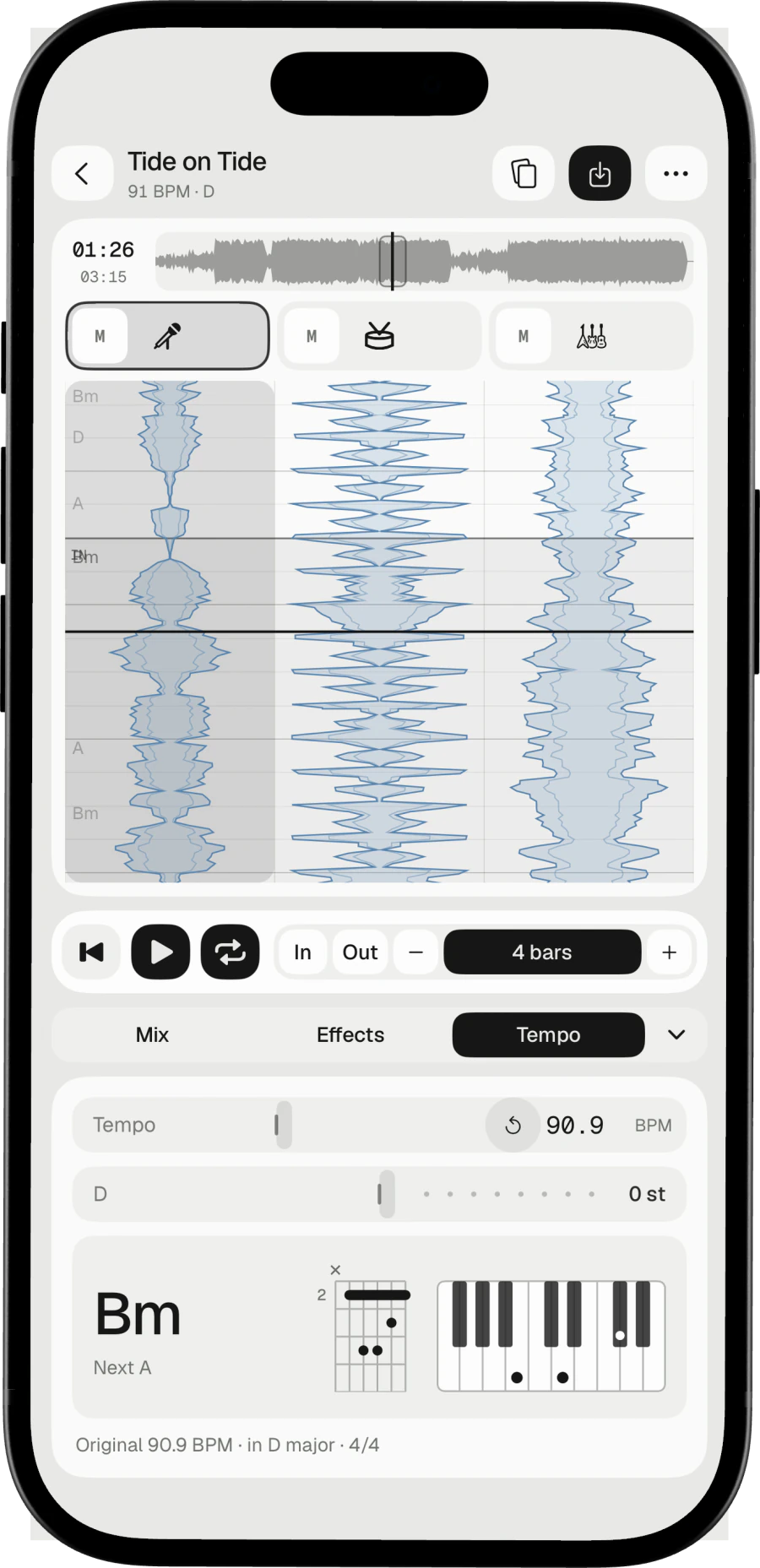
Loop points snap to the bar grid, so a loop of the drums starts and ends on a bar. The loop length doubles or halves, from one bar up. Export the loop alone, or the whole song.
Sections
The overview names the song's sections. Loop one exactly.
Rhythm effects
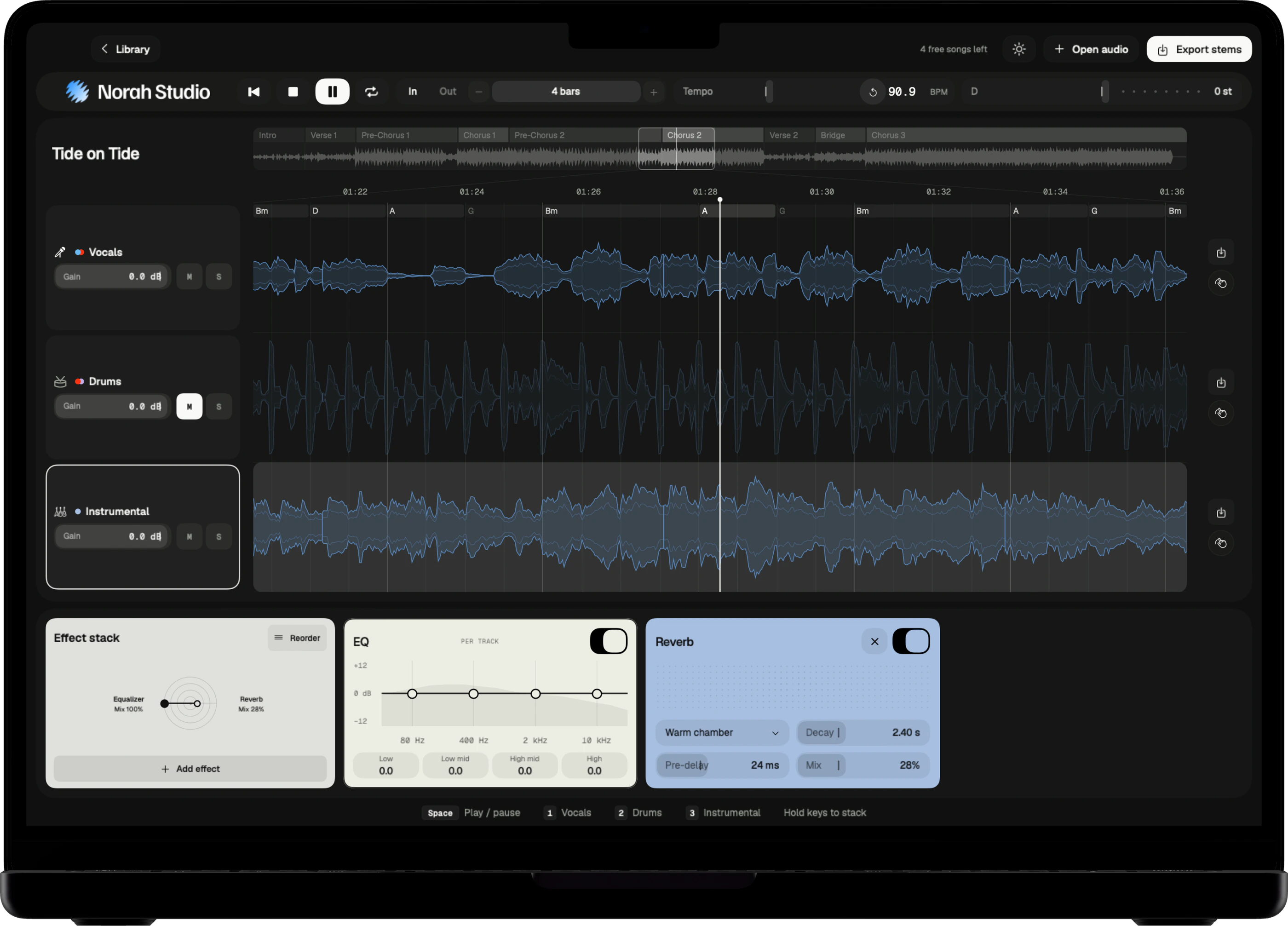
Beat Repeat, Halftime, Slice Shuffle, Reverse, Tape Stop and Trance Gate play on the drums.
Printed in
The drums leave as a file of their own, with their effects.
Try these next.
Related
One song,
more ways in.
Questions
Short answers.
Can I export only the drums?
Yes. Each lane exports on its own, with its effects printed in.
Can I export just the loop?
Yes. Export the whole song, or only the loop.
How good is the separation?
Good enough to learn a part, build a backing track or pull a drum loop. No separation is perfect: on a dense mix a little of the voice can stay in the instrumental.
Which songs can I open?
Any audio file you already have that the system decodes: MP3, M4A and AAC, WAV, AIFF, FLAC, CAF and more, up to ten minutes. Norah Studio cannot open songs from streaming services: their files are locked to their own apps.
Something else? Support answers every message.