
Change the key of a song
Change the key.
Change the key of a song
A new key.
The same tempo.
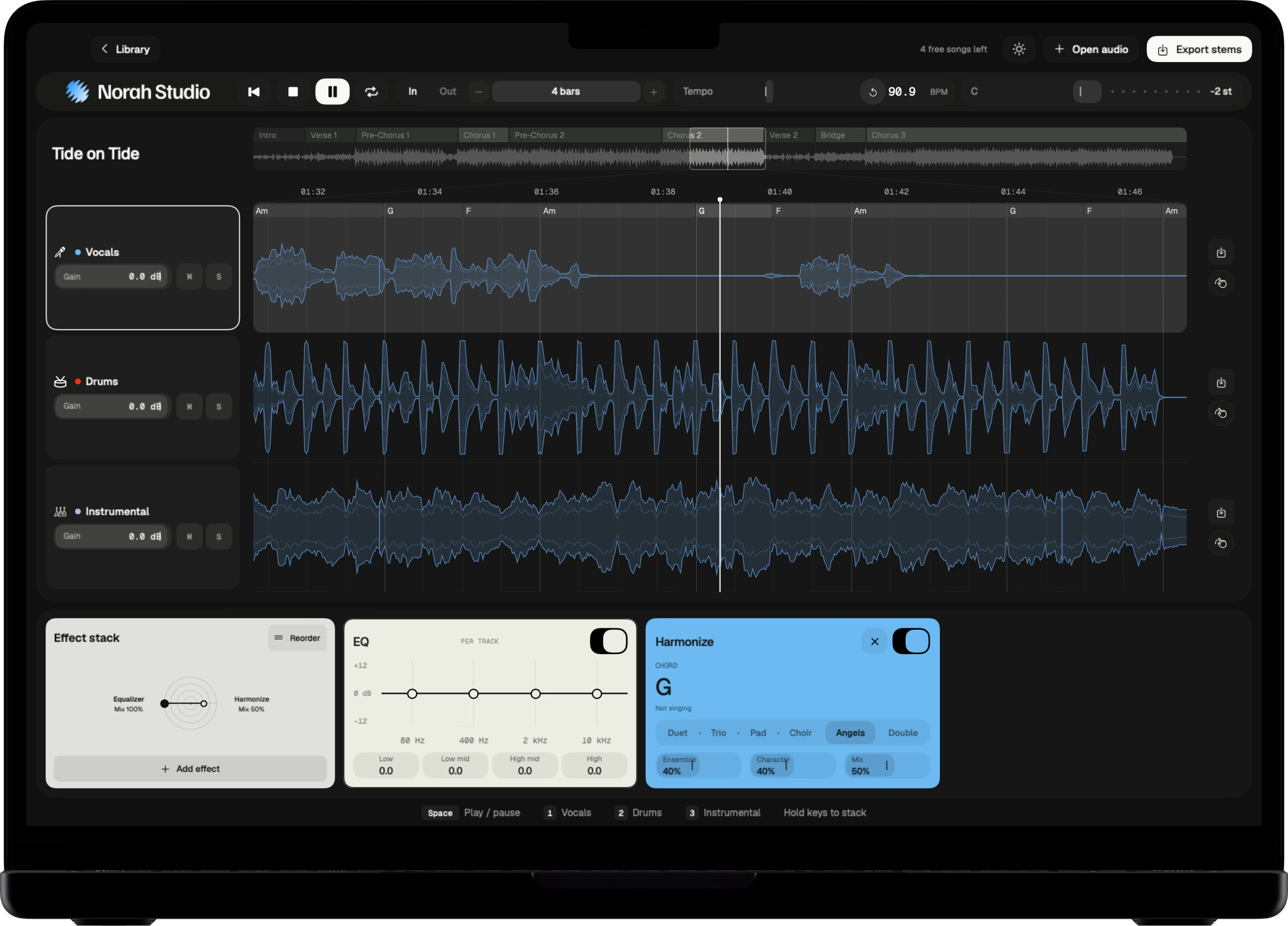
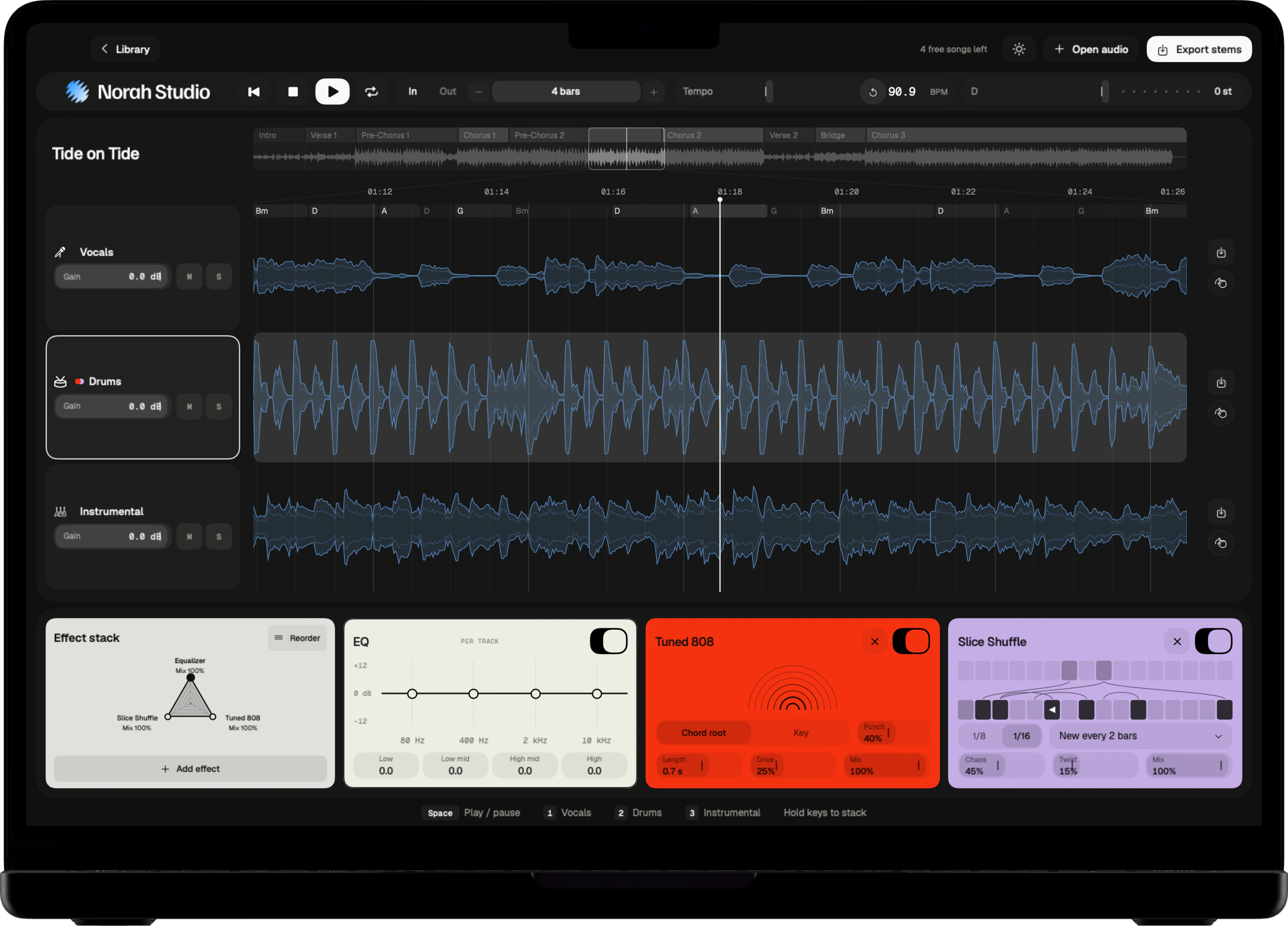
Norah Studio changes the key of a song while it plays, up to twelve semitones up or down, and leaves the tempo as it was. Move a song into your voice, or onto shapes your hands already know.
Download on theApp StoreSemitone by semitone.
How it works
Move the key.
Hear it move.
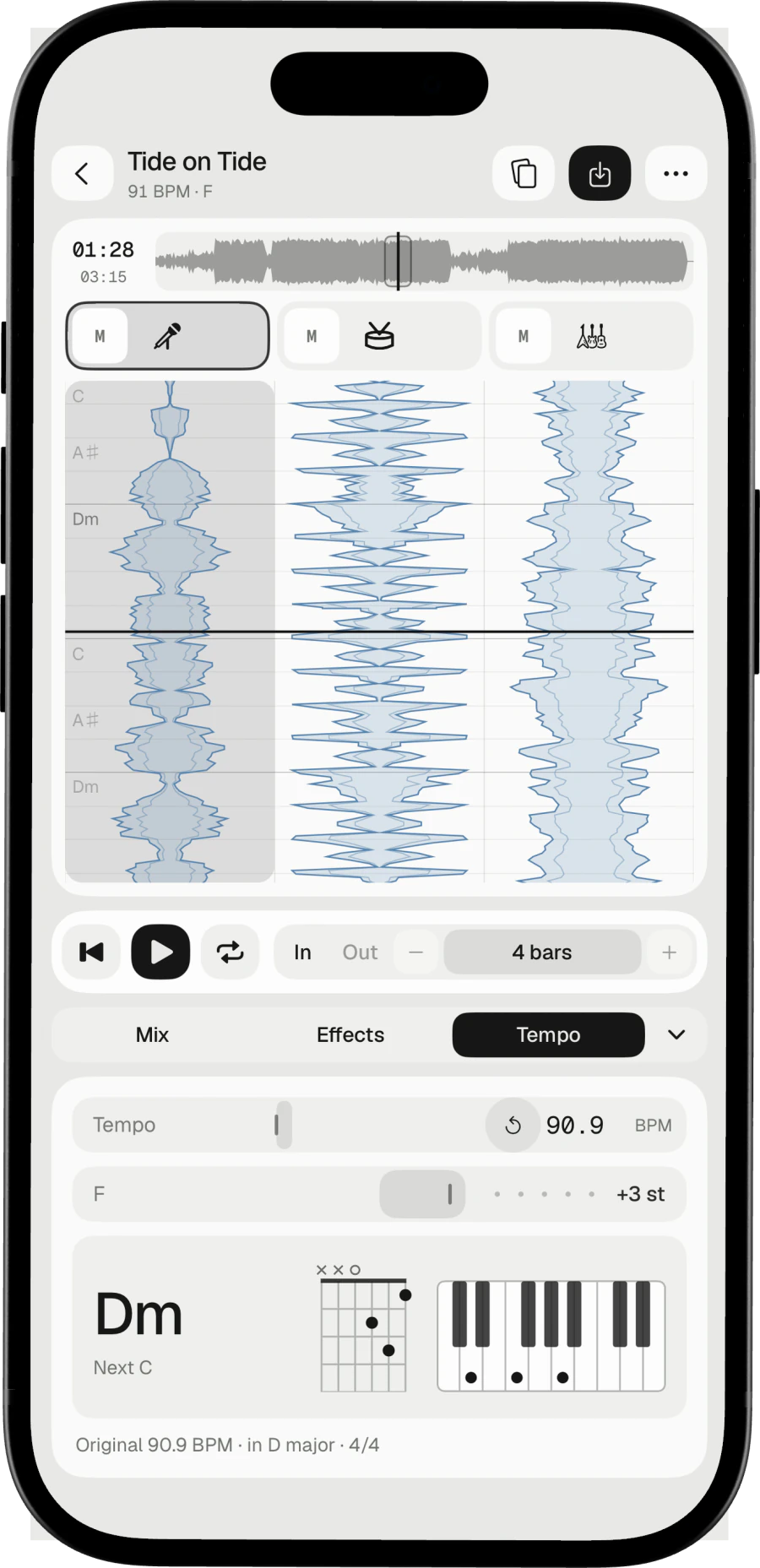
The key moves in semitones, and the three lanes move together, in step. The tempo does not change.
Three steps
- Open the song. Norah Studio estimates its key.
- Move the key up or down, a semitone at a time.
- Go up to twelve semitones either way.
On Mac
Drag the key control in the toolbar. The Mac guide
On iPad
Slide the key. The toolbar shows the semitones as you go. The iPad guide
On iPhone
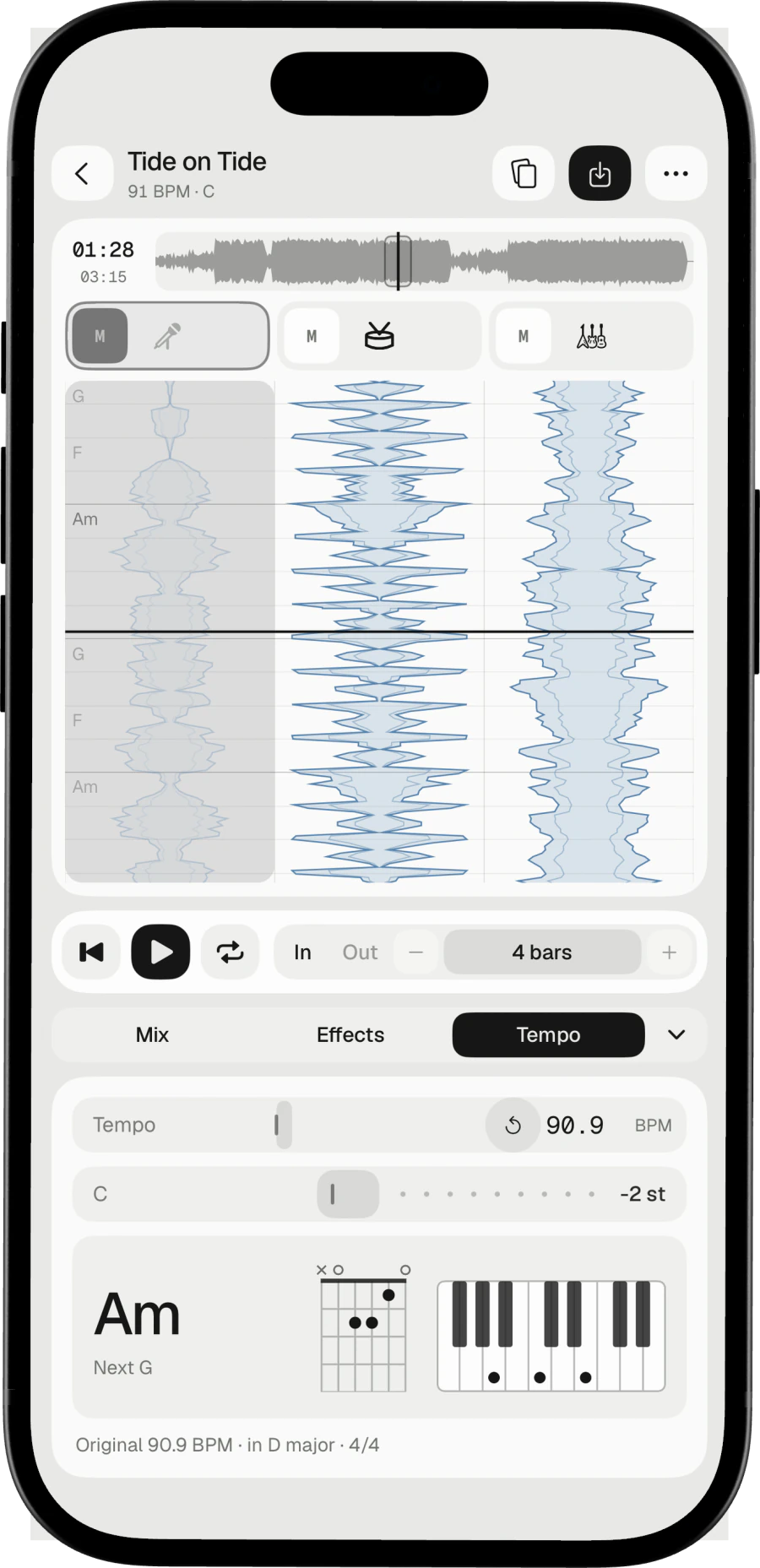
Open the Tempo panel and slide the key. The iPhone guide
Find your range.
Why change it
Your range.
Your shapes.
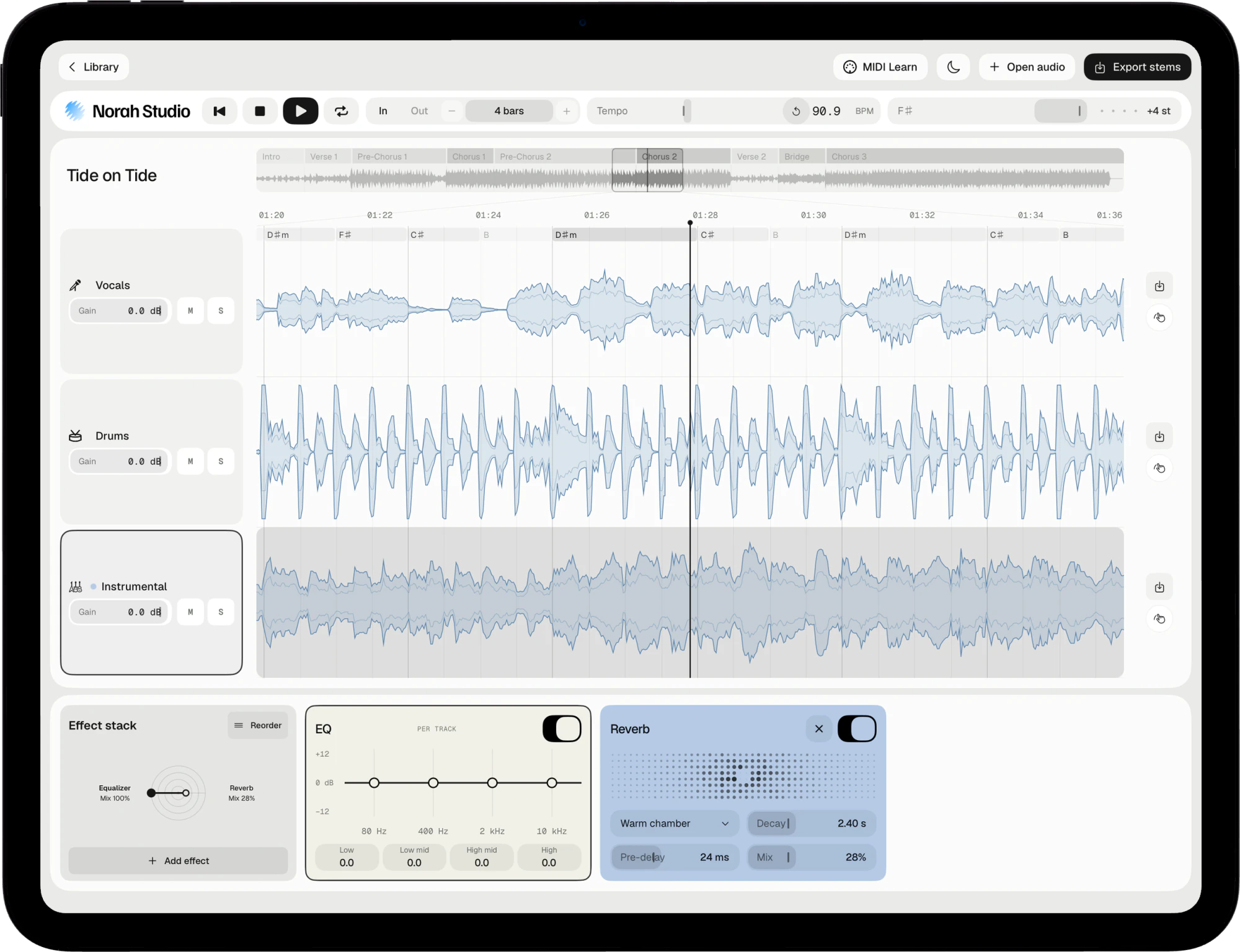
Too high, and the chorus strains. In an awkward key, the fingers tangle. Moving the song fixes both.
Singers
Find the key where the chorus sits comfortably.
Guitar and keys
Move the song to the key you play it in.
Take it with you
Exported stems leave in the new key, and so do the MIDI chords.
Try these next.
Related
One song,
more ways in.
Questions
Short answers.
How far can I move the key?
Up to twelve semitones up or down.
Does changing the key change the speed?
No. Key and tempo are separate controls.
Are the tempo, key and chords exact?
They are estimates, and the app labels them so. They are good enough to loop by bars and play along.
Does it need the internet?
No. The models are inside the app, so the first song works in airplane mode.
Something else? Support answers every message.