Things to try
Ways to listen.
Things to try
Three lanes.
Many uses.
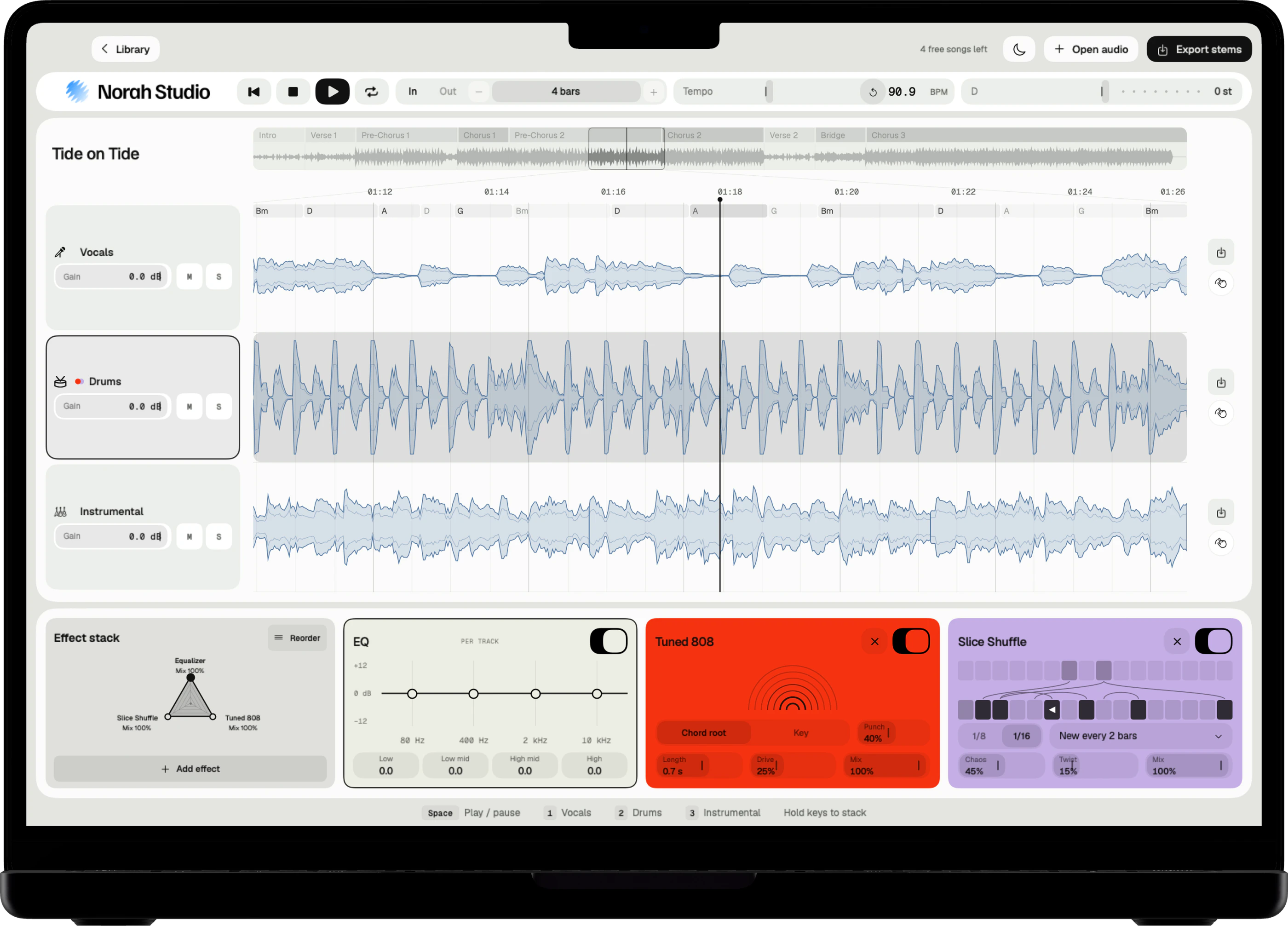
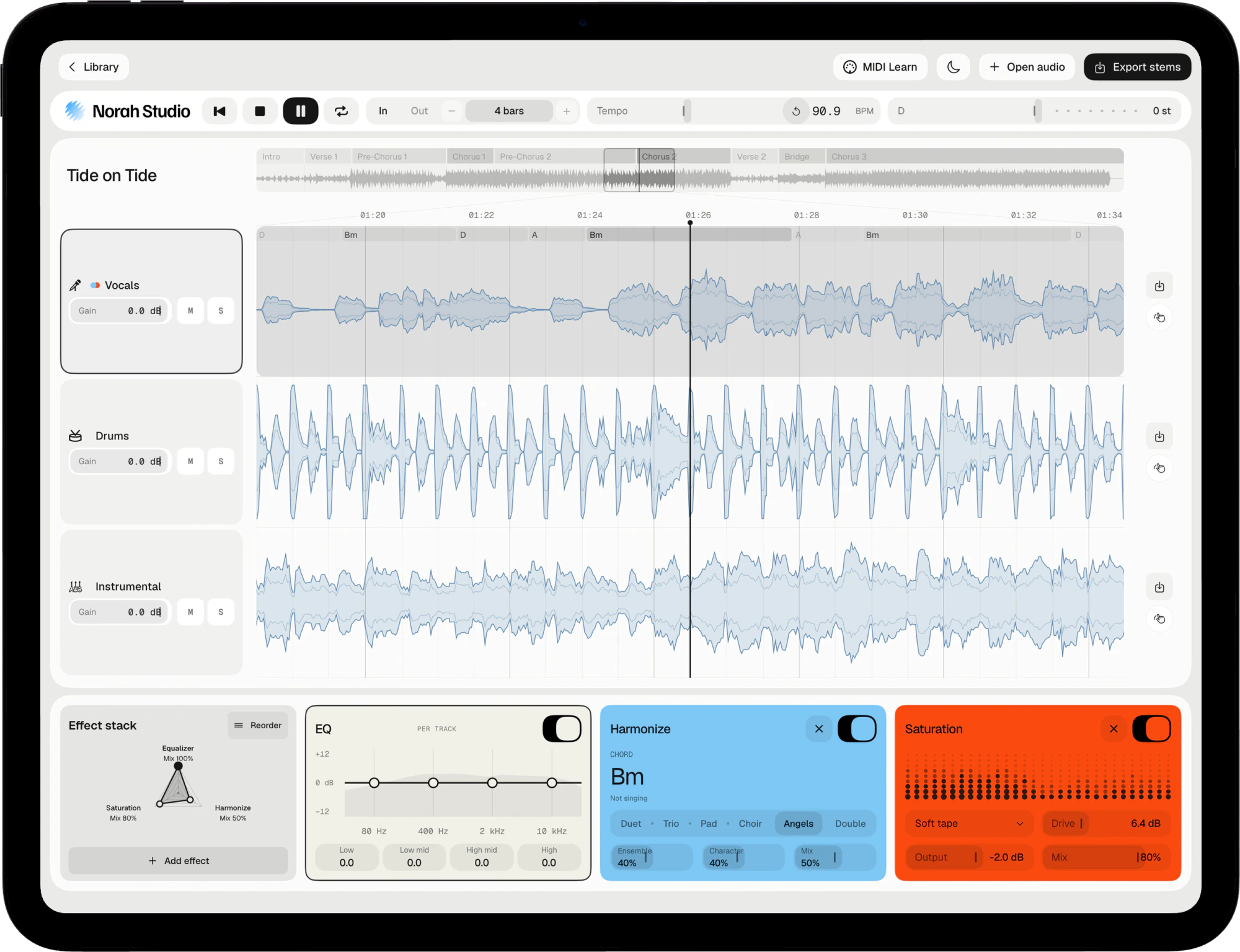
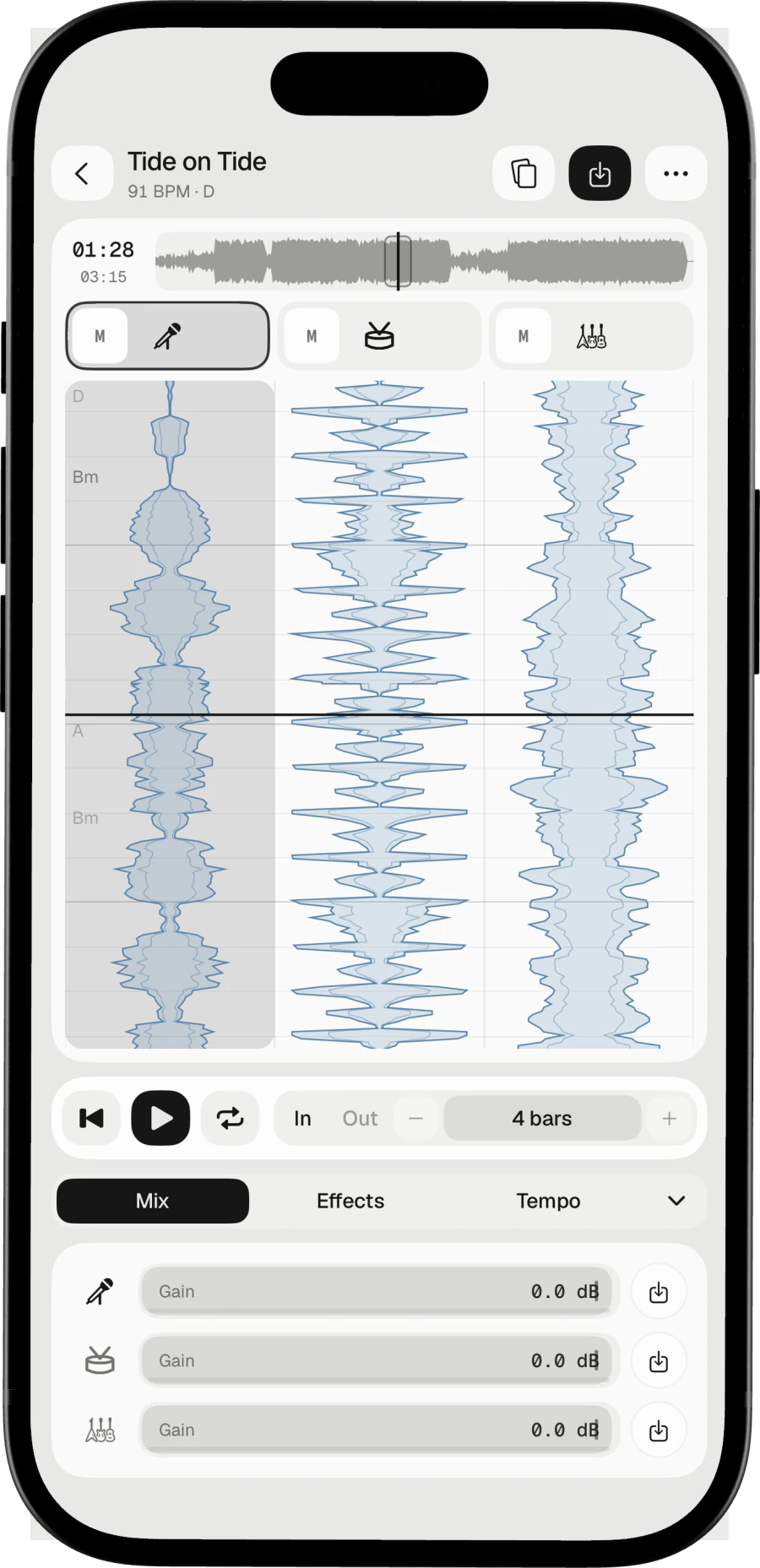
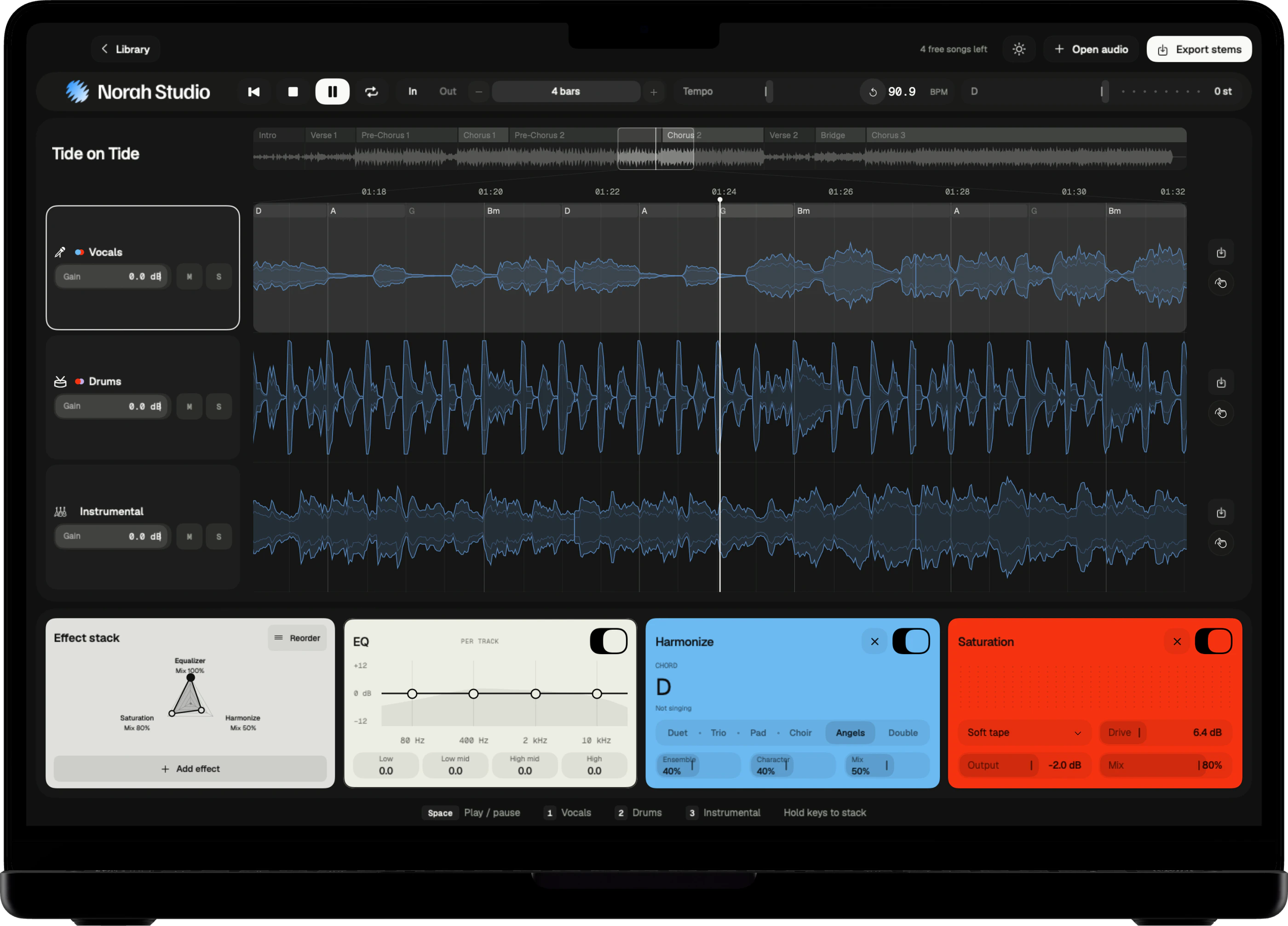
Norah Studio takes a song apart into vocals, drums and instrumental. Each page shows one way in, step by step, on the Mac, the iPad and the iPhone.
Download on theApp StorePick a task.
Things to try
Start with a song.
Choose what to do.
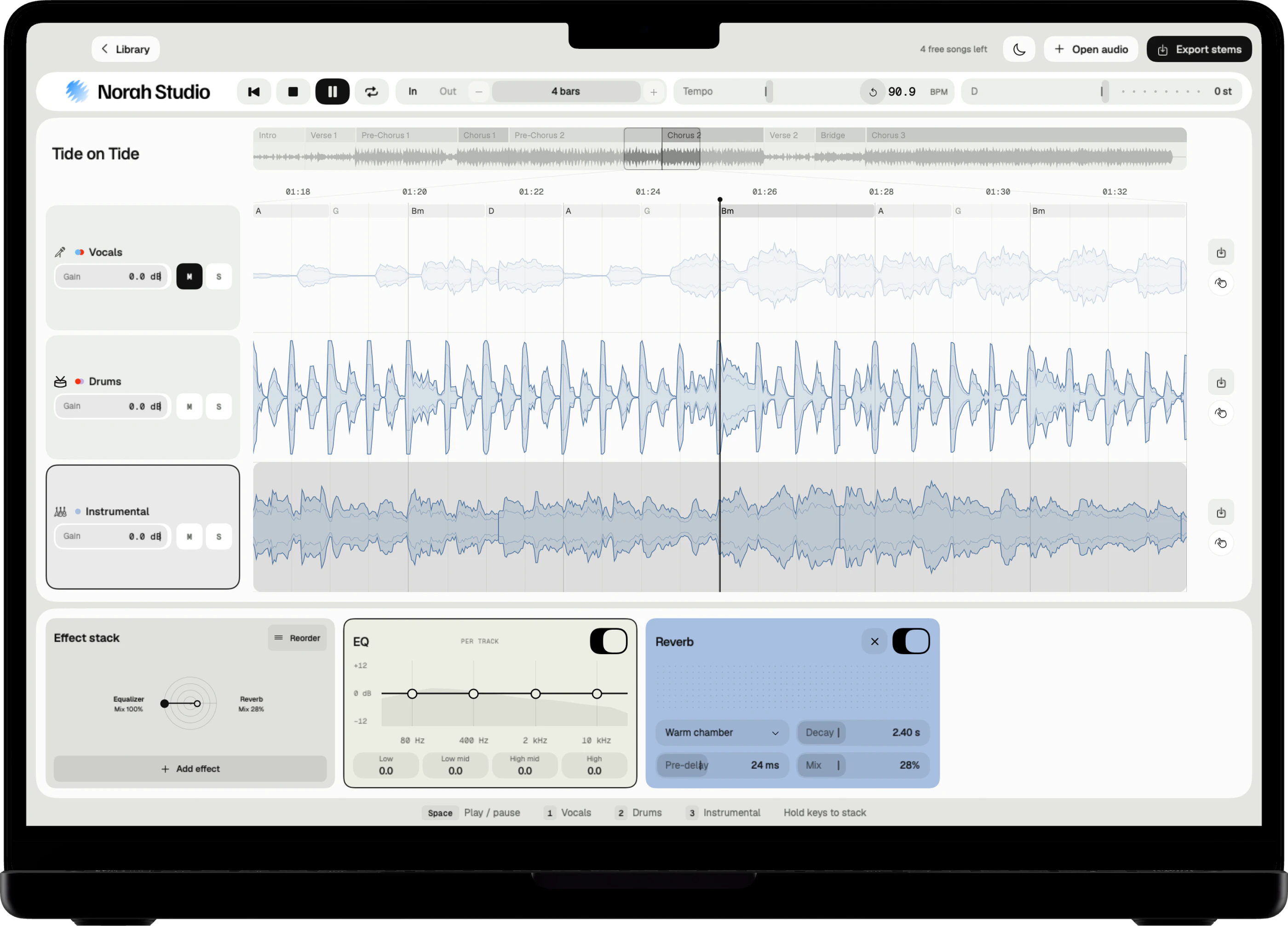
Remove vocals
Take the singer out of any song you own.
Read more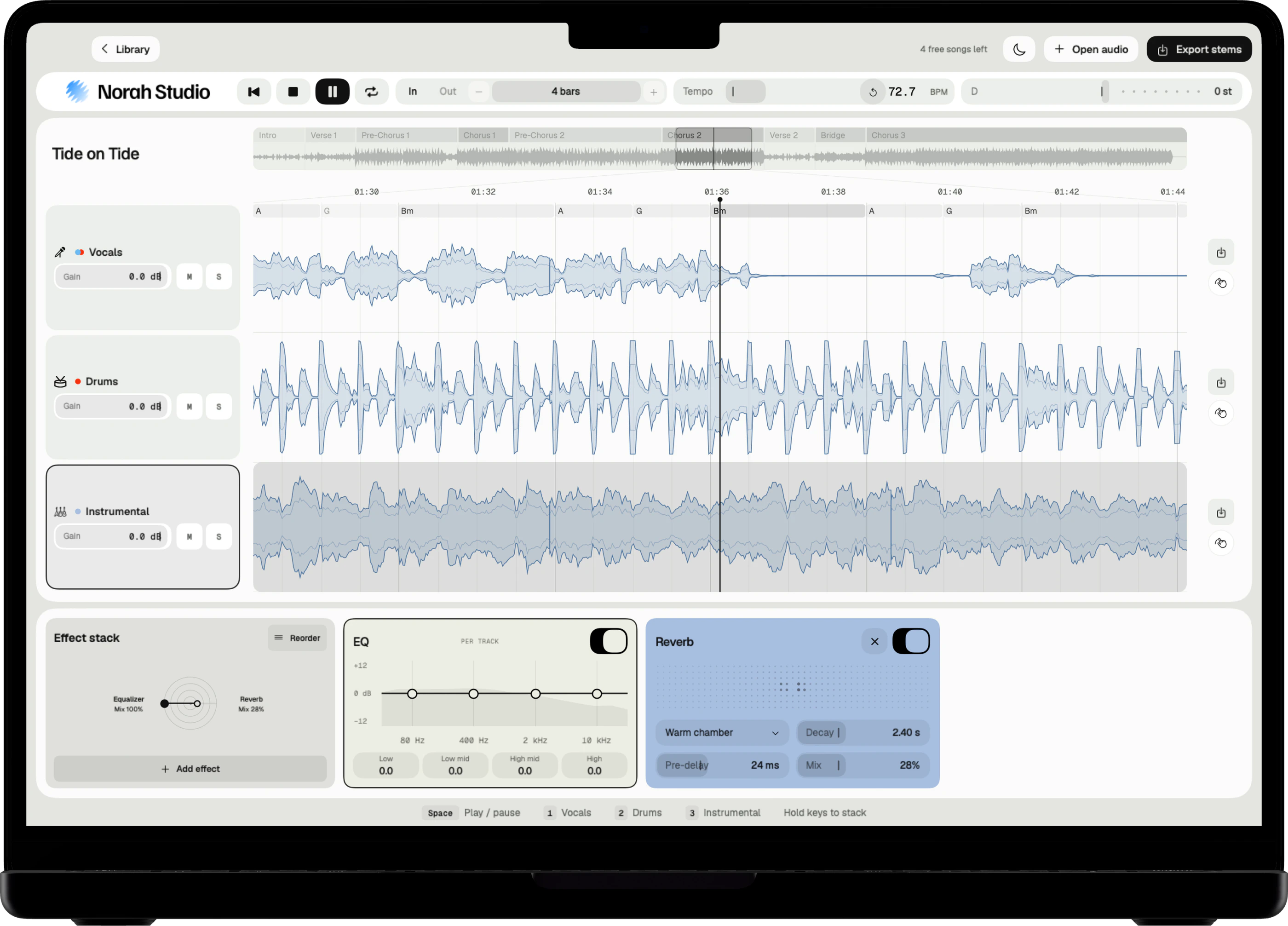
Slow down a song
Practise at your speed, in the same key.
Read more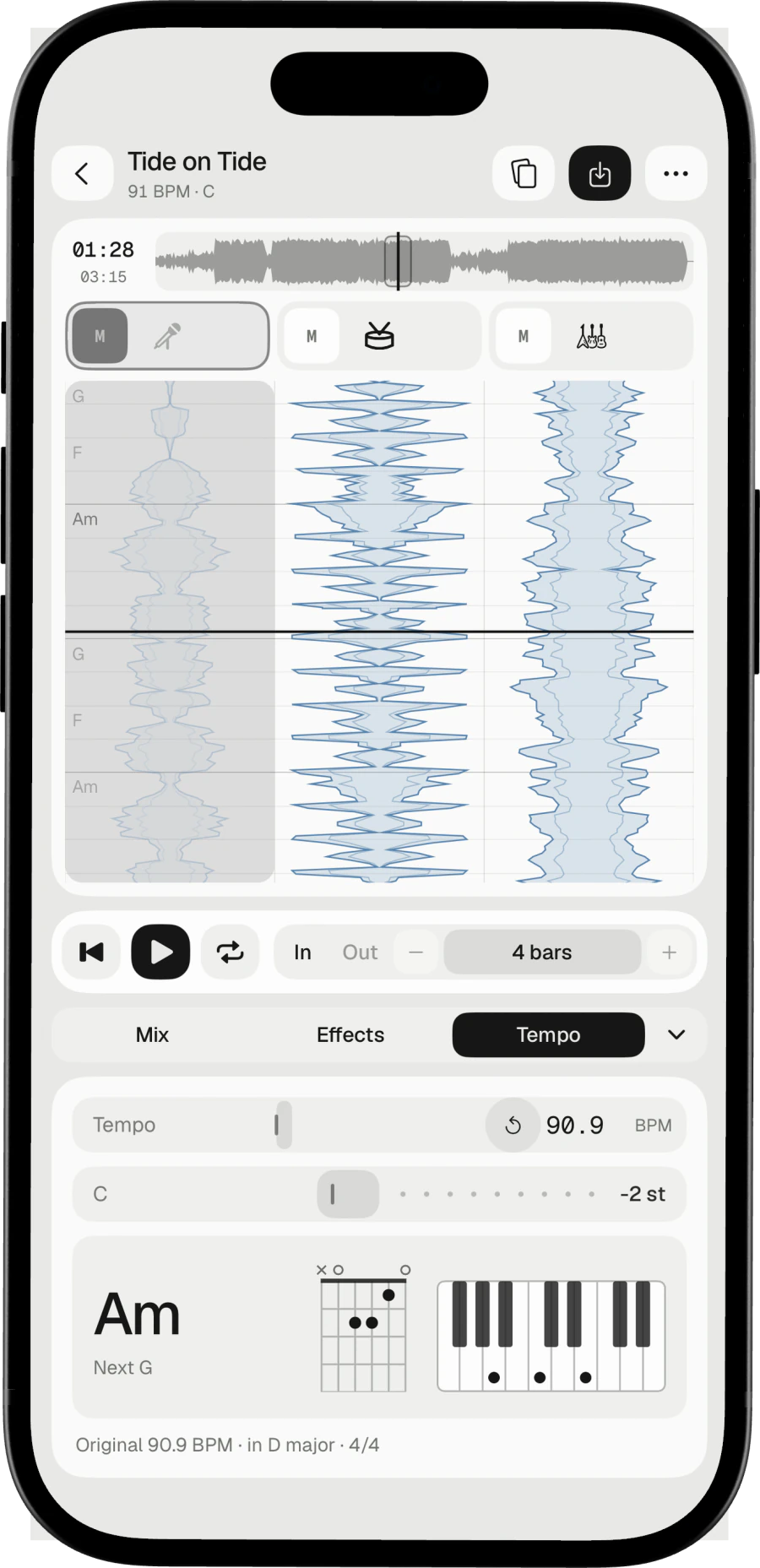
Karaoke
The record's own band, in your key.
Read more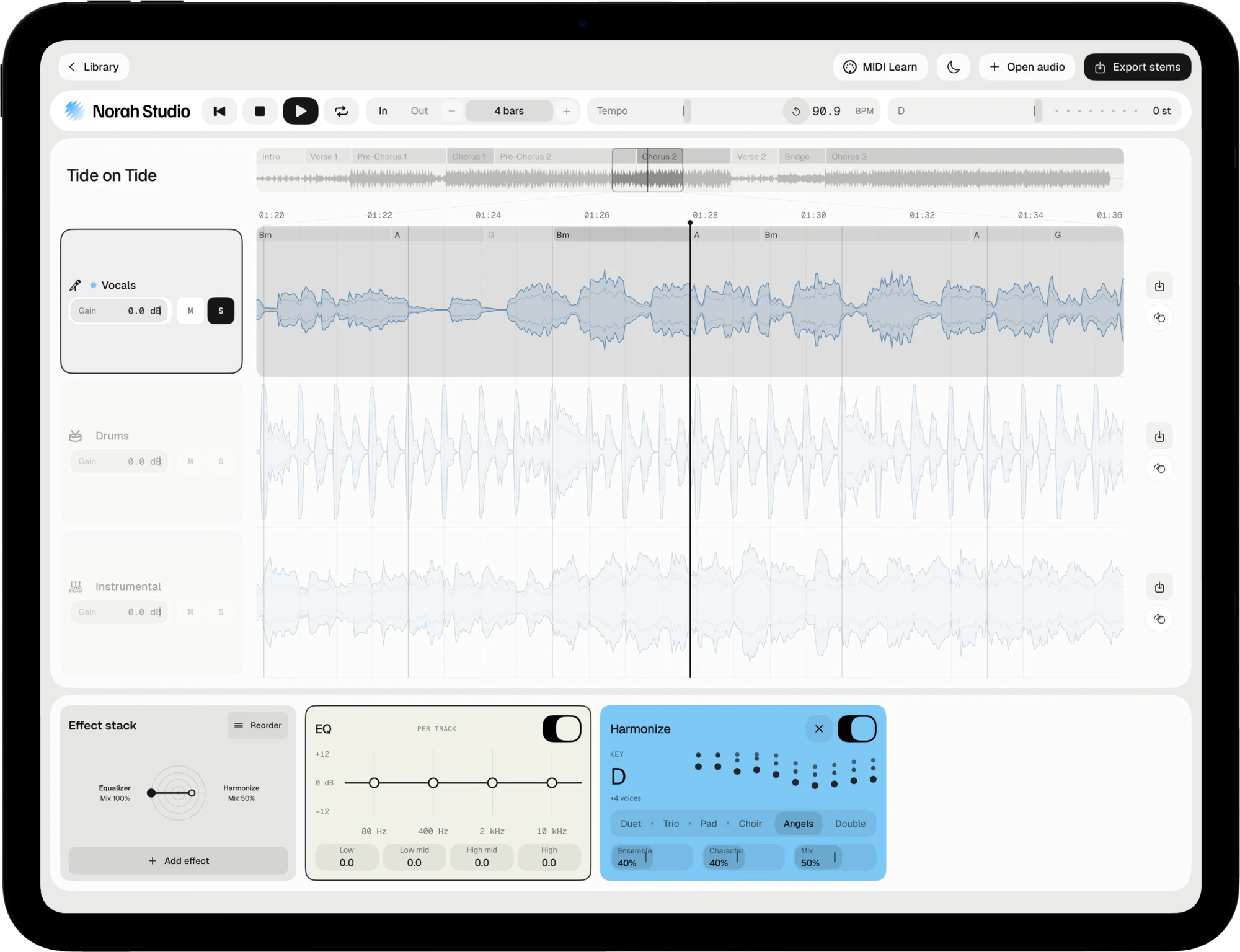
Isolate vocals
The voice alone, for an a cappella.
Read more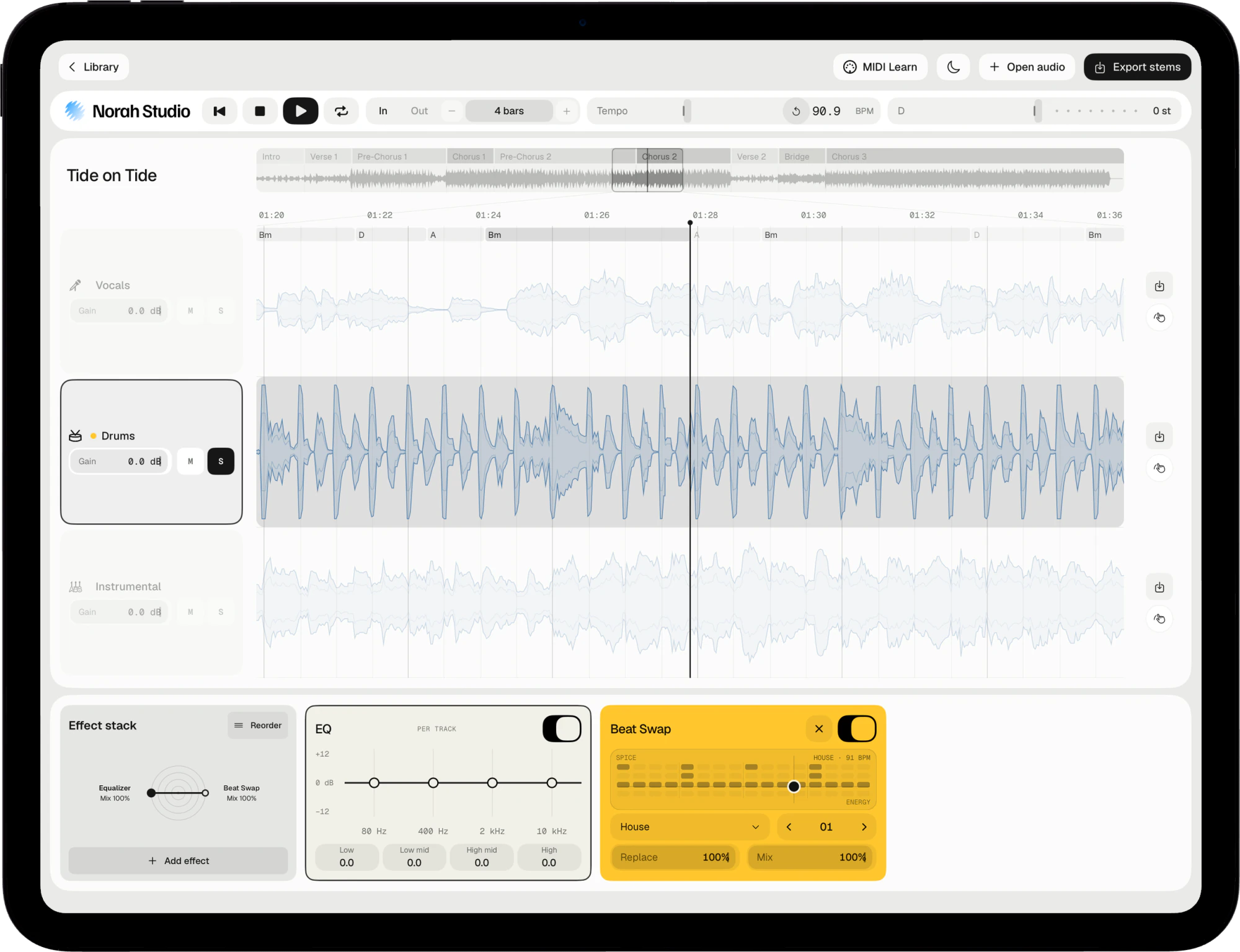
Isolate drums
A drum stem, or a loop of it.
Read more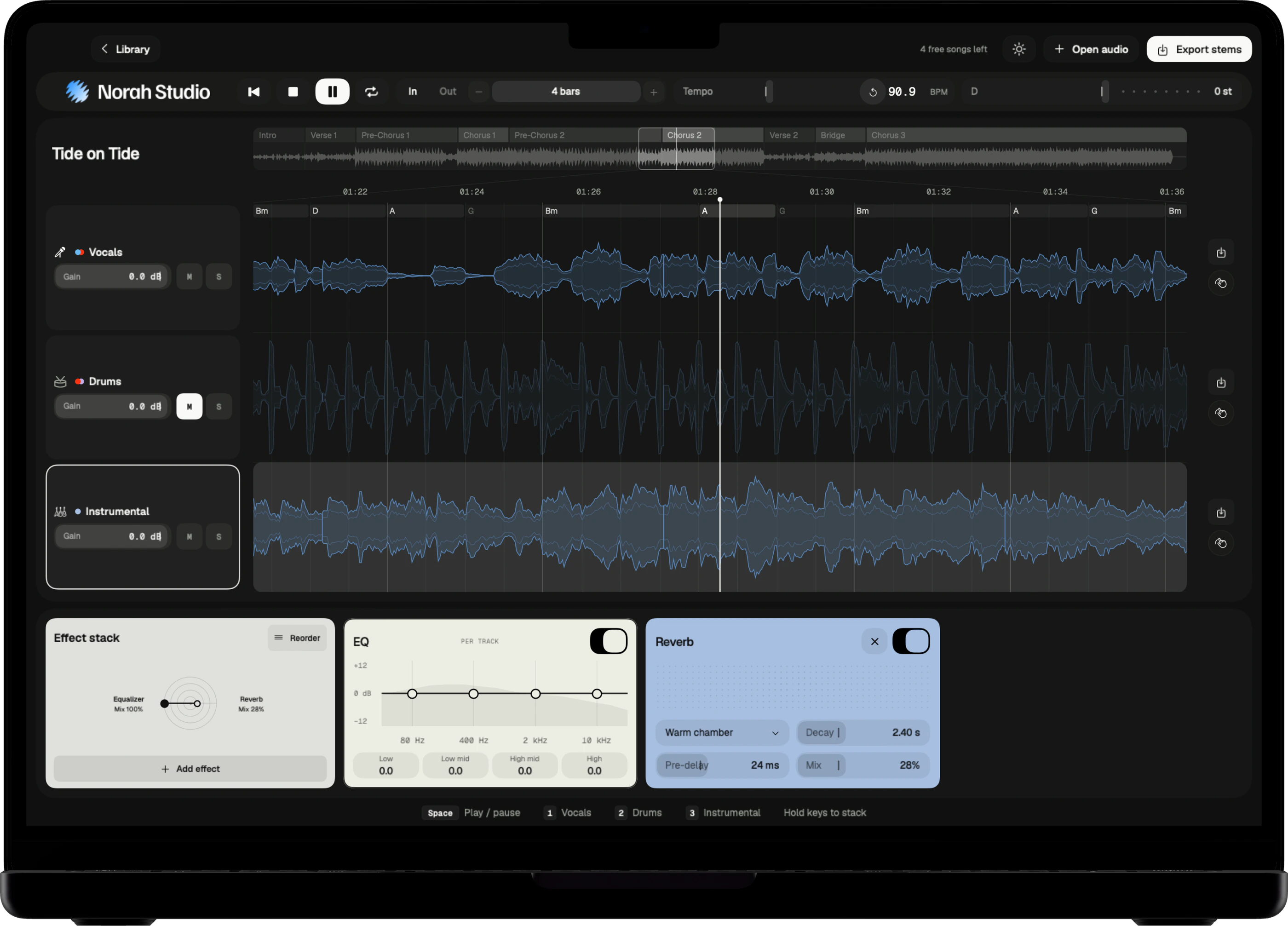
Drum along
The band without its drummer.
Read more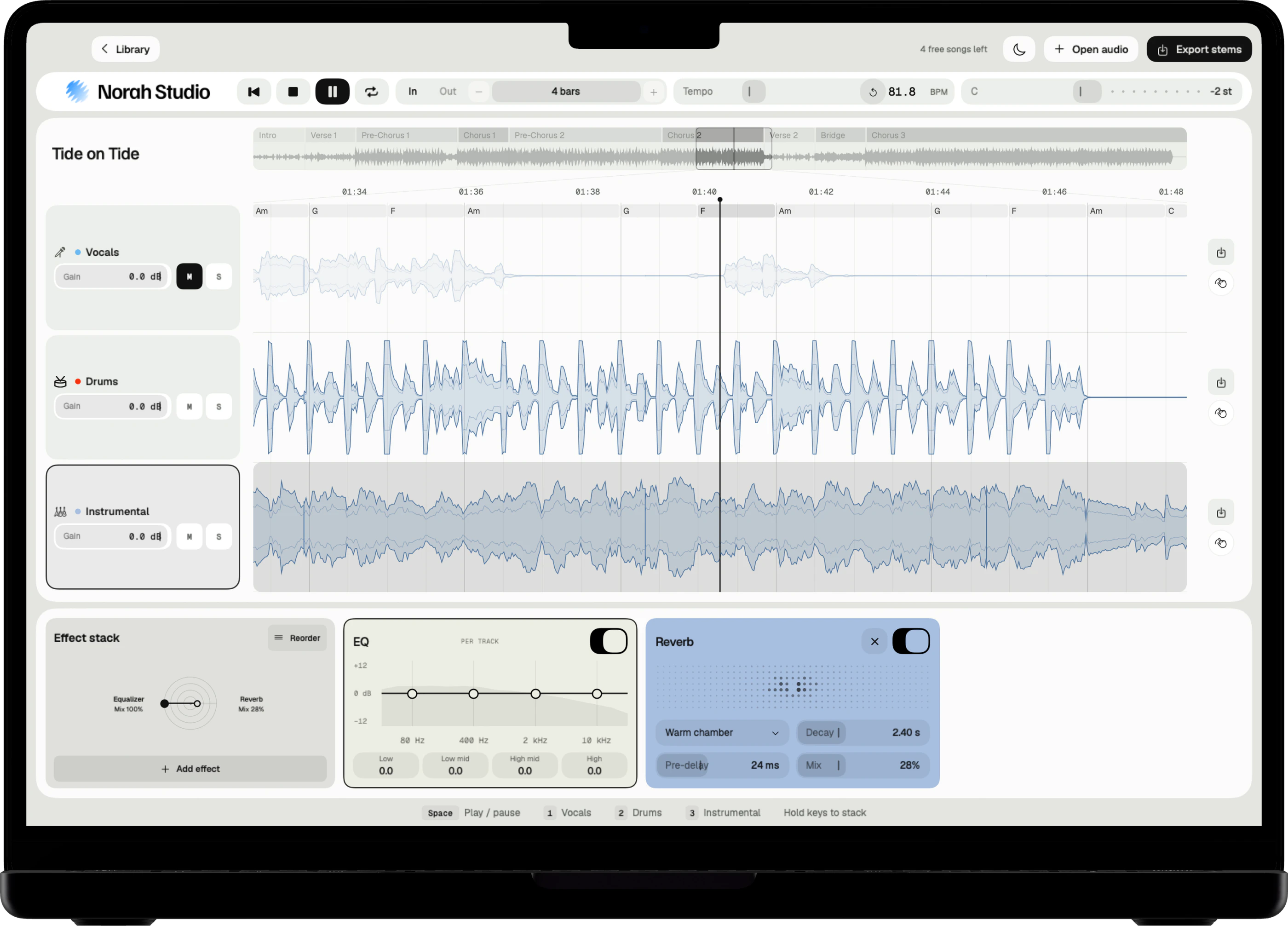
Backing track
Leave out your part. Keep the rest.
Read more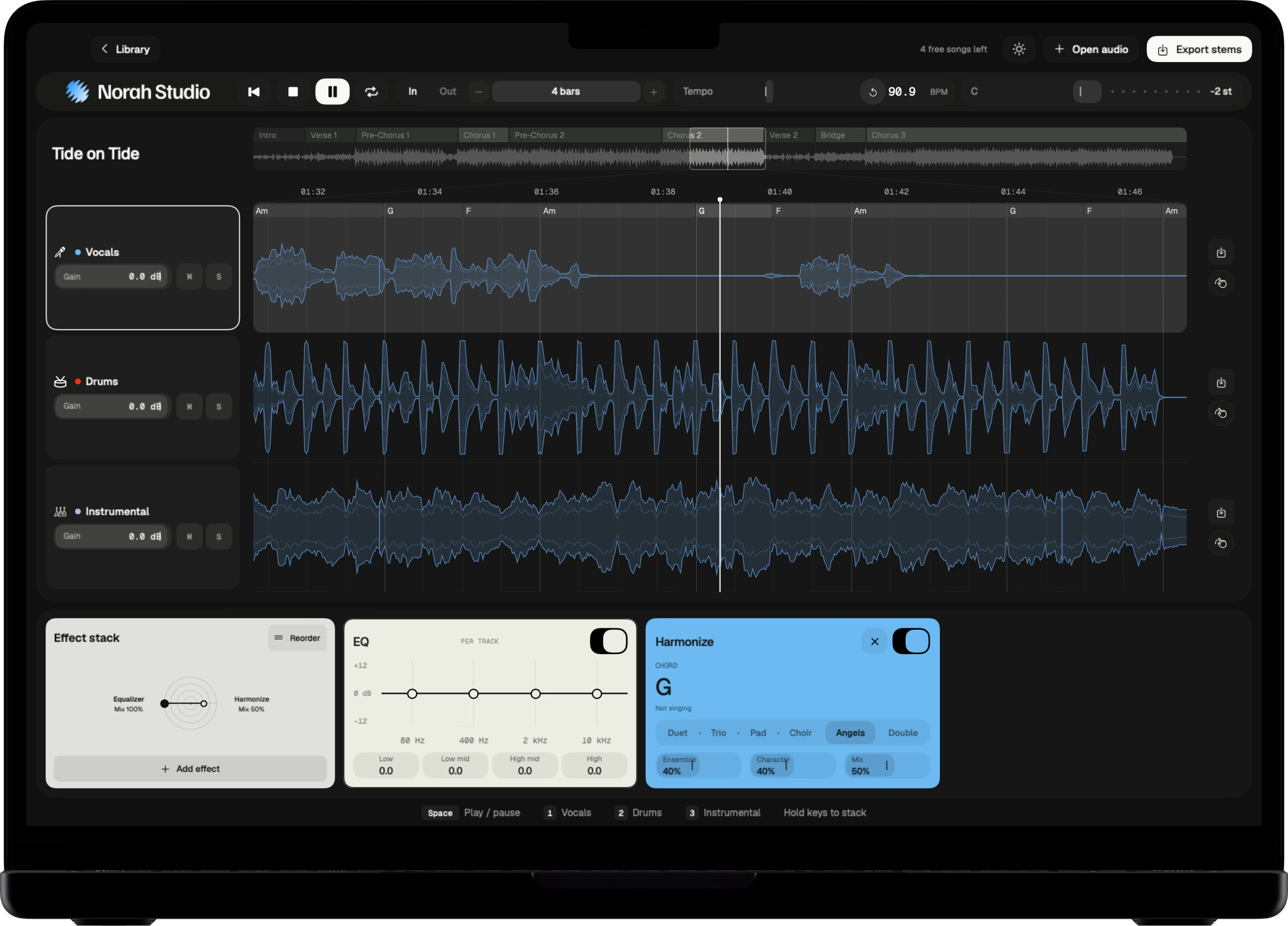
Change the key
Your range, at the same speed.
Read more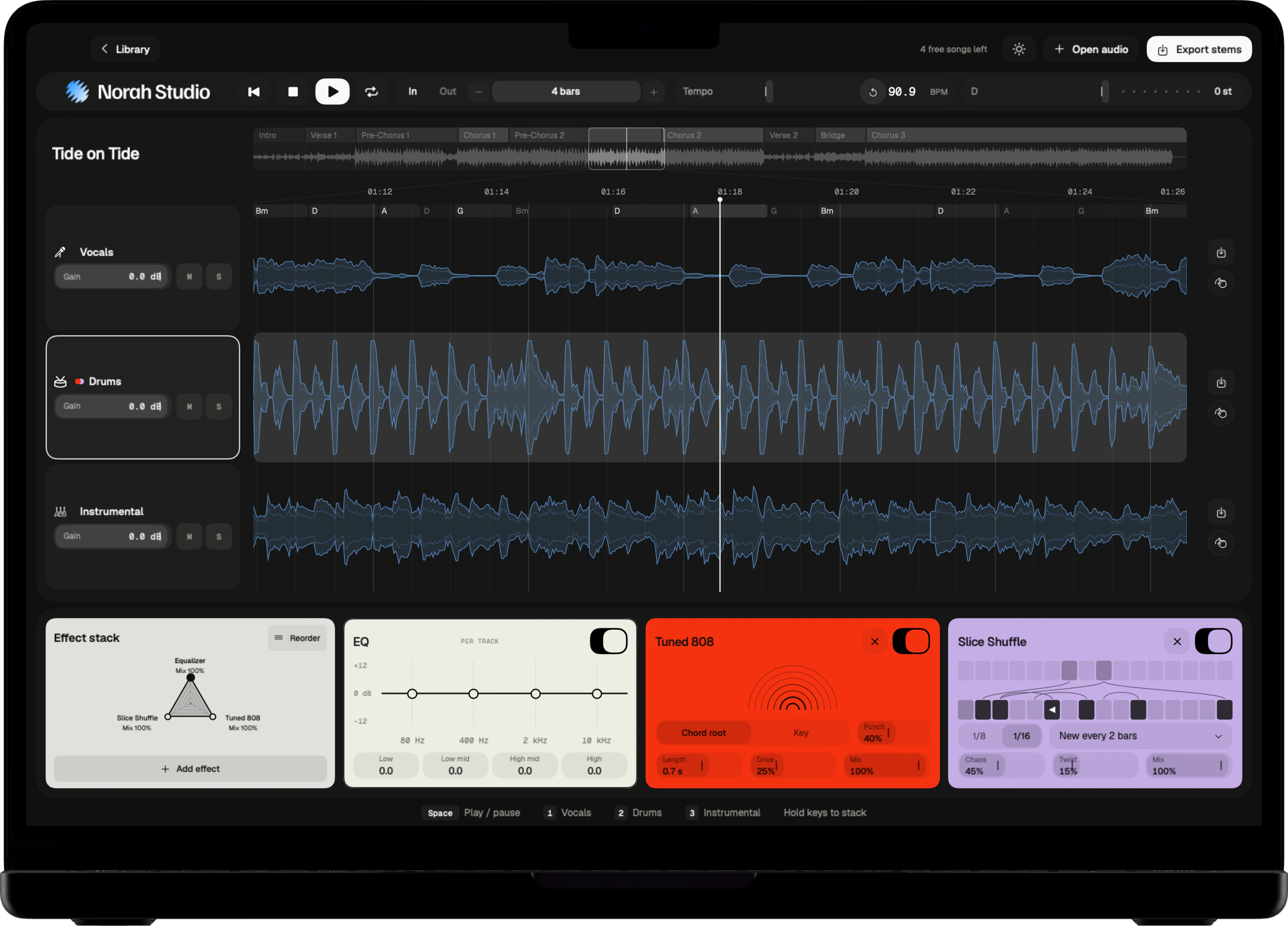
Find the chords
The song's chords, on screen.
Read more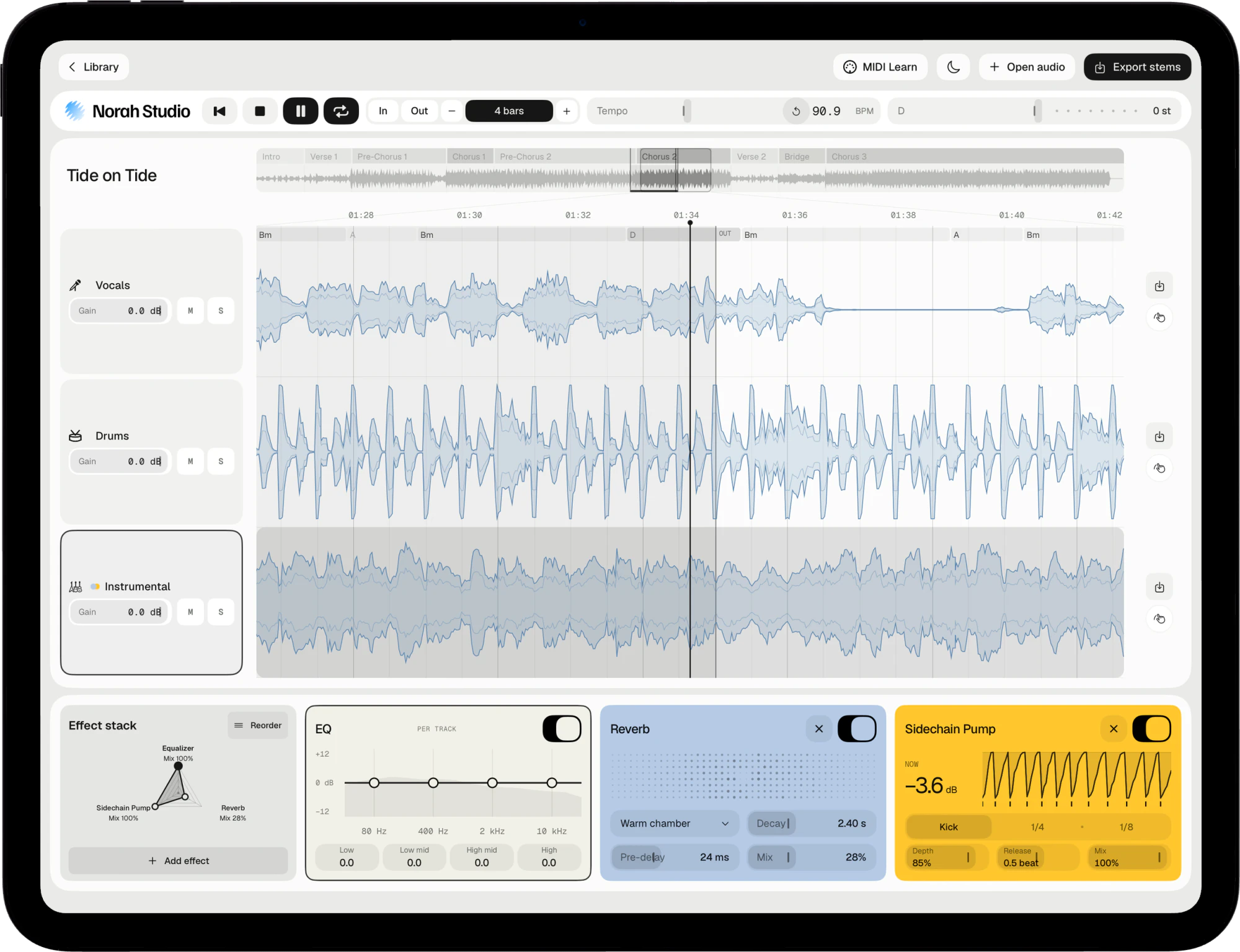
Loop a section
Four bars, as often as you need.
Read more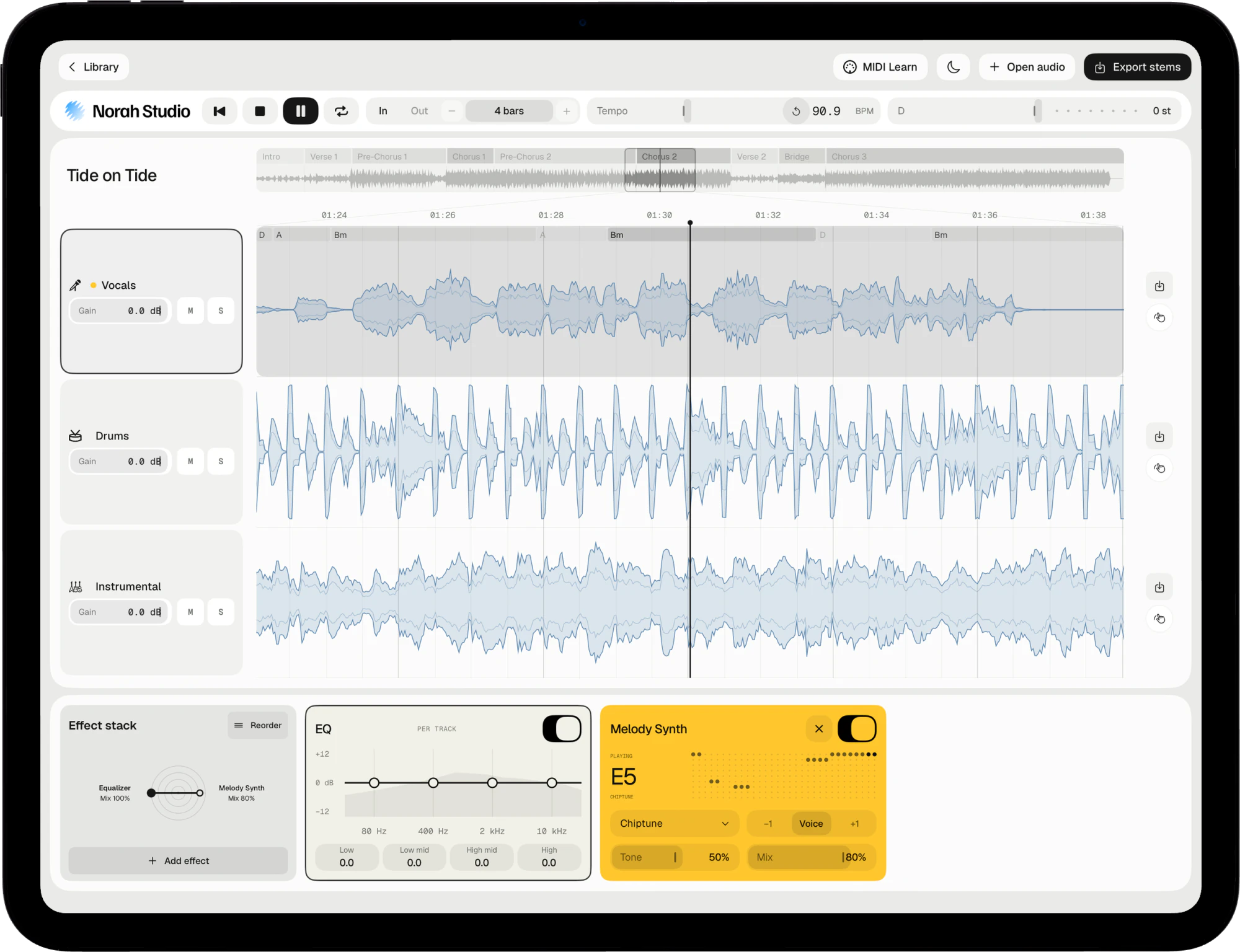
Melody to MIDI
The melody and chords, as MIDI.
Read more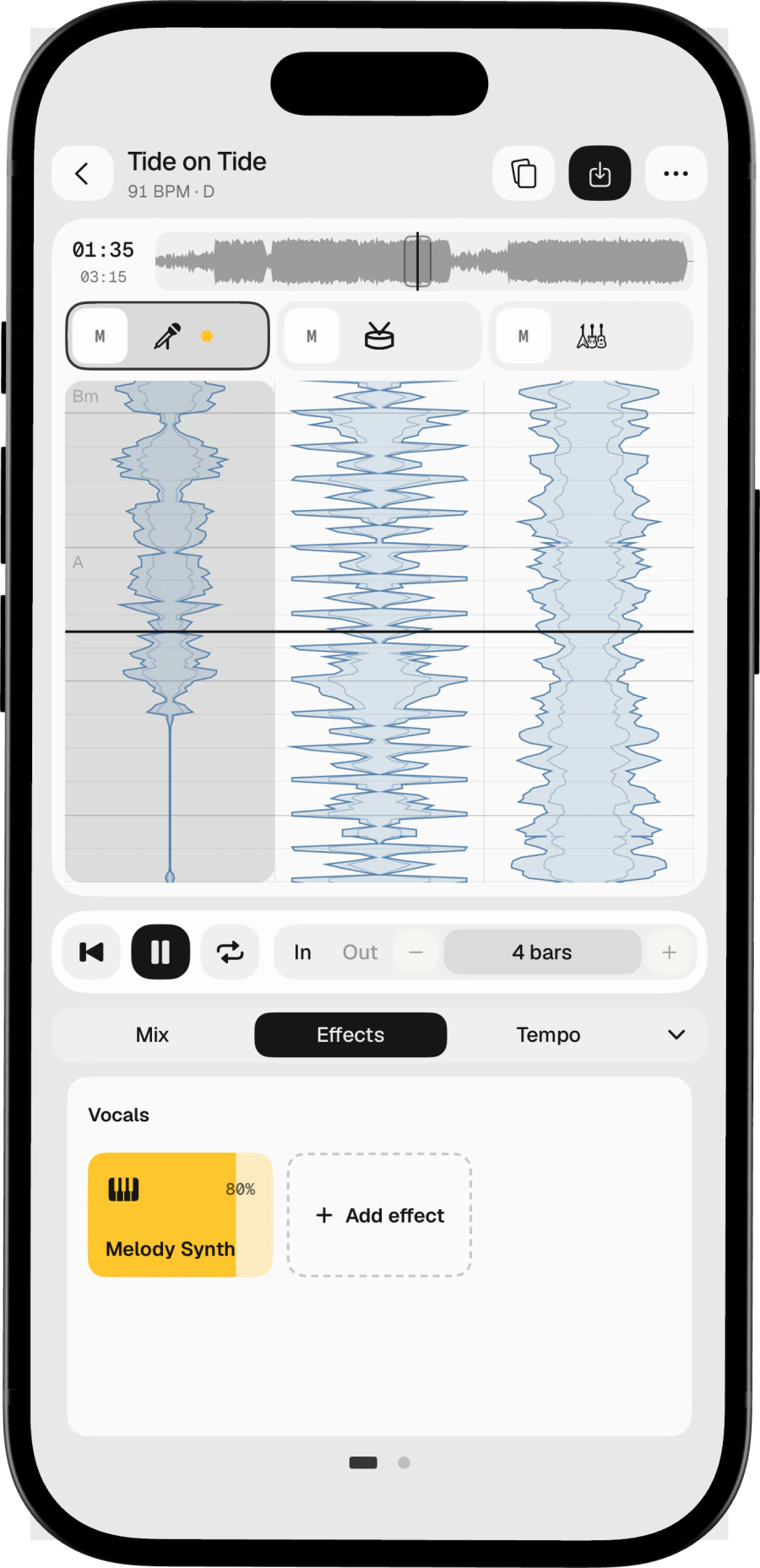
Melody on instruments
The vocal melody, on 19 sounds.
Read moreRemix the stems
An effect stack on every lane.
Read more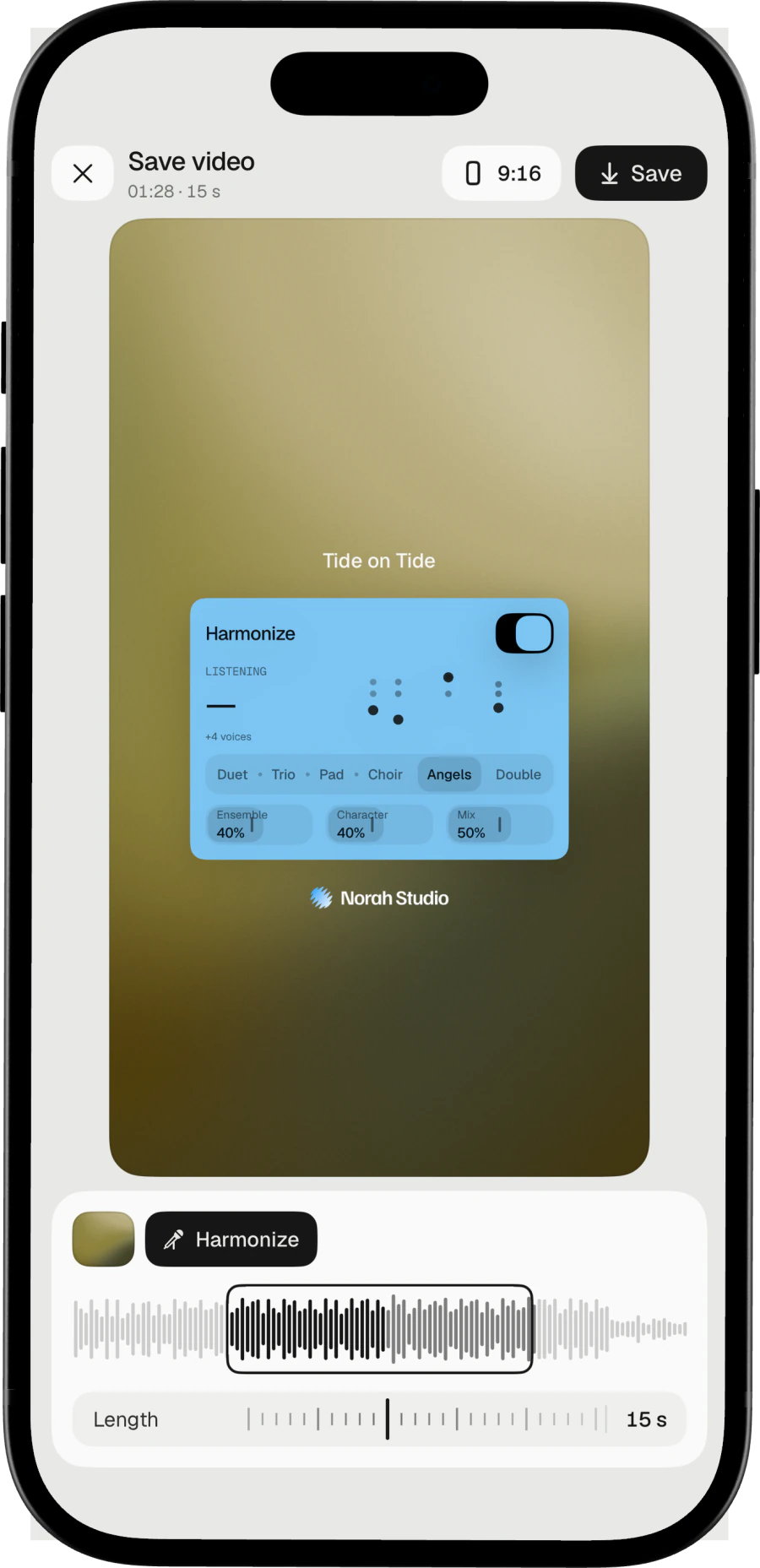
Share as a story
A 9:16 video of your song.
Read moreMac, iPad and iPhone
One studio.
Every screen you own.
The same engine, native on each device. Your songs never travel between them: each device separates on its own, offline.