
Share a song as a story
Make a story.
Share a song as a story
Your song, in motion.
Ready to post.
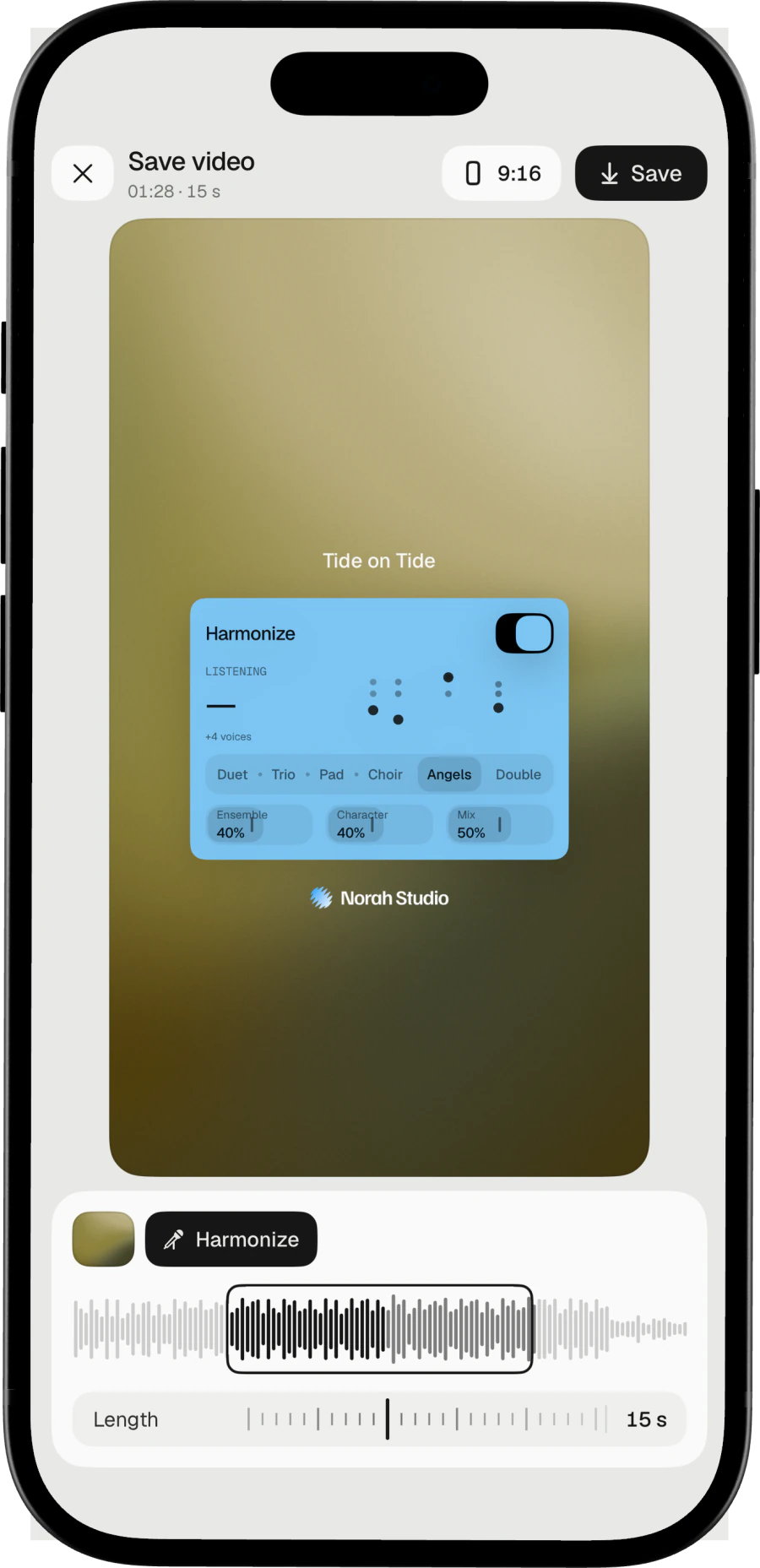
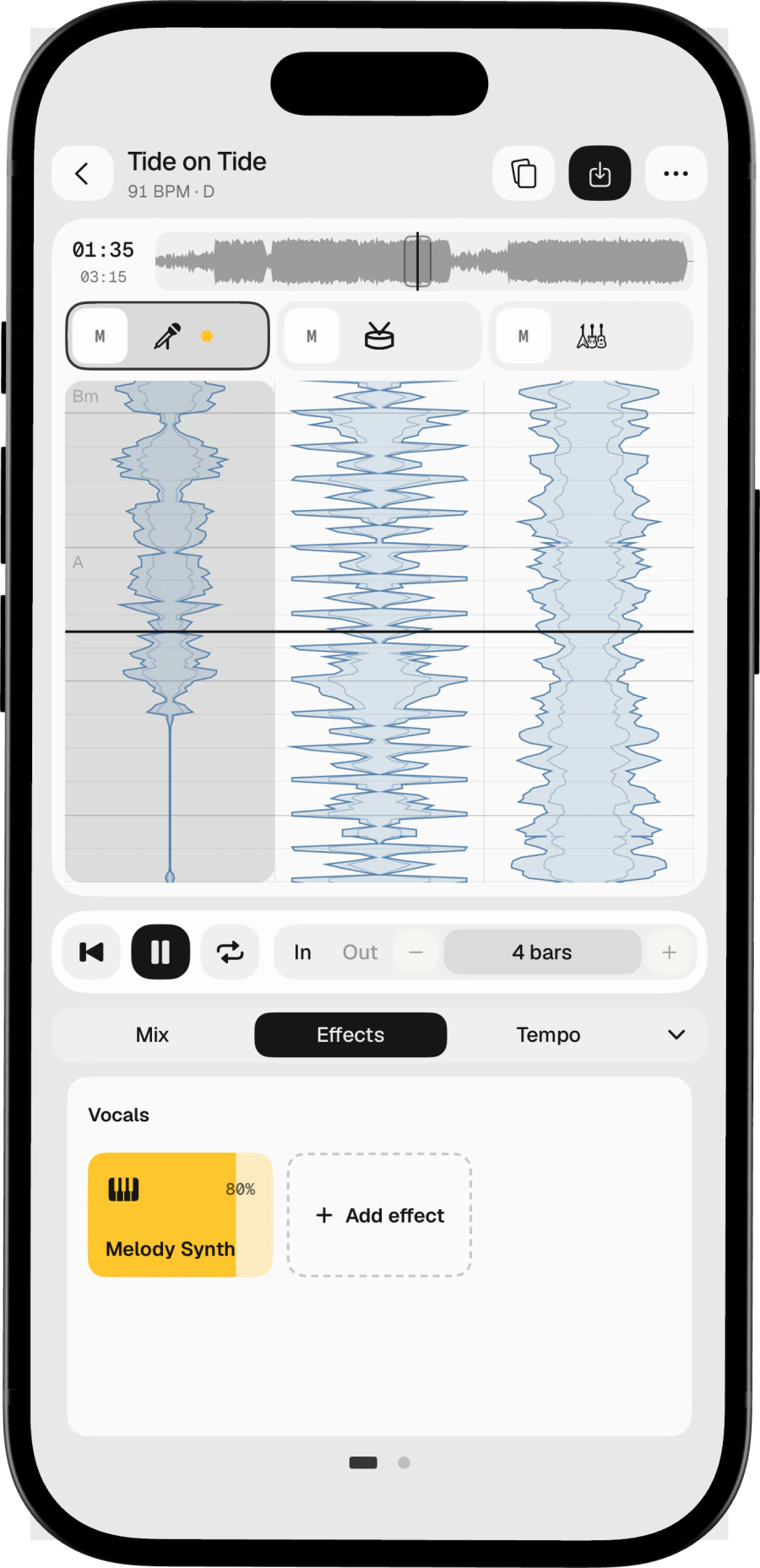
On iPhone, Norah Studio turns the song on the desk into a story video: the music with your live effect cards over a moving background or one of your photos. Choose the length and save it, offline.
Download on theApp StoreSave the video.
How it works
Tap Save video.
Choose the length.
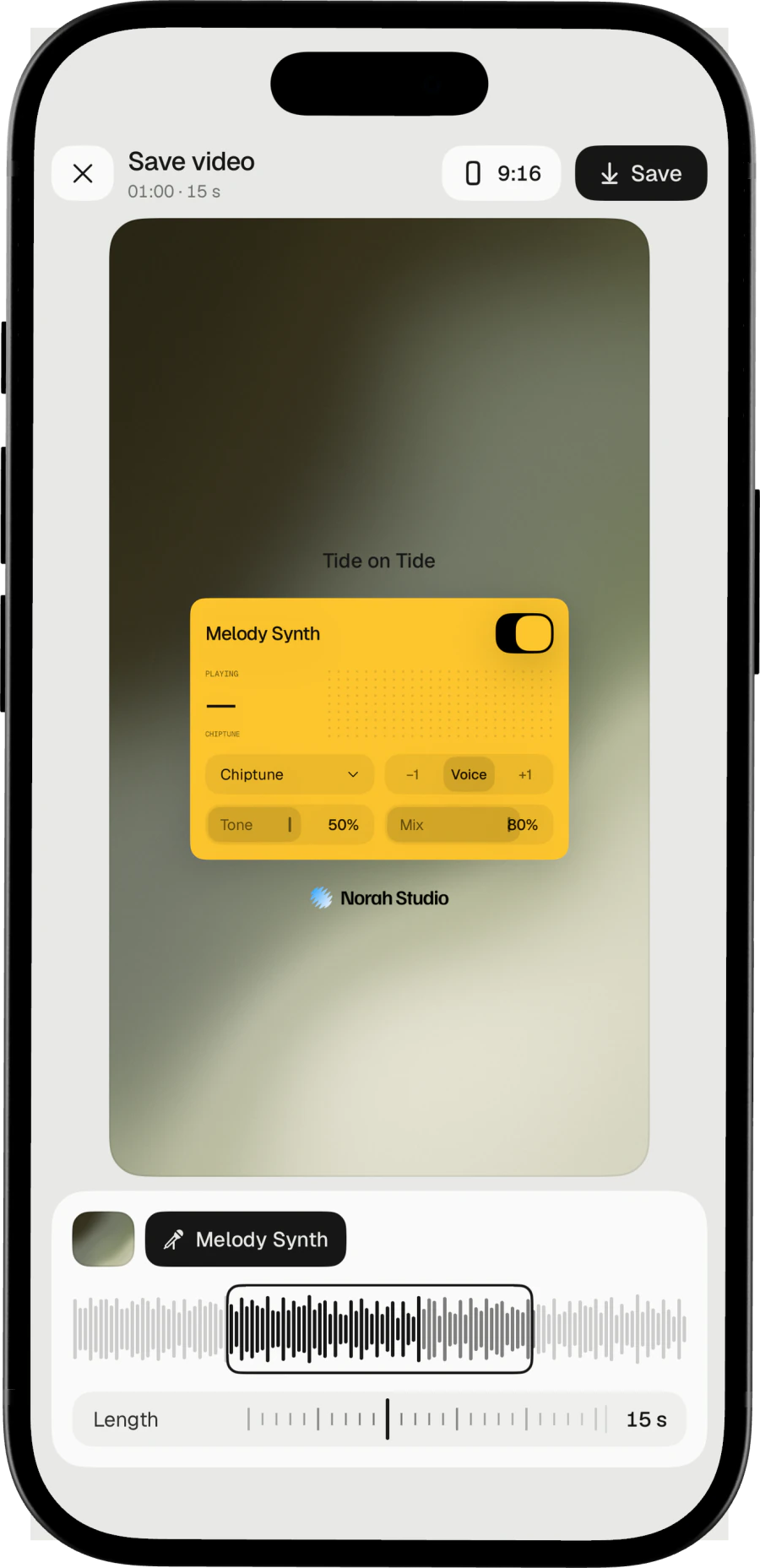
The story is the song with your live effect cards. Choose a moving background or a photo, choose the length, and save.
Three steps
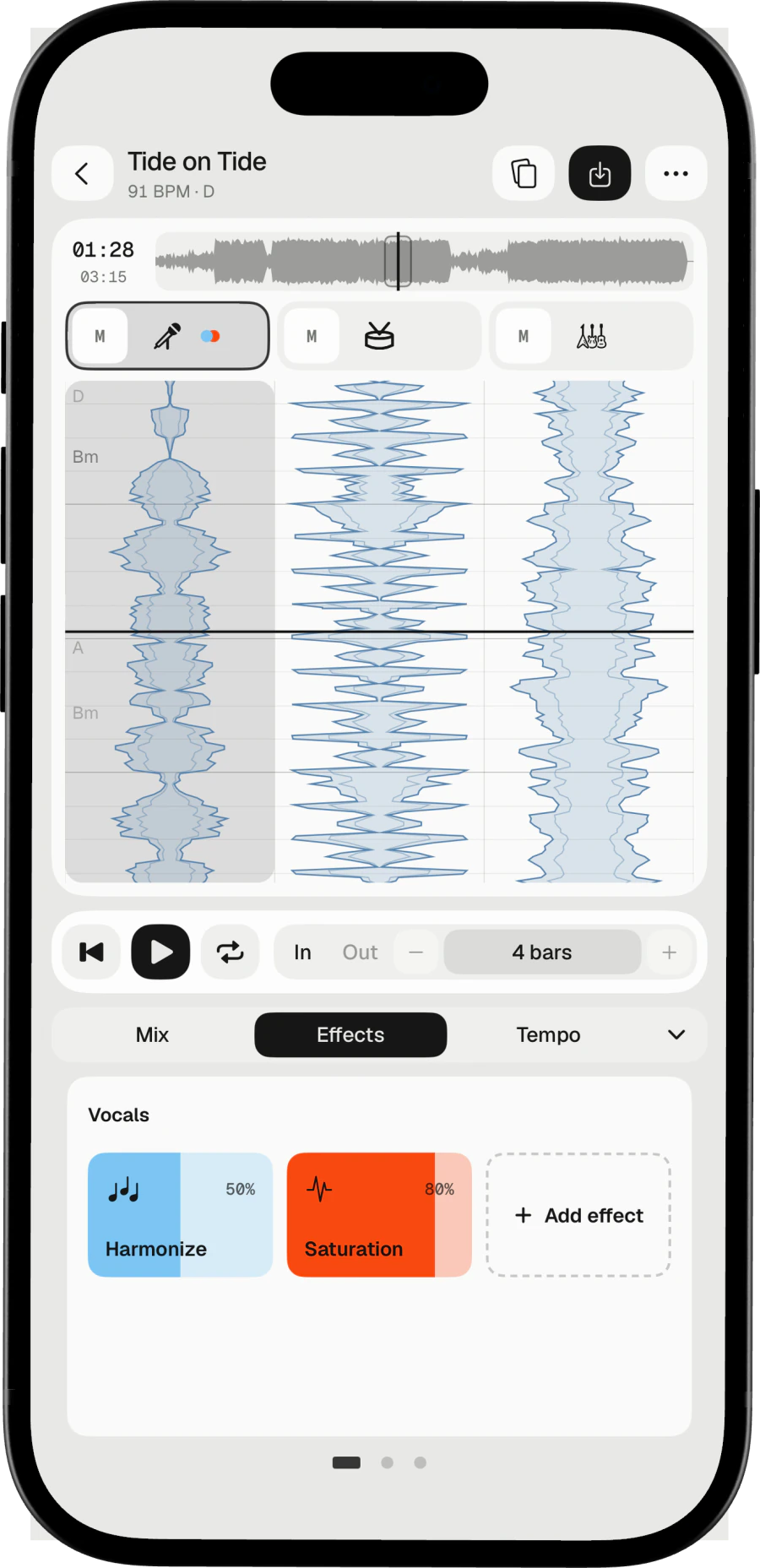
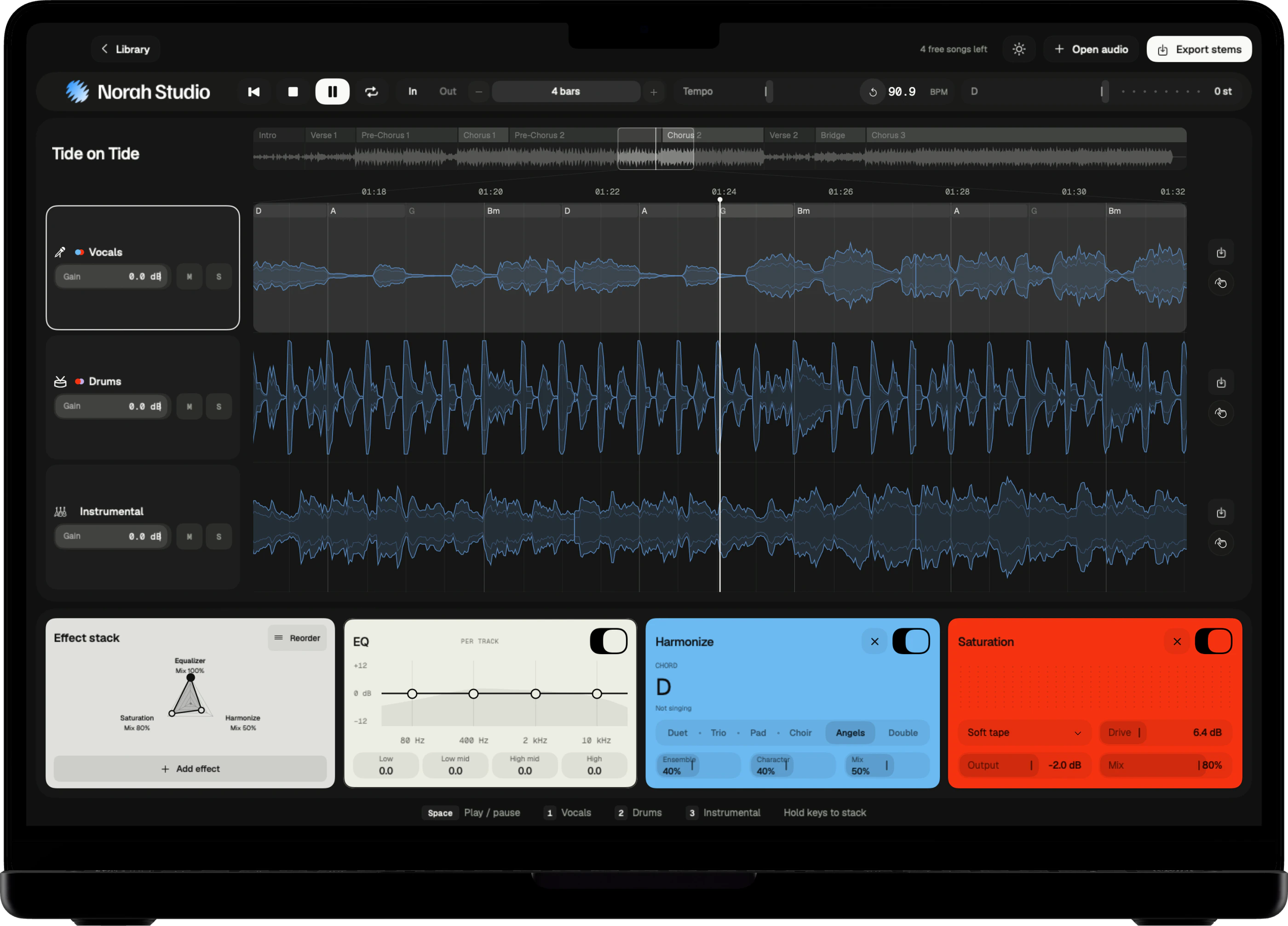
- Add effects to the song on the desk.
- Tap Save video at the top of the desk.
- Choose a background and a length, then save.
On iPhone
Tap Save video at the top of the desk. The iPhone guide
Saved on iPhone.
Offline
No upload.
Post it anywhere.
The video is made on the iPhone itself and saved offline. Post it wherever you like.
Live cards
Your effect cards play in the video, as they do on the desk.
Nine by sixteen
A vertical 9:16 video, the shape stories take.
Your length
Choose how long the story runs before you save it.
Try these next.
Related
One song,
more ways in.
Questions
Short answers.
Is it on the Mac or iPad?
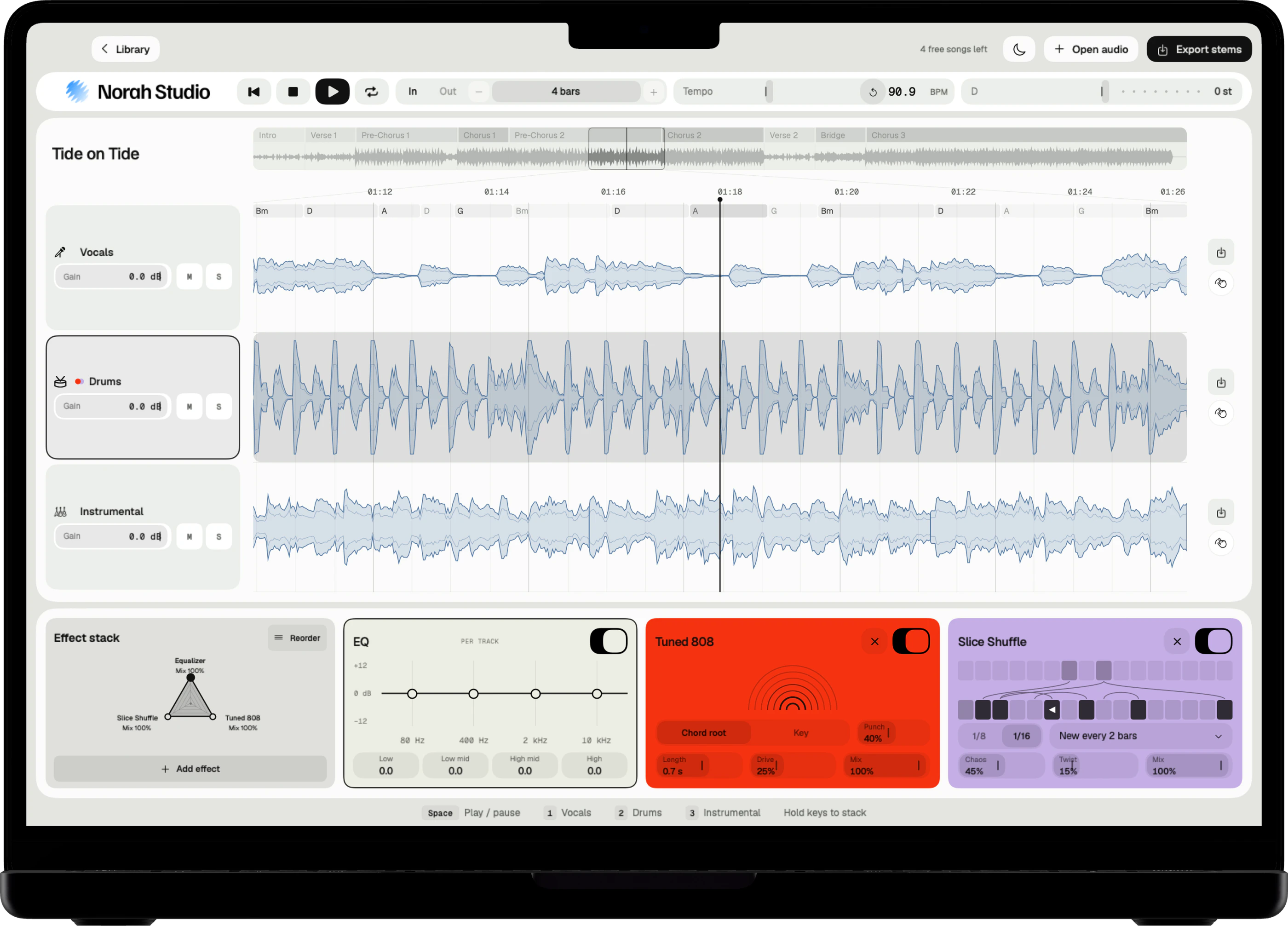
No. Share as story is on iPhone.
Can I use my own photo?
Yes. Choose one of your photos as the background, or a moving one.
Which songs can I open?
Any audio file you already have that the system decodes: MP3, M4A and AAC, WAV, AIFF, FLAC, CAF and more, up to ten minutes. Norah Studio cannot open songs from streaming services: their files are locked to their own apps.
How good is the separation?
Good enough to learn a part, build a backing track or pull a drum loop. No separation is perfect: on a dense mix a little of the voice can stay in the instrumental.
Something else? Support answers every message.